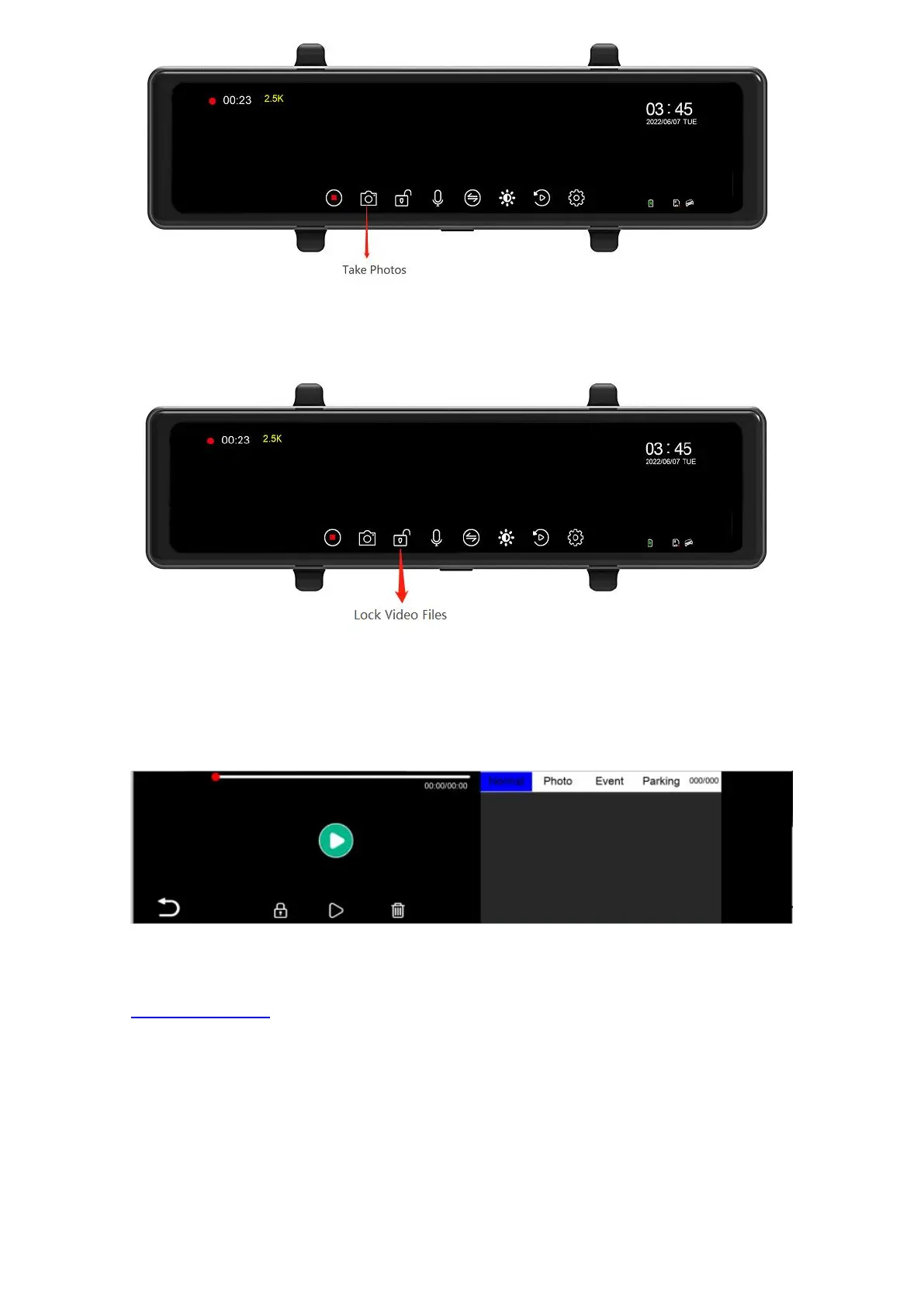
6.6 Lock video files
Click the lock icon to lock the current file.
6.7 Computer playback video files
The normal video folder is "video".
The photo folder is "photo".
The locked video file is "event".
‘F’ is the prerecording file; ‘R’ is the Post-Recording.
How to transfer videos to PC?
Insert memory card via card reader to your PC/MAC to view or download them.
We recommend VLC Media Player to view your videos. You can get it free at
www.videolan.org
6.8 Recording on/off
Click the recording icon to turn on/off the recording sound.



 To Next Page