


 To Next Page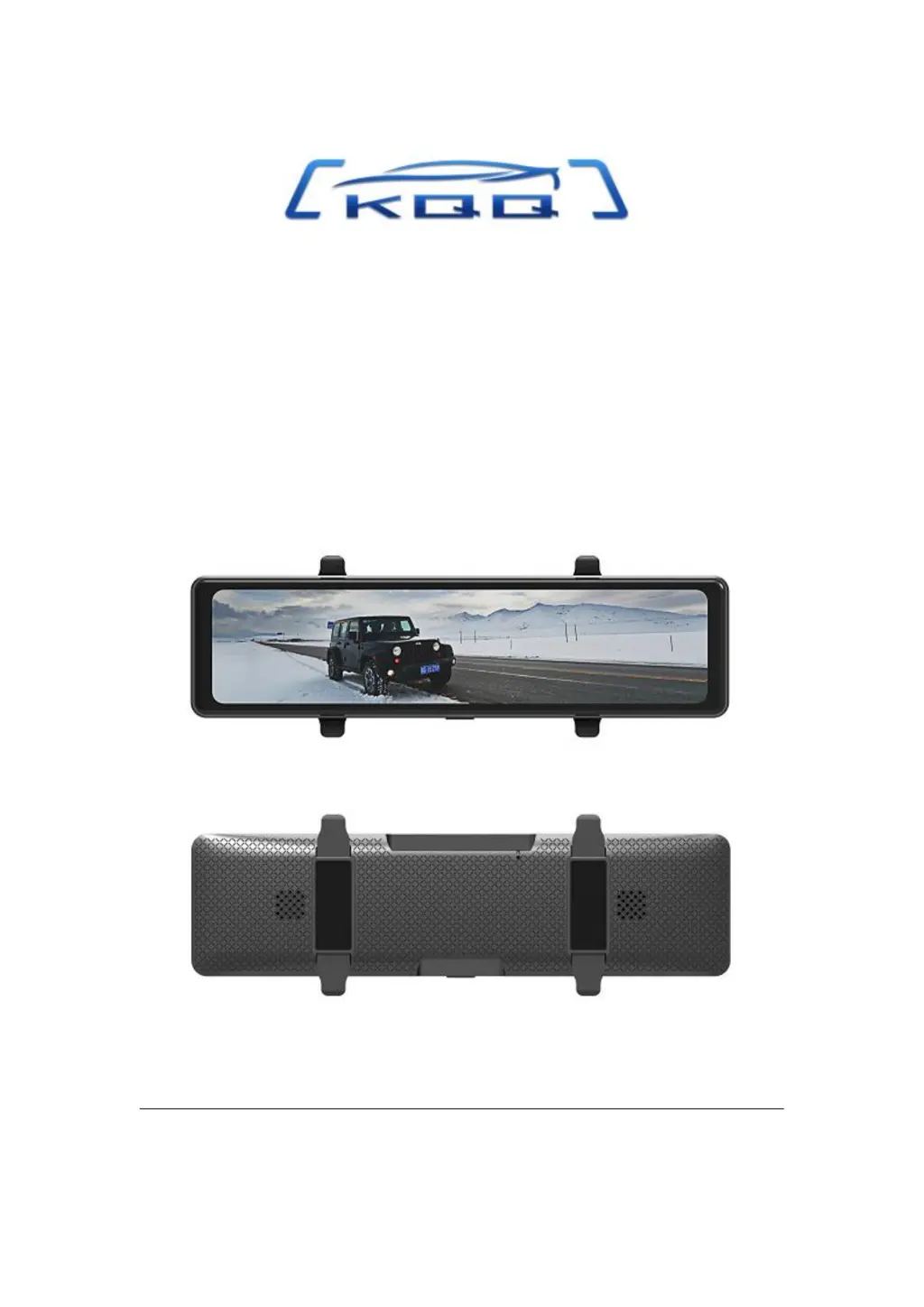
I
igonzalezAug 19, 2025
Why is my KQQ Dash Camera not turning on?
- PPriscilla SmithAug 19, 2025
If your KQQ Dash Camera isn't powering on, try the following: First, long-press the Power Button. If that doesn't work, remove and then reinsert the memory card. Next, use a paper clip or pen tip to press the RESET button. Also, ensure you're using the original power cord and that it's properly connected to the USB jack.
 General