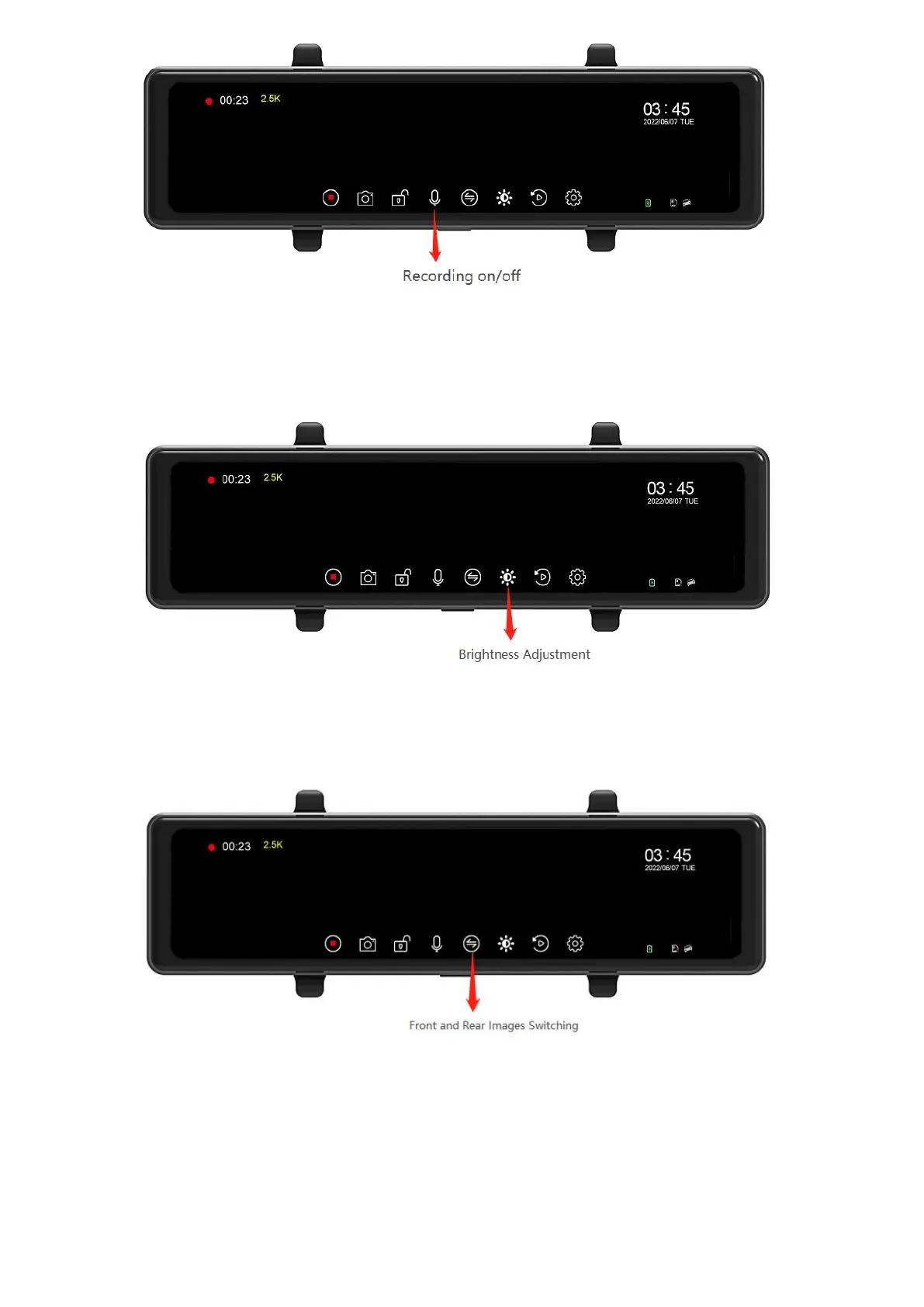
6.9 Screen brightness adjustment
Click the brightness icon and slide the cursor left and right to adjust the brightness of the
screen backlight.
6.10 Front and rear image switching
Tap the camera switch icon or swipe the screen to the right.
6.11 Parking Monitoring
This function requires a dedicated power cord to be installed ( Requires separate
purchase of hardwired cables). After the vehicle is turned off and stationary, when the
body vibrates to a certain extent due to the collision. The driving recorder will automatically
start recording and lock the video.



 To Next Page