5.2 Connecting the 401DN
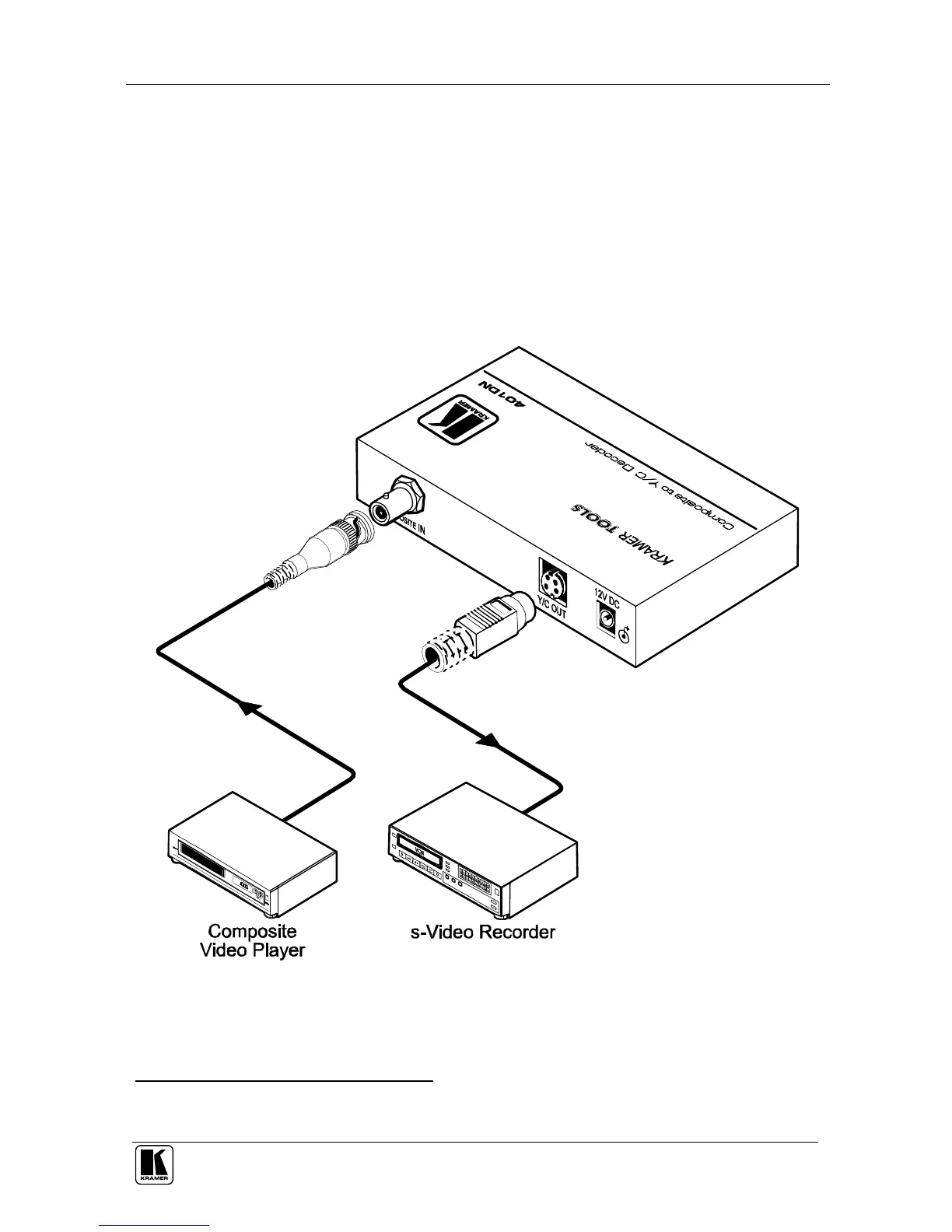
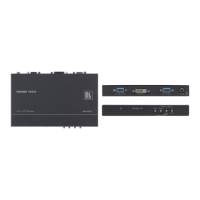
To connect your 401DN as illustrated in the example in Figure 4, do the following
1
:
1. Connect a composite video source (for example, a composite video
player) to the COMPOSITE IN BNC connector.
2. Connect the Y/C OUT 4p connector to an s-Video acceptor (for example,
an s-Video recorder).
3. Connect the 12V DC power adapter to the power socket and connect the
adapter to the mains electricity.
Figure 4: Connecting the 401DN
1 Switch OFF the power on each device before connecting it to your 401DN. After powering up your 401DN, switch on the
power on each device



 To Next Page