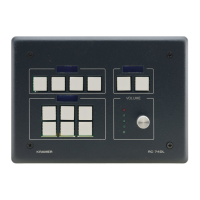
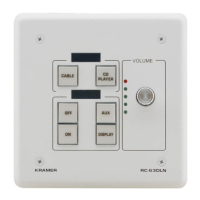
5 Operating the RC-63DLN
You can operate your RC-63DLN via the front panel buttons or remotely by AUX.
keypad over K-NET.
The front panel buttons are configured using the K-Config software. For
instructions on using the software, see the K-Config Software Guide available from
our Web site www.kramerelectronics.com.
5.1 Reset to Default Settings
To reset to the default settings for the European version:
1. Remove the faceplate:
Remove the volume control knob
Remove the four mounting screws
2. Reset to default settings:
To reset to the default settings for the US version, insert a small screwdriver into the
gap between the PCB and the metal rear panel cover.


 To Next Page