EasyManua.ls Logo

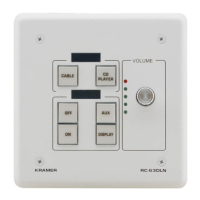
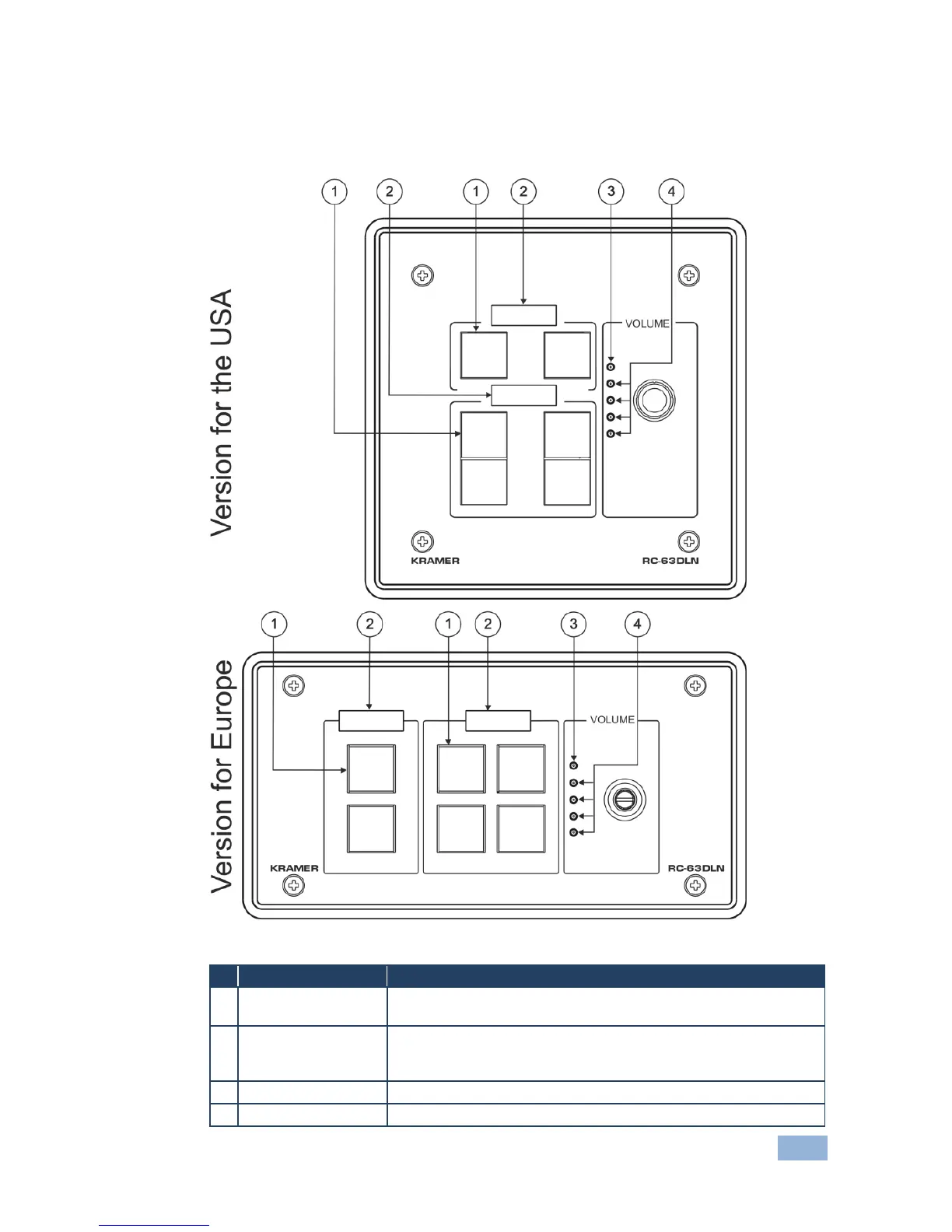
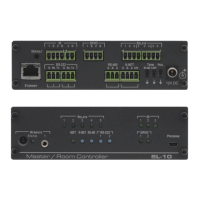
Kramer RC-63DLN - The RC-63 DLN Room Controller Front Panel; Figure 1: RC-63 DLN Front Panel

Kramer RC-63DLN
24 pages
Print Icon
To Next Page IconTo Next Page
To Previous Page IconTo Previous Page
Loading...
RC-63DLN Overview
5
3.1 The RC-63DLN Room Controller Front Panel
This section defines the front panel of the RC-63DLN.
Figure 1: RC-63DLN Front Panel
#
Feature
Function
1
6 Configurable
Buttons
A 2-button group and a 4-button group. Function is programmed
by the K-Config Configuration software
2
2 LCD Labels
LCD on a blue background, displays up to 8 characters at once
(programmed via the USB port). Set by the K-Config configuration
software
3
VOLUME LED
Lights red, indicating maximum volume
4
VOLUME LEDs
Light green, indicating volume level

Other manuals for Kramer RC-63DLN

Related product manuals