Recipes (Cont.)
Program 9: Pasta
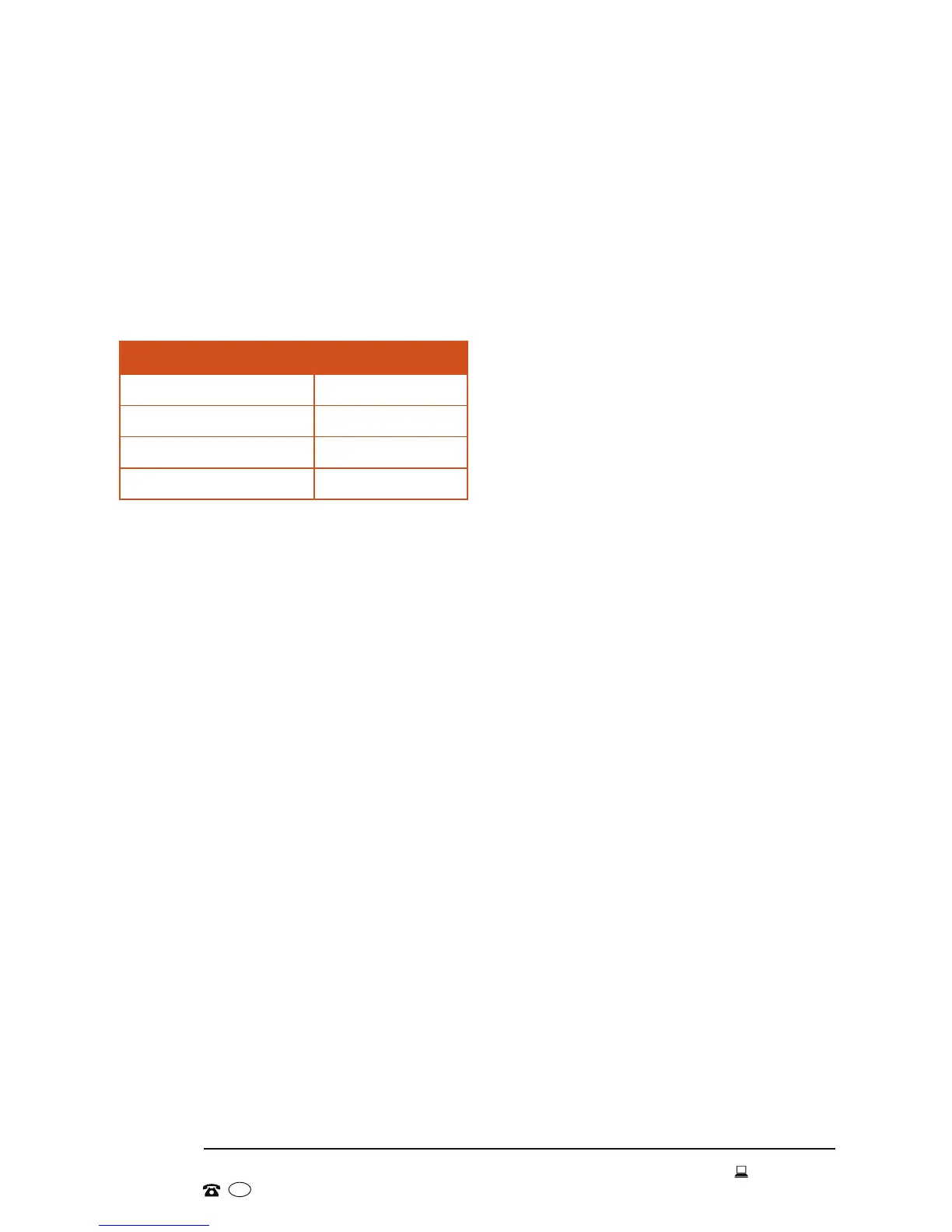
Ingredients
Eggs 4
Water 3 tbsp
Salt ½ tsp
Plain Flour 500g
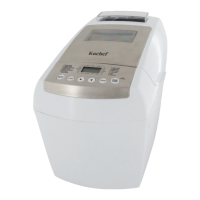
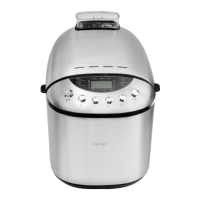
The Pasta program (9) is similar to the dough program, but it is specially
designed for preparing yeast-free dough, for example, for pasta, wafes,
cake, biscuits or pies. This program simply mixes and kneads the dough until
all ingredients are thoroughly combined; there is no baking involved. When
the dough is ready, take it out of the bread maker and continue processing as
appropriate.
• Take the baking tin out of the bread maker and place the kneading paddles
on the spindles inside the tin.
• Beat the eggs with water and salt and pour into the baking tin.
• Add the flour.
• Place the baking tin rmly in the appliance, making sure it clicks securely into
place. Fold down the handle, close the lid rmly and plug in the machine.
• Using the buttons on the control panel, make your program selection
(program 9).
• Press the START/STOP button to start the program.
• At the end of the dough-making process, press the START/STOP button,
unplug the machine and open the lid.
• Lift the baking tin out of the appliance and remove the dough from the
baking tin. If the pasta dough is too sticky, add more our and combine.
• Roll out the dough using a pasta maker, then cut it into the required shape.
• Cook the pasta as appropriate, or leave it to dry for use when required.
NOTE: Extra ingredients (tomato paste, herbs, cooked vegetables) will give
your pasta original colour and aroma. Add them to dough ingredients
when preparing the dough.


 To Next Page