FAQ1: What should I do if I forget my username and password?
(how to reset the device?)
If you forget your username and password, or you cannot configure
due to an error, you can press and hold the reset button on the
device for 10 seconds whilst the device is powered on, and then
release it to restore the device to its factory status.
Restoring the factory settings will clear the non-default configuration
data of the device. Please operate carefully!
Du
ring the restoration of factory settings, the indicator light of the
equipment will flash on or off then become stable
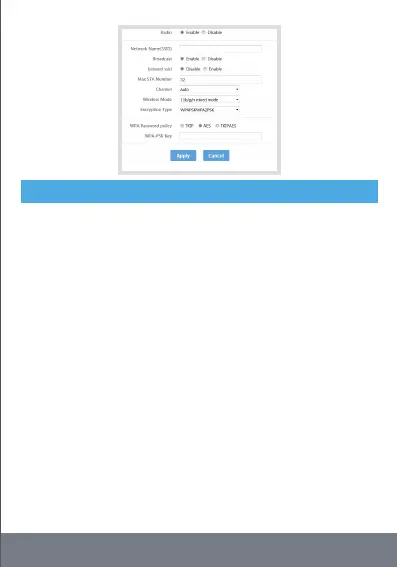
FAQ2: I cannot see the device's Wi-Fi signal? Reset as above or
connect a computer to the LAN port through the network cable, log in
to the "LAN settings" and "Wi Fi 2.4G" view page of the device
management interface to enable / disable the wireless function, and
confirm that this option is enabled. If you do not have a computer, you
can also reset th
e device, see 1 for details.
FAQ3: Can't open the management page by entering 192.168.188.1 in
the browser address bar?
1. If you use a computer, open the browser, click "tools" - > "Internet
Options", click "connection" - > "LAN settings", and make
5
Frequently Asked Questions - FAQs


 To Next Page