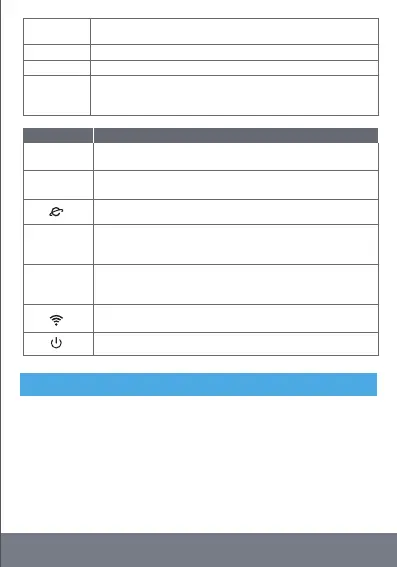
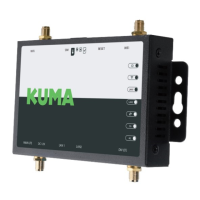
LTE
For LTE antenna installation, do not confuse with WiFi. Please
tighten when installing.
LAN
A network interface used to connect switches or computers.
SIM
Sim standard large card interface for inserting SIM card.
RESET
Reset the factory setting button, press and hold for 10 seconds
during the live operation of the device, and then release. The
device will return to the default factory configuration.
Indicator light Explain
4G
The 4G mobile network indicator lights up when registered on
the network.
3G
The 3G mobile network indicator lights up when registered on
the network.
Internet status indicator, internet data connection success
(flashing).
LAN2
The LAN2 interface is connected to the network cable, which is
normally on, and the indicator light flashes during data
transmission.
LAN1
The LAN1 interface is connected to the network cable, which is
normally on, and the indicator light flashes during data
transmission.
Wi-Fi wireless status indicator, Wi-Fi enabled (solid), data
transmission (flashing).
The power indicator is always on when the power is on.
1. Please use the supplied power adapters with the device.
2. Avoid water and moisture in storage, transportation and
operational environments
3. Please remove the power supply, antennas and all wiring of the
equipment in thunderstorms, to avoid damage by lightning.
4. Do not install the equipment near high-power radio and radar
transmitters
IMPORTANT
7


 To Next Page