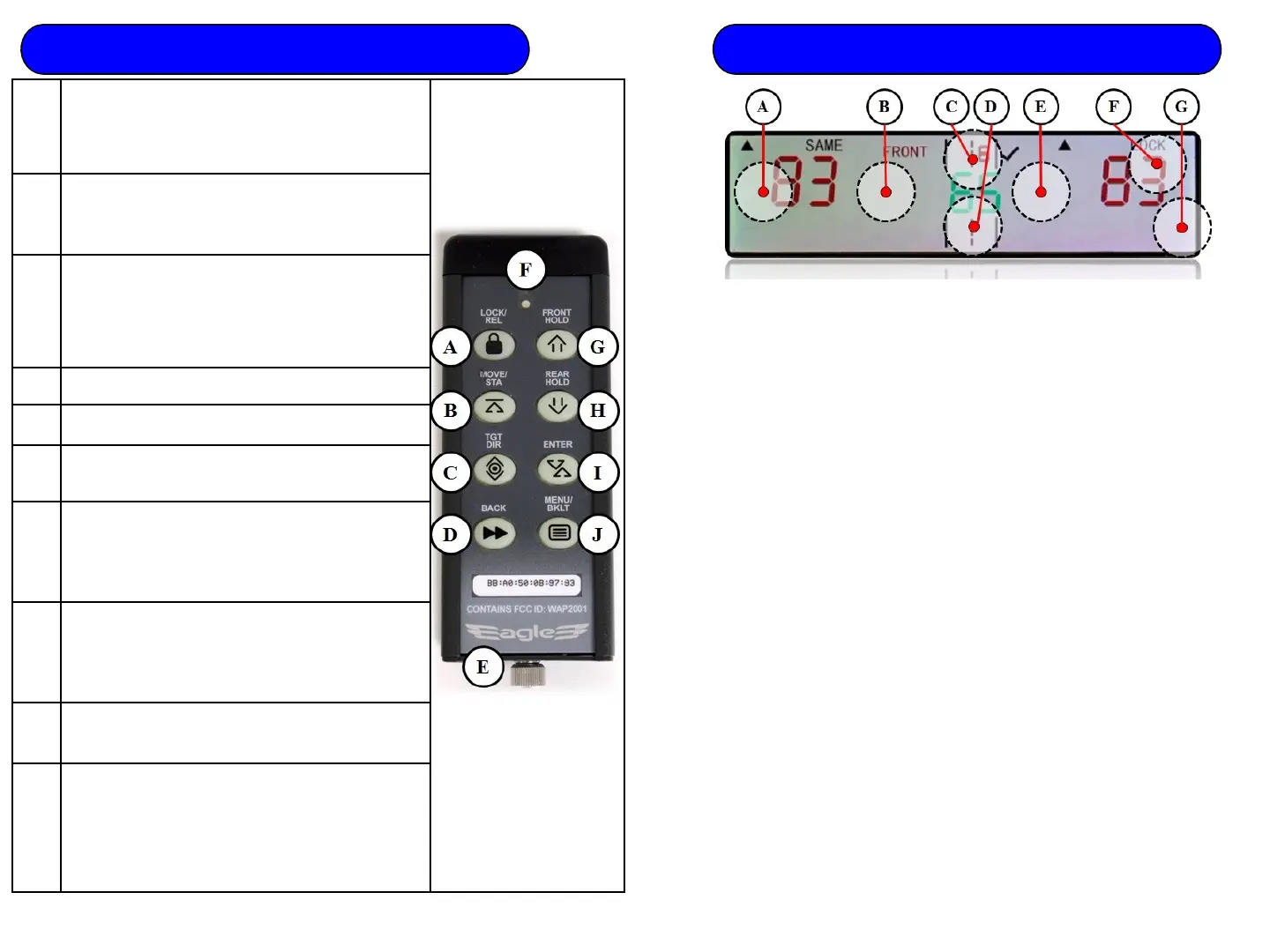
2 Eagle 3 Remote Control
A
Lock/Rel –
Toggles target Lock/Release. With
unit in HOLD, press and hold for QuikTrak. In
Audio Menu, toggles squelch on/off. In
Display Menu, toggles backlight control.
B
Move/STA - Toggles between stationary and
moving modes. In Display Menu, toggles C1 &
C3 display color settings.
C
Tgt Dir – Stationary – Press to select
Stationary All, approaching only, and
receding only. Moving - toggles between
Opposite and Same Direction. In C1 Display
Menu, progresses background colors.
D
BACK - In Menus, press to go back 1 menu
E
Access to battery compartment
F
LED – Red - trying to connect.
Green - connected
G
Front/Hold - Toggles on/off Front antenna. If
rear antenna active, press to place Rear
antenna in Hold and activate Front. In
increases level.
H
Rear/Hold - Toggles on/off Rear antenna. If
front antenna active, press to place Front
antenna in Hold and activate Rear. In Menus,
decreases level.
I
Enter –In Menus, Enters selection and returns
unit to Main Enforcement screen.
J
Menu/BKLT - Quick press illuminates remote
backlight. Press and Hold to enter Menus. In
Menus, press to increment Menus.
TGT DIR
operation, progresses All,
approaching only, and receding only target
zones. In Moving Operations, it toggles
Opposite
and Same
Direction. In C1 Display
menu, progresses background colors.
Down Arrow
arrow in menus; lowers brightness in
Display Menu with manual control.
Front
Toggles Front antenna microwave
transmitter on/off
. Toggles C1/C3 color
in Display Menu.
Toggles Rear antenna microwave
transmitter on/off
. Toggles C1/C3 color
in Display Menu.
Up Arrow
Toggles Moving/Stationary Modes, Up
arrow in menu
screens; increases
brightness in Display Menu with manual
control.
Lock
Speed. Toggles
manual/automatic brightness control in
Display Menu.
Short cut to Tuning Fork test.
3
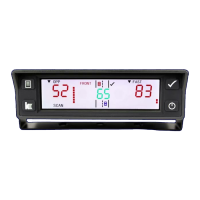
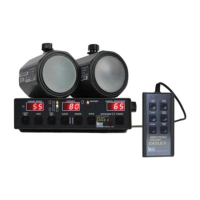
Eagle 3 Touch Screen Control Pads
NOTE: The first
button press wakes
the remote. It will
take action on the
next button press.
NOTE: NO LED
indicates the
batteries need to be
replaced.



 To Previous Page