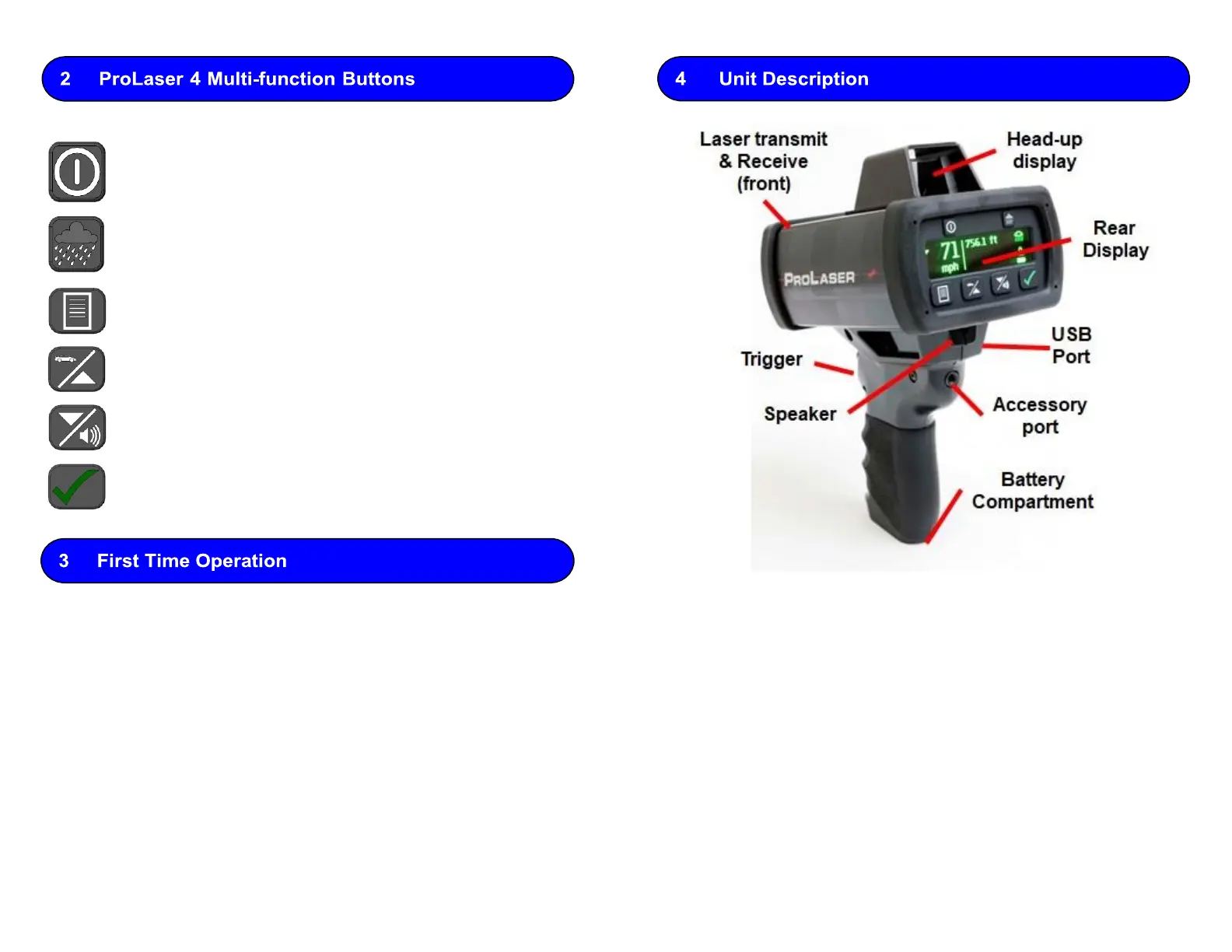
HUD Brightness
(Poor Weather in Menu)
Display Lock
(Enter button in Menu)
1.
Install 4-AA batteries in the Battery Compartment, or plug in USB.
2.
Press and hold the power button to power on/off.
3.
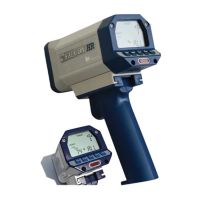
Hold the unit by the grip with your face near the rear display and aim
through the HUD with both eyes open.
4.
Press and hold the trigger to fire the laser.
5.
Place the aiming reticle on the target vehicle. Continue tracking history
through the HUD.
6.
While holding trigger down, Speed and Range continually update in the
HUD and on rear display.
7.
Audio tones provide targeting feedback. A solid tone indicates target
successfully acquired.
8.
Release the trigger to lock the measurement in the HUD and rear panel
display.
The ProLaser 4 will enter default sleep mode after two (2) minutes, and
will power down after 15 minutes. Sleep timers are adjustable.



 To Previous Page