23
․BitRate (Kbps): choose the BitRate of recording video you want
Time Option Setting
․Start Time: set the starting time for the recording
․End Time: set the ending time for the recording
․Record Rule: define record rule. The default is Only Once
․Record in Silent Mode: enable/disable silent recording
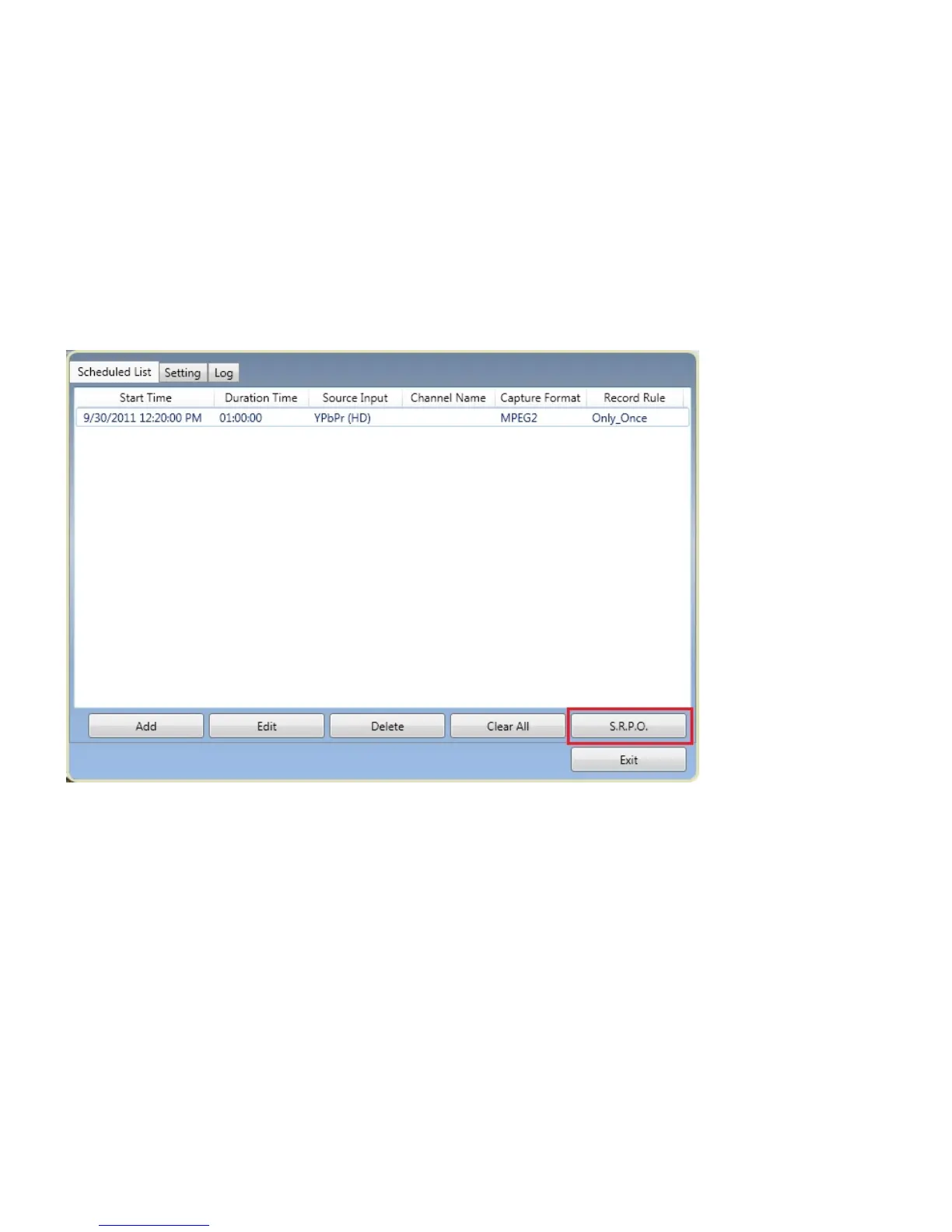
S.R.P.O: schedule record in power-off. When you activate this function, the system will go into a
hibernation mode before the time you set for recording. The system will “wake up” to start the scheduled
recording around 3 ~ 5 minutes before the time you set for schedule recording. Please be noted that
power-off means the system will go into hibernation, and make sure your computer system supports
Hibernation in order to enable this function.
Setting:
Save Path: You configure the “Save Path” for your recorded file by click on【.....】.
File Name Setting: There are two choices for “File Name Setting”: “Use datetime formats file name” and
“Use Specific Name”. The “Use datetime formats file name” is the default. All the file that you want to save
will be named in a date-time manner, such as “20090512_XXXX” for instance. Users can also input any
specific name for their files in “Use specific name”.
System Option: you may define the system option after record. The default is ‘No Action”.


 To Next Page