15
Reconnect
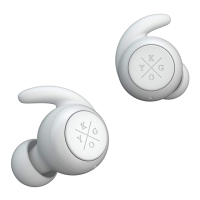
Method 1: (if the headset was placed in the case without being turned off): Pick
up the headsets from the charging base to power on -> After a few seconds the
two headsets will automatically connect with each other -> the headset will pair
automatically with the most recently paired device within Bluetooth reach.
Method 2: (if the headset was turned off with the MFB before being put in the
case): Press and hold the MFB buttons for 2 seconds to power on -> After a
few seconds the two headsets will automatically connect with each other ->
the headset will pair automatically with the most recently paired device within
Bluetooth reach.
Note: When reconnecting the headset it will prompt “connected”, “left channel”
and “right channel”. When it successfully connects to a device, the right headset
prompts “device connected”.


 To Next Page
 Loading...