16
Adjusting the Volume
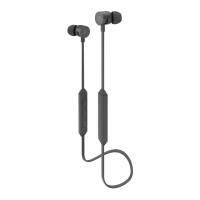
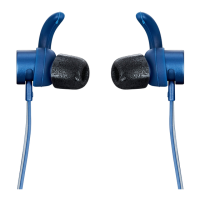
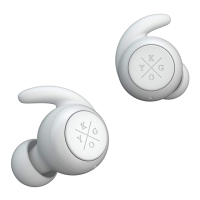
In call mode or music playing mode, short press MFB of headset(R) to increase
the volume; short press MFB of headset(L ) to reduce the volume.
Forward/Backward
In call mode or music playing mode, long press MFB of headset(R) for 2 seconds
to next song; long press MFB of headset(L)for 2 seconds to last song.
Delete Pairing Records on the Headset
On OFFMODE state, press MFB button on both headset (L) and headset (R)
for 10 seconds (OFF MODE→ON MODE(2 seconds)→Delete pairing records (10
seconds), until hearing the Beep voice for 3 times, and the red/blue light ashes
twice at the same time.


 To Next Page