10/25
Basic Operations
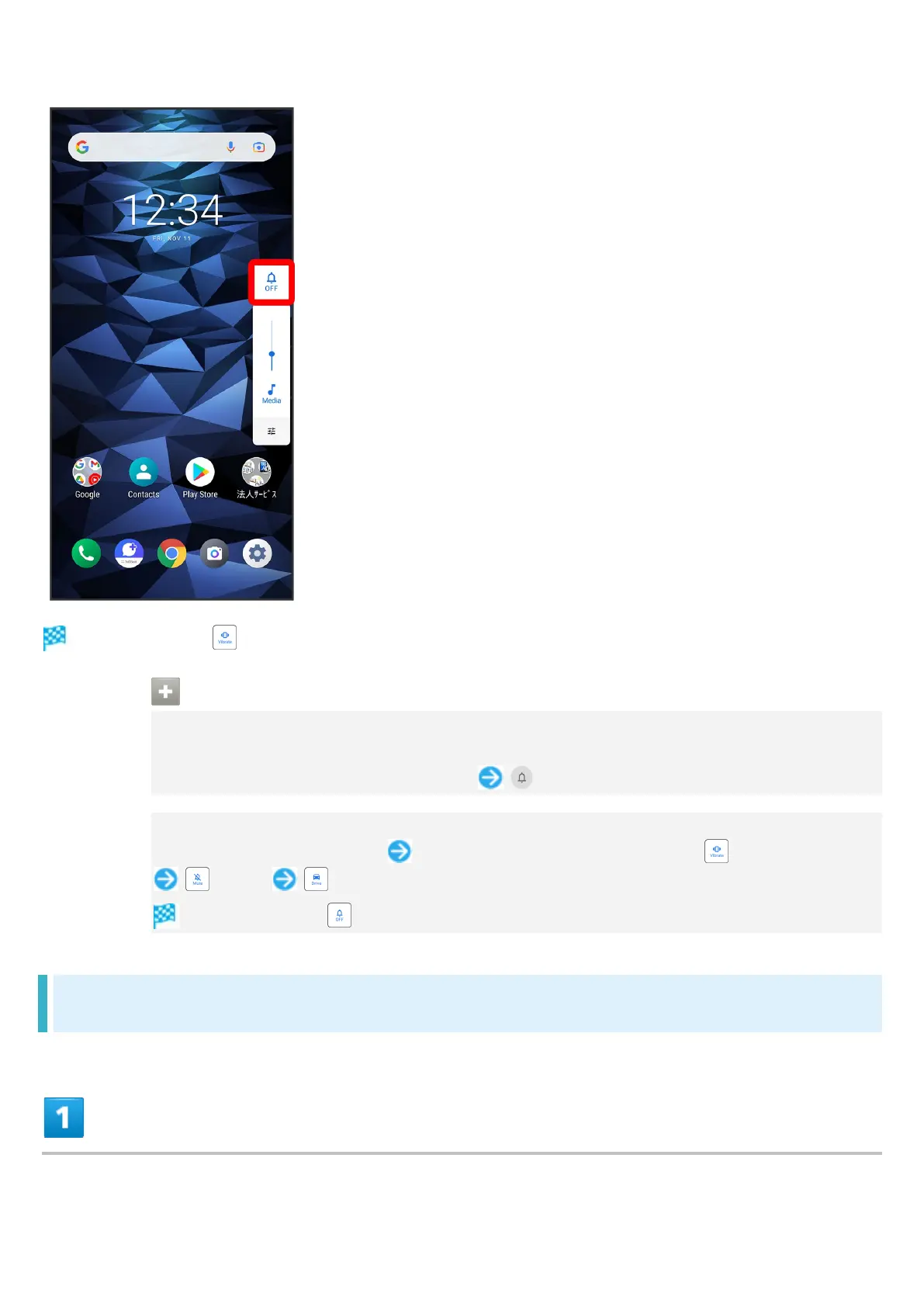
Icon changes to (vibrate), and handset enters Silent mode (vibrate).
Using Silent Mode (Vibrate)
From Quick Settings
Enter Silent mode (vibrate) from Quick Settings.
Flick Status Bar down using two fingers (OFF)
Exiting Silent Mode (Vibrate)
Press Volume Up/Down Key While volume adjust bar appears, (Vibrate)
(Mute) (Drive)
Icon changes to (OFF), and handset enters Silent mode.
Using Silent Mode (Mute)
Press Volume Up/Down Key












 To Next Page