1/25
Basic Operations
Basic Operation
Selecting Options and Navigating Screens
Menu Operations
Selecting Options and Navigating Screens
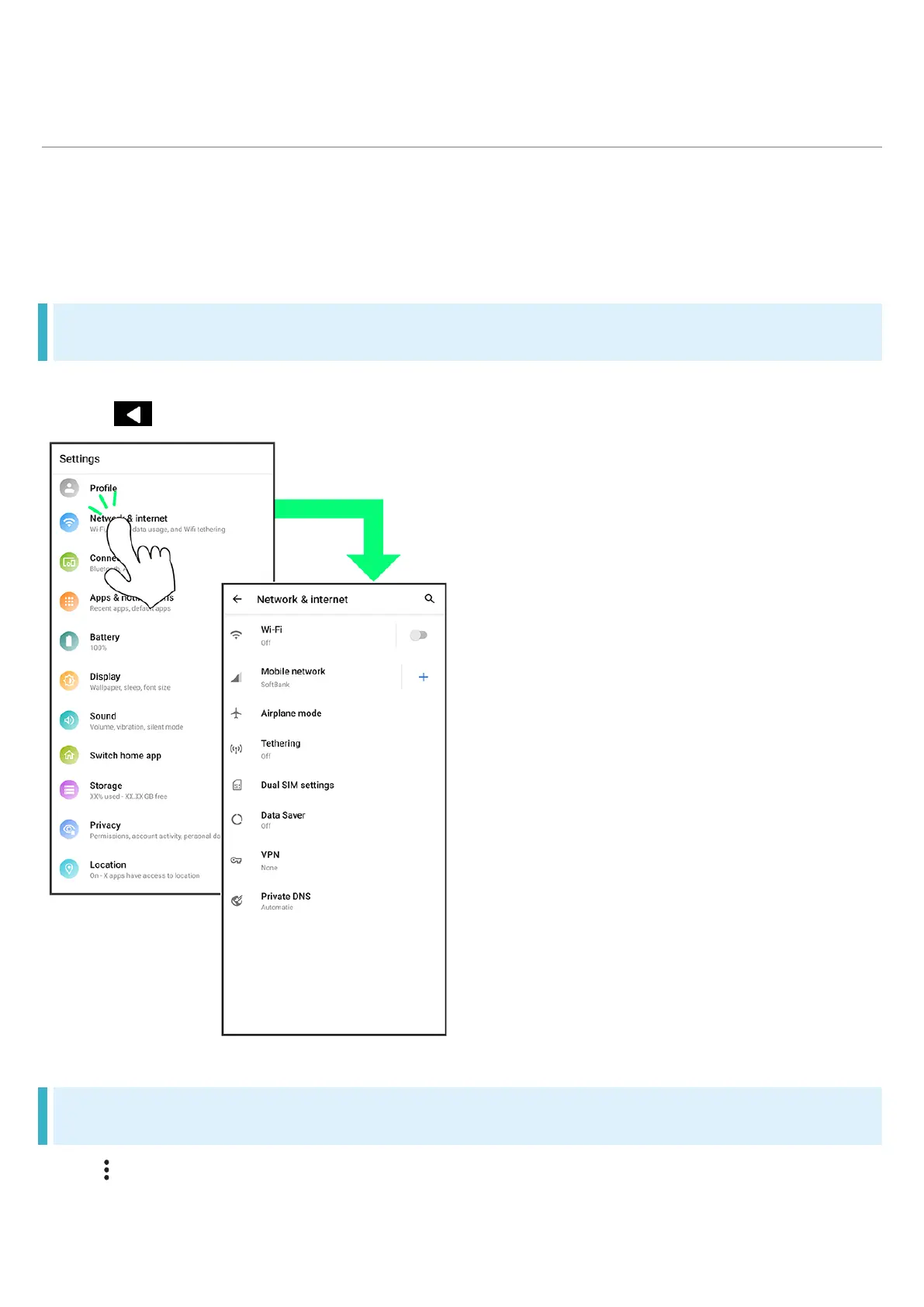
Tap items, icons, onscreen keys, etc. to open assigned items.
Tap to go back to previous screen.
Menu Operations
Tap for available settings and items.












 To Next Page