24/88
Preparing to Use Handset
Insert slowly without bending in direction shown.
Note orientation of SD/USIM Card Tray. Wrong orientation may cause USIM Card or SD Card to
fall or cause handset malfunction or damage.
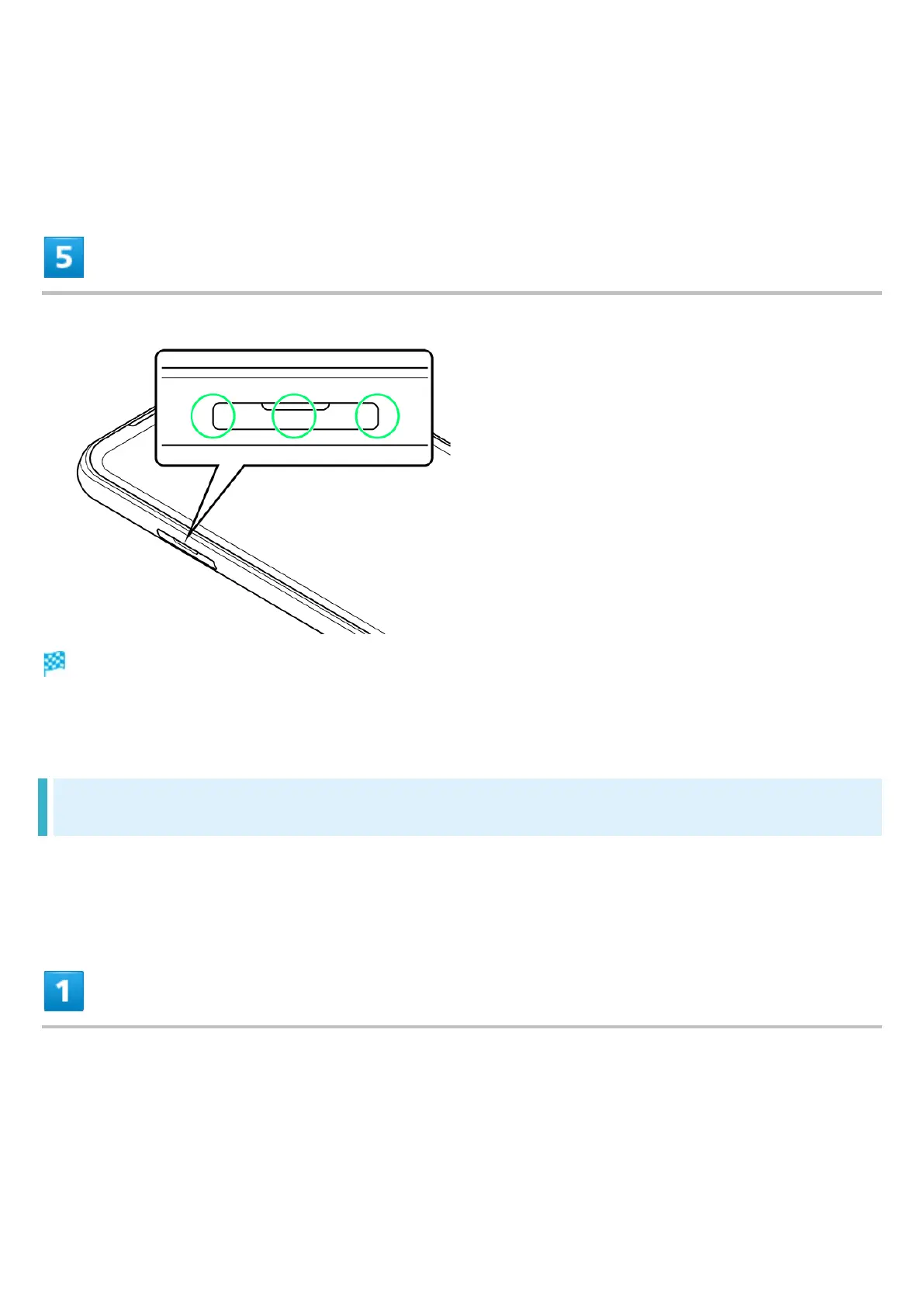
Install Card Slot Cap
USIM Card is installed.
Press down firmly where circled ○, and check that Card Slot Cap is not jutting out.
Removing USIM Card
If SD Card is inserted, always unmount SD Card before removing USIM Card. For details, see
"Unmounting SD Card."
Pull out Card Slot Cap












 To Next Page