38/88
Preparing to Use Handset
Done
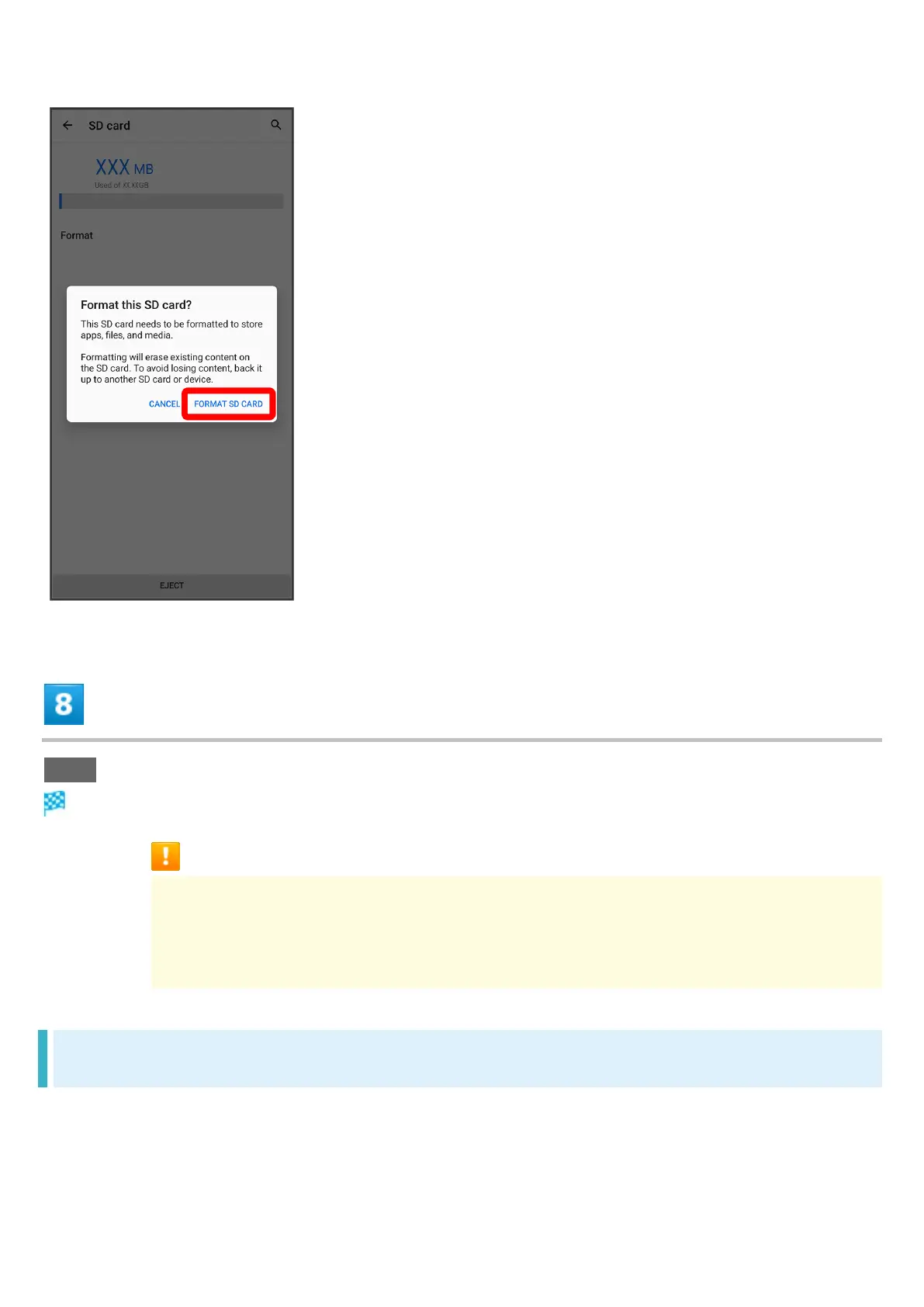
Handset erases all data in SD Card.
Formatting SD Card Cautions
Observe the following when formatting SD Card.
Formatting erases all data on SD Card. Carefully check any SD Card that was used
on another device before formatting.
Charge Battery while formatting, or format with adequate battery charge.
Unmounting SD Card
Always unmount SD Card before removing.












 To Next Page