16
4. Hold the print sample up to a light with the front side facing towards
you.
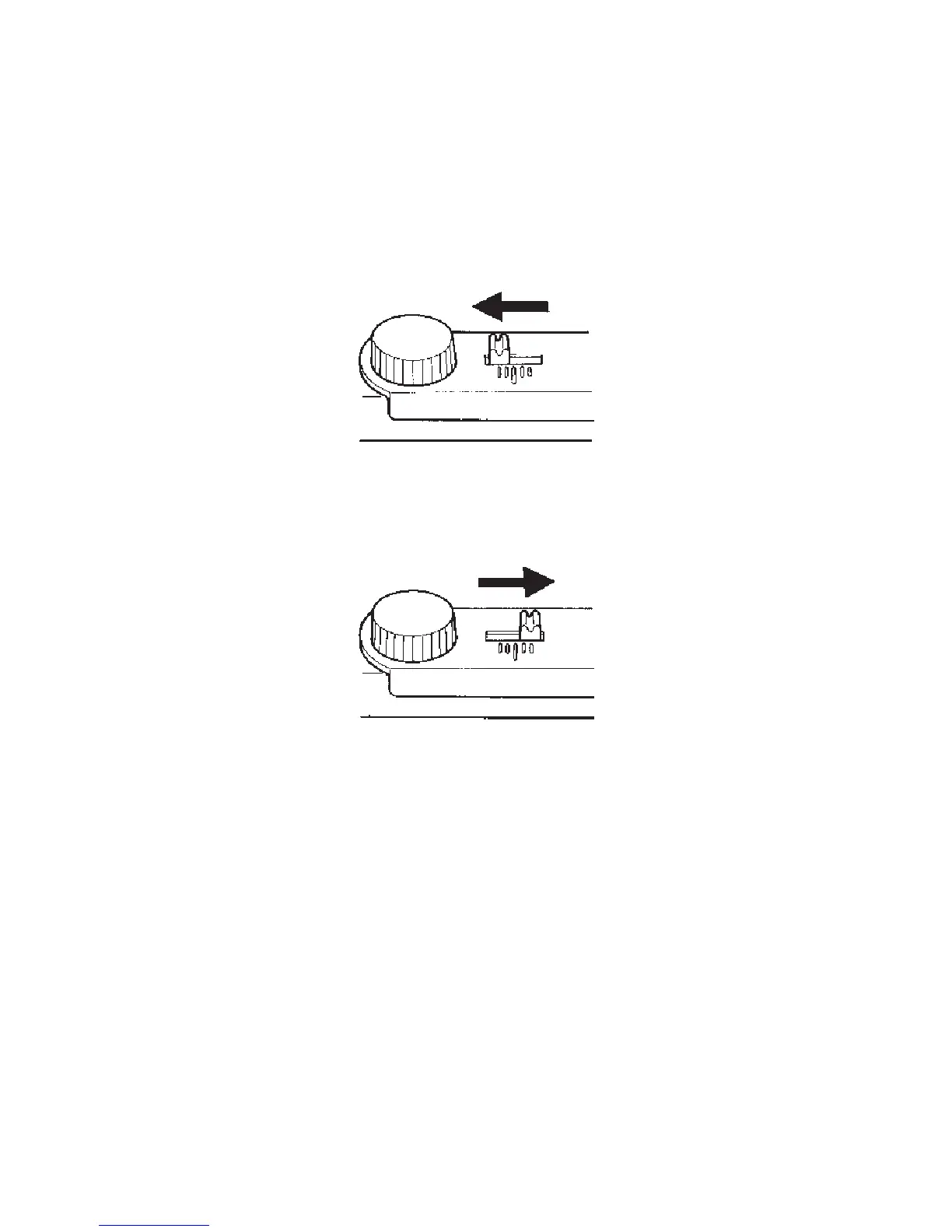
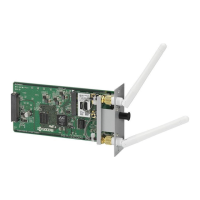
If the image on the front side of the paper is to the right of that on the
rear side, move the adjuster to the left by that amount while referring to
the adjuster scale.
If the image on the front side of the paper is to the left of that on the rear
side, move the adjuster to the right by that amount while referring to the
adjuster scale.
5. When done, re-tighten the thumbscrew, close the two covers, and close
the duplexer drawer.



 To Next Page