Operation
Stacked views
All pages (except Generator and Media Player) have stacked views to access additional settings and information, such
as polarity, and AVB status and mapping.
1/2
/
2/2
Access to stacked views.
1/4
/
2/4
/
3/4
/
4/4
The DSP BUS page has four stacked views.
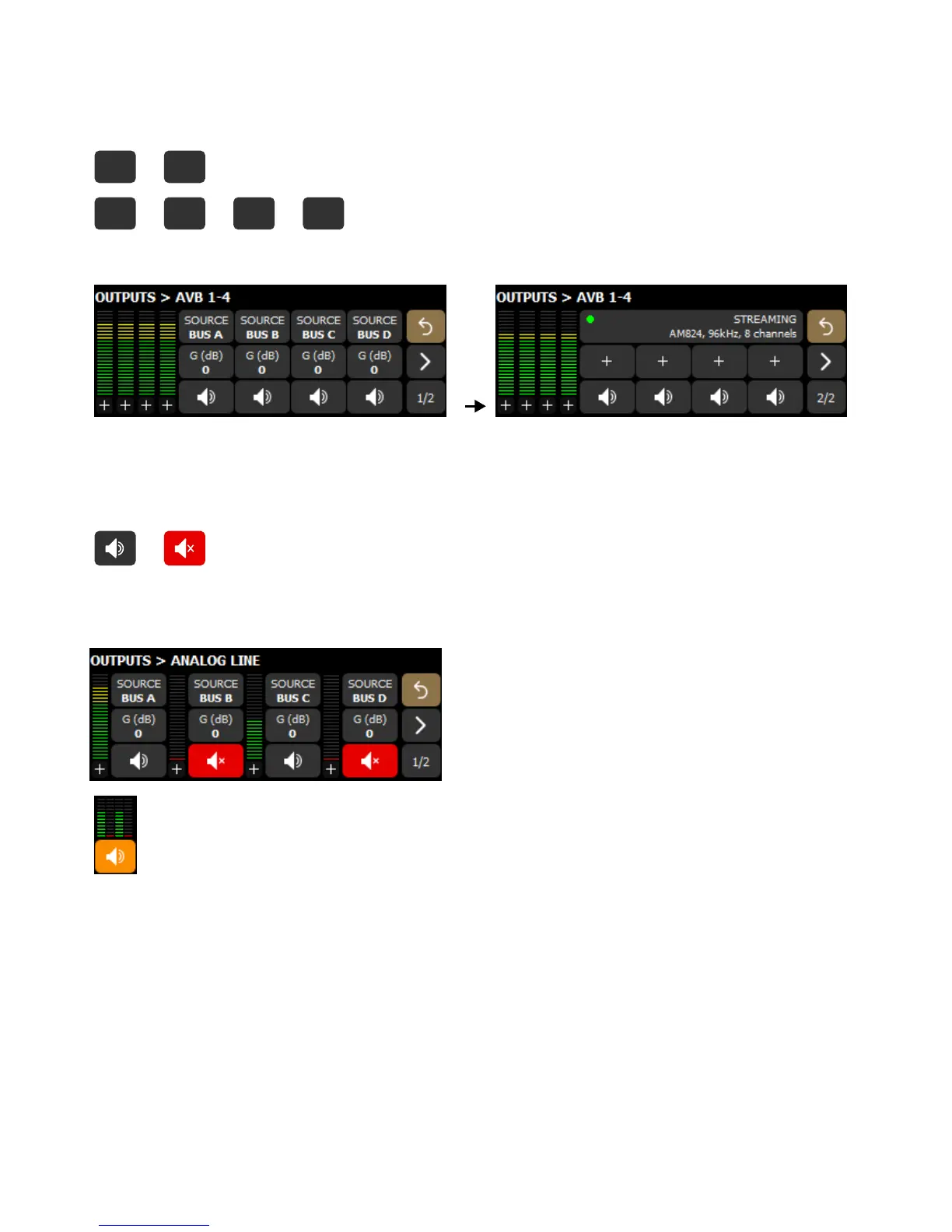
Example with the AVB outputs page:
Mute
All pages have individual mute for each signal (accessible in stacked view 2 and 3 for the DSP BUS page, refer to
Stacked views (p.32)).
/ Mute/Unmute a specic signal.
When muted, the bottom indicators of the level meters are red.
Example with muted ANA 2 and ANA 4 outputs.
On the main screen, an orange mute represents a mixed status across a single input/output type.
32 P1 user manual (EN) version 2.1


 To Next Page