Operation
Identifying the processor
When the processor is connected to the L-NET network, it is possible to identify it among other processors on the
Workspace of LA Network Manager, and conversely in the physical setup.
During Identication:
• On the Workspace of LA Network Manager, the identied processor blinks in yellow.
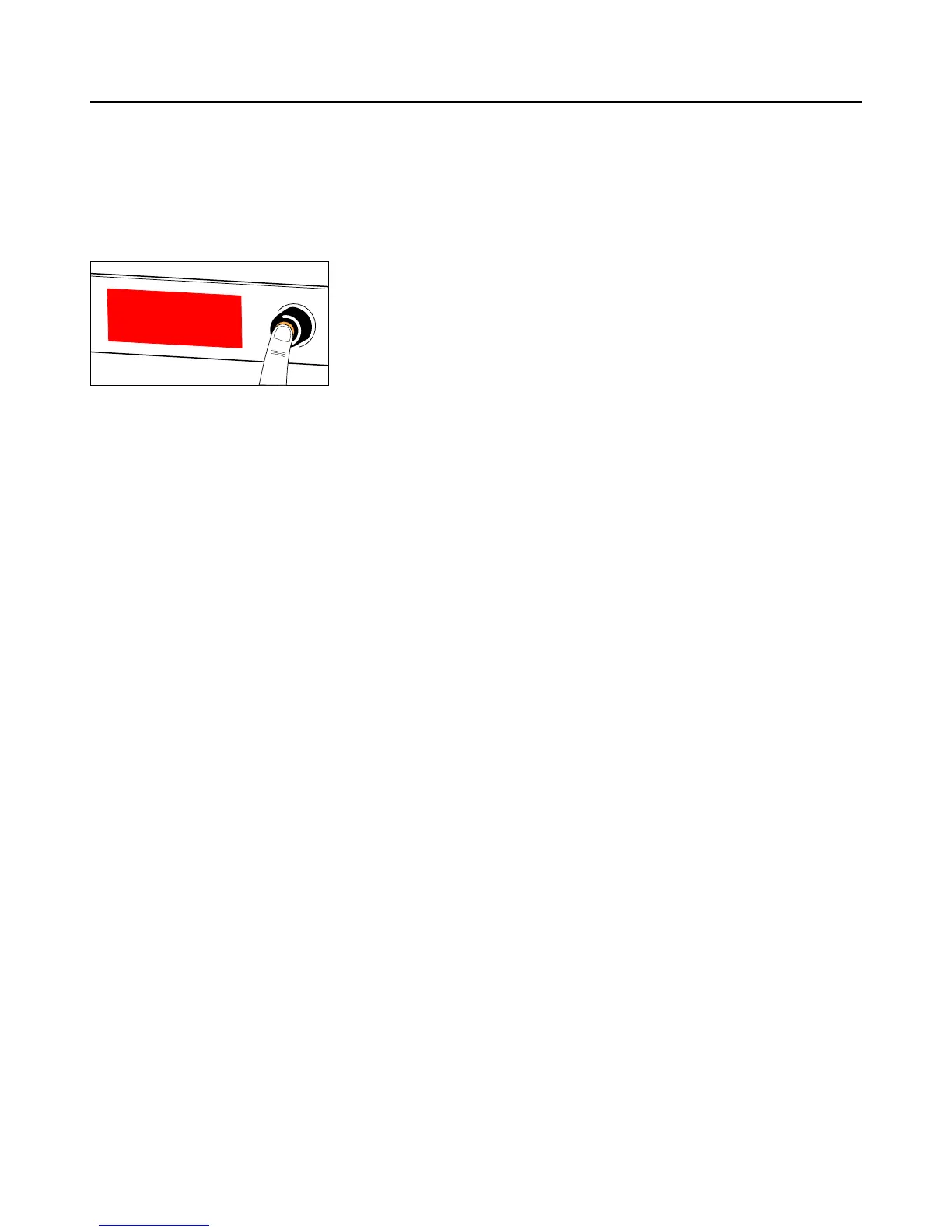
• On the identied processor, the screen displays IDENTIFICATION and the complete IP address on a blinking red
background.
IDENTIFICATION
192.168.1.100
To identify a processor on the Workspace of LA Network Manager, press and hold the encoding wheel.
To identify a processor in the physical setup, refer to the LA Network Manager help.
P1 user manual (EN) version 2.1 63


 To Next Page