WIRELESS RAIN STATION Page | 11
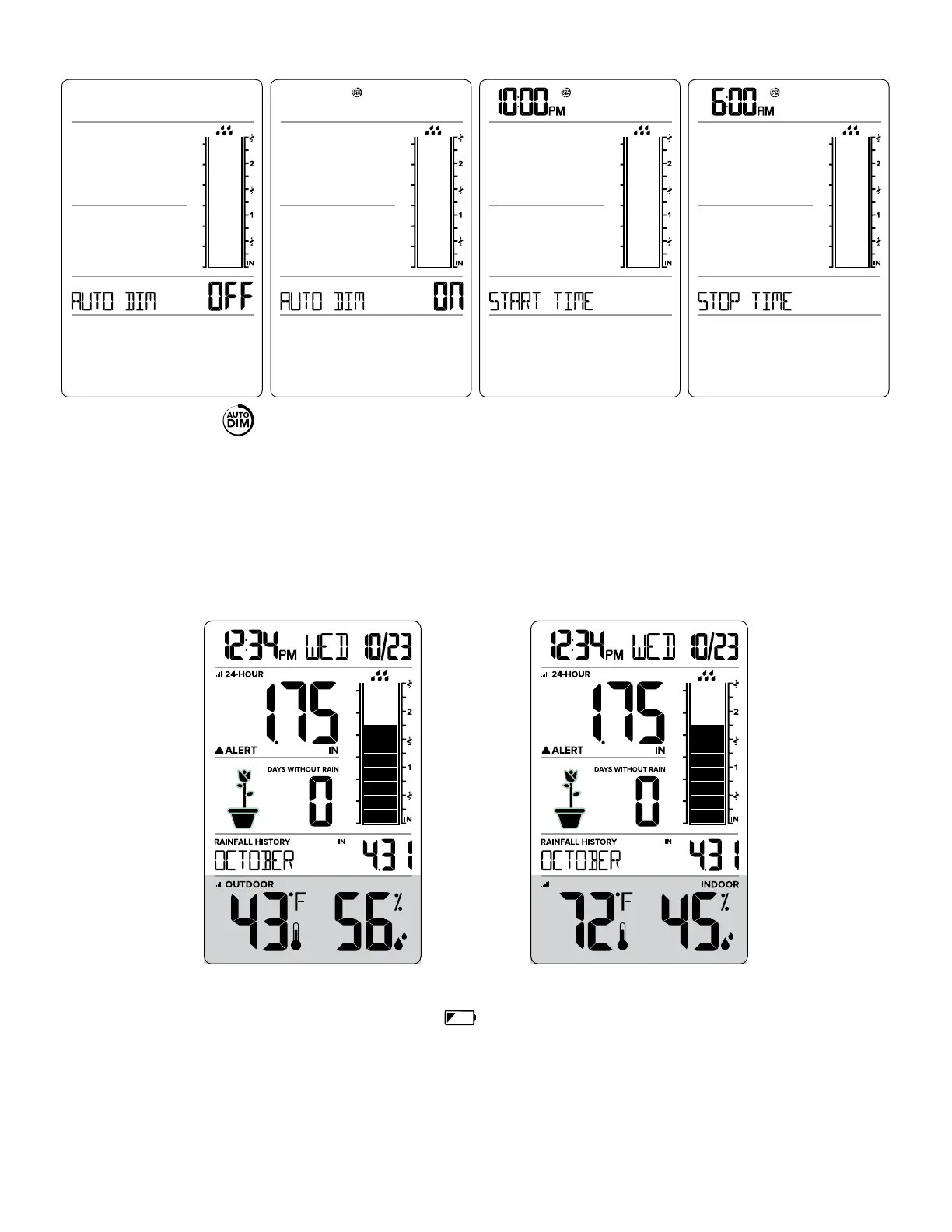
AUTO DIM OFF STOP AUTO DIM START AUTO DIM AUTO DIM ON
The AUTO DIM icon will show constantly when Auto Dim is set.
INDOOR & OUTDOOR TEMPERATURE / HUMIDITY READINGS
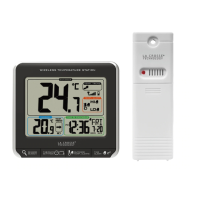
• Your station has both Outdoor Temperature/Humidity and Indoor Temperature/Humidity.
• Press the PLUS (+) button to view Indoor or Outdoor readings.
• Your station will stay on your last selection.
OUTDOOR INDOOR
LOW BATTERY INDICATORS
• When the Battery Indicator appears near the Time, replace batteries in the Station.
• When the Battery Indicator appears near the Rain reading, replace batteries in the Rain Sensor.
• When the Battery Indicator appears near the Outdoor Temperature, replace batteries in the Outdoor
Sensor.


 To Next Page