EasyManua.ls Logo

La Crosse Technology WS-9016U - User Manual

La Crosse Technology WS-9016U
31 pages
Print Icon
To Next Page IconTo Next Page
Loading...
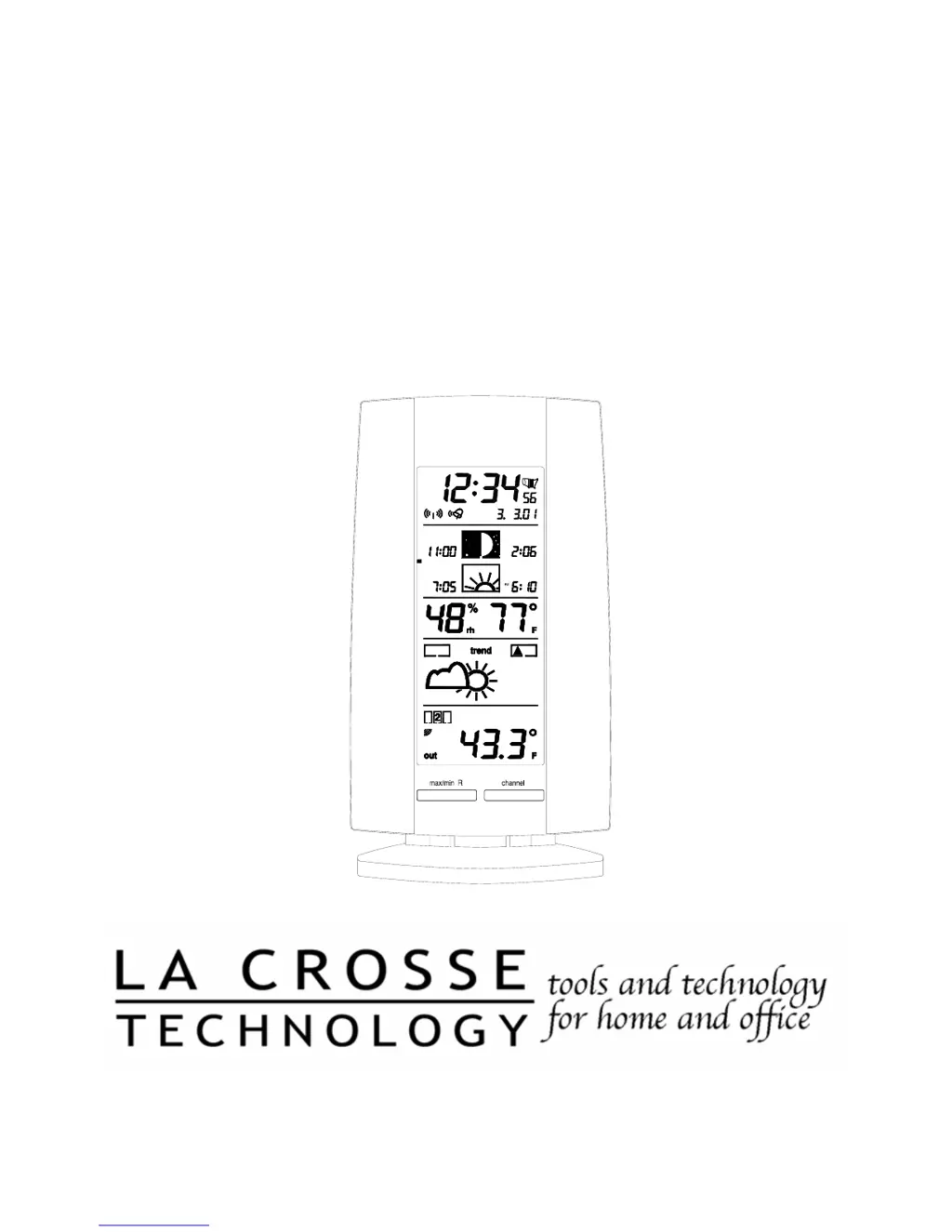
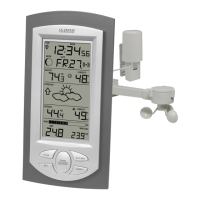
WS-9016U
Wireless 433 MHz
Radio-controlled
Sun/Moon Weather Station
Instruction Manual

Questions and Answers

  • T
    Tanya PearsonJul 30, 2025
    How to correct the hour on my La Crosse Technology WS-9016U when the minute and date are correct?
    • J
      Jenny MataJul 30, 2025
      If the hour is incorrect on your La Crosse Technology Weather Station (but the minute and date are correct), ensure that the correct time zone and daylight saving time settings are selected.
  • A
    Angela KingAug 5, 2025
    What to do if no remote temperature is displayed on my La Crosse Technology WS-9016U?
    • R
      rschroederAug 5, 2025
      If your La Crosse Technology Weather Station isn't showing the remote temperature, try these steps: 1. First, remove all batteries from both the remote sensor(s) and the indoor weather station. Reinsert the batteries into the remote sensor(s) first, and then into the indoor weather station. 2. If that doesn't work, try placing the remote sensor(s) closer to the indoor weather station. 3. Also, ensure that all batteries are fresh.
  • D
    Denise HerreraAug 11, 2025
    How to fix no reception of WWVB time signal on La Crosse Technology WS-9016U?
    • E
      Elizabeth RuizAug 11, 2025
      If your La Crosse Technology Weather Station isn't receiving the WWVB time signal: 1. Wait overnight for the signal to be received. 2. Ensure the weather station is at least 6 feet away from electronic devices like TVs, computers, or other radio-controlled clocks. 3. Remove the batteries for five minutes, reinsert them, and leave the unit alone overnight without pressing any buttons. 4. If problems persist, contact La Crosse Technology.
  • M
    Mark MorenoAug 17, 2025
    Why is the LCD screen faint on my La Crosse Technology WS-9016U Weather Station?
    • U
      ustephensonAug 17, 2025
      If the LCD on your La Crosse Technology Weather Station is faint: 1. Try increasing the LCD contrast to a higher number. 2. If that doesn't help, replace the batteries.
  • H
    Hannah FloresAug 23, 2025
    What to do if remote humidity displays “- -“ on La Crosse Technology Weather Station?
    • C
      Christopher HowardAug 23, 2025
      The remote humidity on your La Crosse Technology Weather Station may display "- -" if: 1. A temperature-only sensor is being used and displayed. 2. The humidity is outside the sensor's operating range of 19-95%.

Summary

Quick Set-Up Guide

Detailed Set-Up Guide

Battery Installation

Details on how to install batteries in the remote sensor and indoor station.

Program Mode

Function Keys

Explanation of the 8 function buttons on the weather station and their uses.

Features of the WS-9016 U

Alarm and Snooze Functions

Setting and managing alarms, snooze, and stopping the alarm.

Indoor Data and Weather Forecasts

Displaying indoor conditions and interpreting weather forecasting icons.

Outdoor Temperature and Sensor Setup

Managing outdoor temperature readings, adding sensors, and setup procedures.

Remote Temperature Sensor Mounting

Indoor Temperature Station Mounting

Troubleshooting

Maintenance and Care Instructions

Specifications

Warranty Information

La Crosse Technology WS-9016U Specifications

General IconGeneral
Display TypeLCD
Indoor Temperature Range32°F to 122°F (0°C to 50°C)
Outdoor Temperature Range-40°F to 140°F (-40°C to 60°C)
Humidity Range20% to 95%
Wireless Transmission Range330 feet (100 meters)
Atomic TimeYes
Power Requirements (Remote Sensor)2 x AA batteries (not included)
Time Display12/24 hour format

Related product manuals