EasyManua.ls Logo

La Crosse Technology WS-9077TWC-IT - User Manual

La Crosse Technology WS-9077TWC-IT
20 pages
Print Icon
To Next Page IconTo Next Page
Loading...
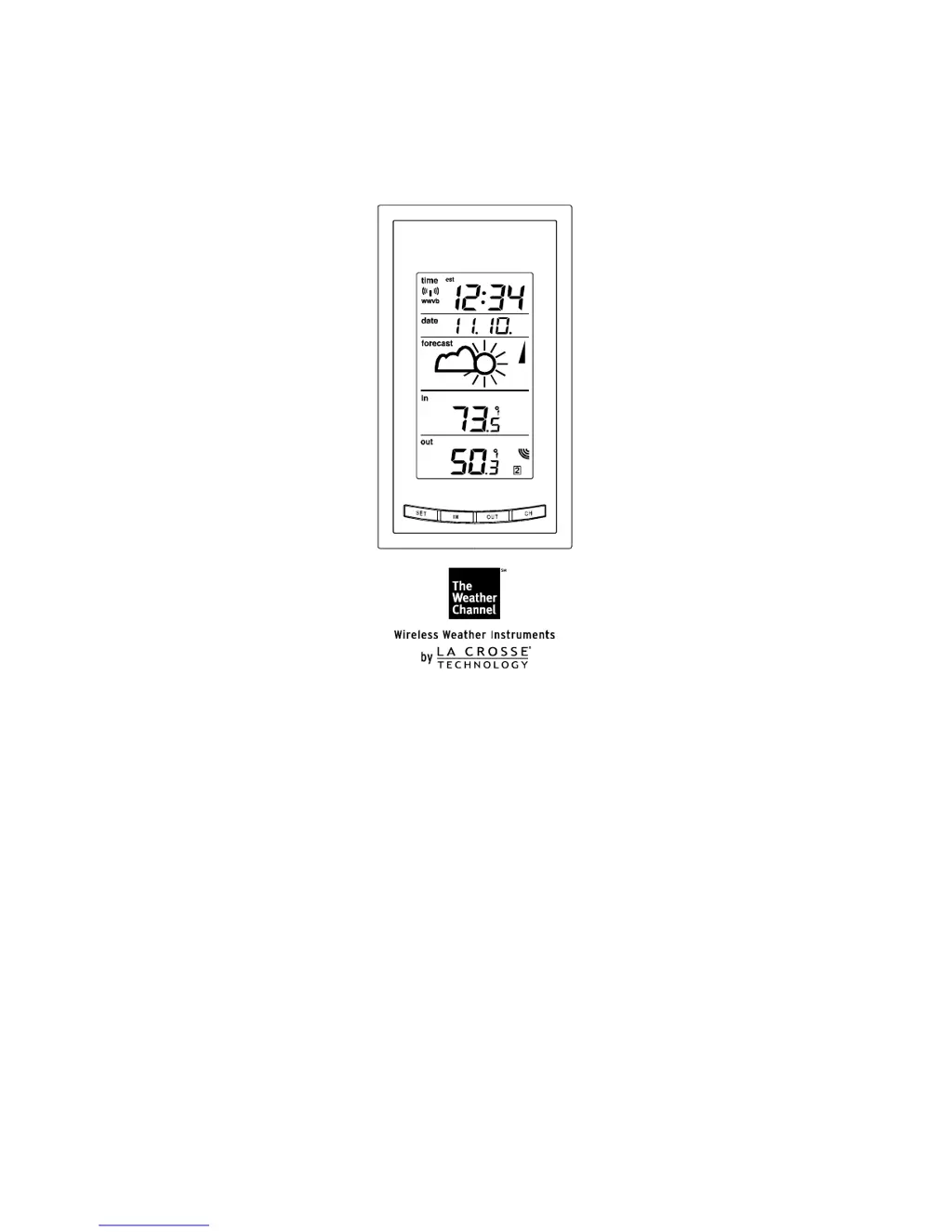
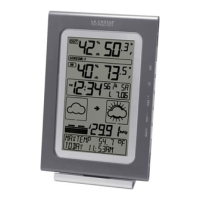
WS-9077TWC-IT
Wireless 915 MHz
Weather Station
Instruction Manual

Questions and Answers

  • V
    Valerie ButlerJul 31, 2025
    What to do if no outdoor temperature is displayed on La Crosse Technology WS-9077TWC-IT?
    • C
      cruzjayAug 1, 2025
      To resolve the issue of no outdoor temperature being displayed on your La Crosse Technology Weather Station, try the following: * First, remove all batteries from both the sender and the display unit, then reinsert them into the sender first, followed by the display unit. * Try placing the remote sender closer to the display. * Ensure that all batteries are fresh. * Position the Remote Control Sender and Weather Station so that the signal path doesn't pass through more than two or three walls.
  • J
    Jennifer BlackAug 7, 2025
    Why is the hour incorrect on my La Crosse Technology WS-9077TWC-IT?
    • M
      Michael Choi Jr.Aug 7, 2025
      If the hour is incorrect on your La Crosse Technology Weather Station (but the minute and date are correct), ensure that you have selected the correct time zone and daylight saving time settings.
  • H
    Heather BuchananAug 14, 2025
    How to fix no reception of WWVB time signal on La Crosse Technology WS-9077TWC-IT Weather Station?
    • M
      Michael RobinsonAug 14, 2025
      If you are not receiving the WWVB time signal on your La Crosse Technology Weather Station: 1. Wait overnight for the signal to be received. 2. Ensure the Weather Station is at least 6 feet away from electrical devices like televisions, computers, or other radio-controlled clocks. 3. Remove the batteries for five minutes, reinsert them, and leave the unit undisturbed overnight without pressing any buttons. 4. If problems persist, contact La Crosse Technology.
  • T
    Teresa GriffinAug 23, 2025
    What to do if LCD is faint on La Crosse Technology WS-9077TWC-IT?
    • C
      cindymartinezAug 23, 2025
      If the LCD on your La Crosse Technology Weather Station is faint: * Set the LCD contrast to a higher number. * Replace the batteries.

Summary

Setting Up Your Weather Station

Quick Set-Up Guide

Provides initial steps for setting up the weather station and sensor.

Detailed Set-Up Guide

Comprehensive instructions for battery installation and initial configuration.

Programming the Weather Station

Time Zone Setting

Guide to selecting the correct time zone for accurate time display.

Radio-Controlled Time On;Off Setting

Instructions to enable or disable automatic time synchronization.

Weather Station Features

Weather Forecast

Explanation of the weather forecasting feature and its accuracy.

Adding Remote Temperature Sensors

Instructions for setting up additional optional temperature sensors.

Mounting the Weather Station

Mounting the Remote Temperature Sensor

Methods for mounting the outdoor temperature sensor using screws or tape.

Troubleshooting Common Issues

Troubleshooting

Solutions for common problems like no WWVB signal or faint LCD.

La Crosse Technology WS-9077TWC-IT Specifications

General IconGeneral
BrandLa Crosse Technology
ModelWS-9077TWC-IT
CategoryWeather Station
LanguageEnglish

Related product manuals