EasyManua.ls Logo

La Marzocco GB/5 - User Manual

La Marzocco GB/5
66 pages
Print Icon
To Next Page IconTo Next Page
Loading...
manual
gb5 & fb80
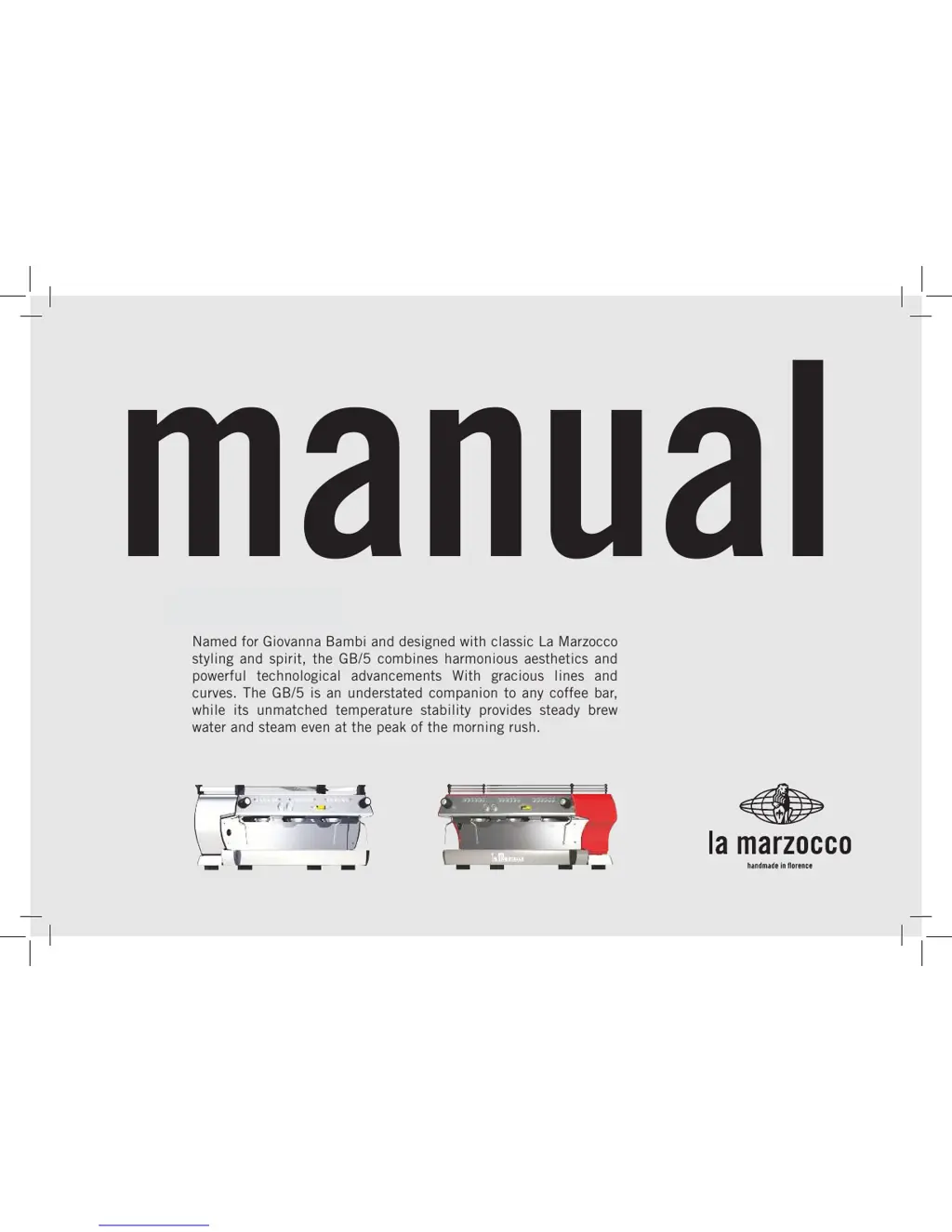
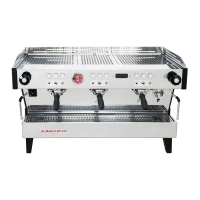
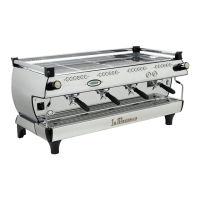
Named for Giovanna Bambi and designed with classic La Marzocco
styling and spirit, the GB/5 combines harmonious aesthetics and
powerful technological advancements With gracious lines and
curves. The GB/5 is an understated companion to any coffee bar,
while its unmatched temperature stability provides steady brew
water and steam even at the peak of the morning rush.

Other manuals for La Marzocco GB/5

Questions and Answers

  • E
    Erica WolfeAug 16, 2025
    How to confirm first installation on La Marzocco GB/5 Coffee Maker?
    • S
      Susan HartAug 16, 2025
      To confirm the first installation on your La Marzocco Coffee Maker, press the ENTER button on group 1 keypad. This will initialize the CPU and boot the electronics.
  • K
    Karen KingAug 19, 2025
    What to do if La Marzocco GB/5 shows 'Corrupted Data'?
    • E
      Erica HigginsAug 19, 2025
      If your La Marzocco Coffee Maker displays 'Corrupted Data', it likely means the machine lost power without being properly shut down via the keypad and display. To resolve this, turn the machine off using the main switch to cycle the power. This should clear the error.
  • C
    christophergoodAug 22, 2025
    What to do if La Marzocco GB/5 Coffee Maker displays 'Filling-up Alarm'?
    • B
      Brian WoodAug 22, 2025
      If your La Marzocco Coffee Maker displays 'Filling-up Alarm', the CPU has shut down and turned off power to the machine. This is related to the 'Level Timeout' parameter. To reset this error, press the ON/OFF button.
  • D
    Darren KaiserAug 26, 2025
    What to do if La Marzocco Coffee Maker displays 'Wrong Password'?
    • A
      Annette FrankAug 26, 2025
      If you see 'Wrong Password' on your La Marzocco Coffee Maker, it means an incorrect password was entered. The display will automatically reset after 3 seconds, allowing you to try again.
  • B
    bwuAug 27, 2025
    What to do if La Marzocco Coffee Maker displays 'Steam Boiler Empty'?
    • R
      Robert ParkerAug 28, 2025
      If your La Marzocco Coffee Maker displays 'Steam Boiler Empty', the CPU has turned off power to the steam boiler heating element. To fix this, you need to repair the Safety Probe to restore the signal to the CPU.
  • S
    sullivanpaulAug 31, 2025
    Why does La Marzocco GB/5 display 'Flowmeter Alarm'?
    • S
      spierceAug 31, 2025
      If the La Marzocco Coffee Maker displays 'Flowmeter Alarm', it could be due to several reasons: the coffee being packed too tightly, a blockage in the tubes, a malfunctioning water pump, a faulty valve, or a damaged flowmeter. It is suggested to call a service technician to fix this problem.
  • M
    Michele BensonSep 2, 2025
    What to do if La Marzocco GB/5 Coffee Maker displays 'Steam Boiler Temperature'?
    • D
      Dr. Christopher Davis PhDSep 3, 2025
      If your La Marzocco Coffee Maker shows 'Steam Boiler Temperature', contact an authorized service technician for repair. The CPU has turned off power to the steam boiler.
  • A
    ashleebrooksSep 6, 2025
    What to do if La Marzocco GB/5 Coffee Maker displays 'Coffee Boiler Temperature'?
    • C
      cwhiteSep 6, 2025
      If your La Marzocco Coffee Maker displays 'Coffee Boiler Temperature', call an authorized service technician to repair this fault. The CPU turns off power to the coffee boiler displayed, and the number on the display indicates the faulty boiler.
  • T
    taylorfisherSep 9, 2025
    What to do if La Marzocco Coffee Maker displays 'Autosteam 1 Temperature'?
    • S
      Sue WelchSep 9, 2025
      If your La Marzocco Coffee Maker shows 'Autosteam 1 Temperature', it is suggested to call an authorized service technician to repair this fault. The number in the message indicates the faulty Autosteam assembly.
  • W
    Wayne CunninghamSep 12, 2025
    What does 'Coffee Boiler Filled?' mean on La Marzocco GB/5?
    • L
      ldunnSep 12, 2025
      When the La Marzocco Coffee Maker displays 'Coffee Boiler Filled?', it means you need to fill the coffee boiler with water. Refer to the operating manual for detailed instructions. Make sure all air is removed from the coffee boiler using the air bleed screw on top of each group casting. This message ensures the coffee boiler is full before powering the heating element.

Summary

General Warnings and Safety Specifications

Installation Procedures

Water Quality Testing and Supply Connection

Procedures for testing water quality and connecting the water supply line.

Electrical Connection Guidelines

Guidelines for connecting the main power supply and water pump motor.

Machine Operation and Coffee Preparation

Starting the Espresso Machine

Procedures for filling boilers and turning on the machine.

Portafilter Installation and Use

How to install, heat, and use portafilters for optimal brewing.

Brewing Coffee Steps

Steps for grinding coffee, tamping, and initiating the brew cycle.

AV Model Brew Process Control

Using volumetric programming and general notes for optimal coffee preparation.

Dispensing Steam and Hot Water

Maintenance and Periodic Cleaning

Mandatory Maintenance and Check-ups

Three;Four Month Maintenance Schedule

Periodic checks and replacements required every 3-4 months.

Software Programming Guide

Barista Programming Functions

Parameters for Barista level: volume, temperature, cup heating, clock, auto on/off.

Technical Programming Functions

Parameters for Technical level: language, temperature correction, filters, steam, safety.

Boiler Parameters (EE Model)

EE Nominal Coffee Boiler Temperature

Setting the coffee boiler temperature for EE models.

La Marzocco GB/5 Specifications

General IconGeneral
BrandLa Marzocco
ModelGB/5
CategoryCoffee Maker
LanguageEnglish

Related product manuals