Digital Satellite Signal Quality Finder
Set Up Instructions
SQ722
IS LAB SQ722 0520.PDF | P 2-5 |
6. ELEVATION
Following the BLACK lines on the graph, set the Satellite Dish elevation.
For example: in Melbourne, the elevation would be approximately 45 degrees.
COARSE ALIGNMENT SETTINGS
5. VAST/PAYTV
For VAST and PayTV set your dish Elevation Angle, Direction and LNB
Skew or Rotation according to your position on the map below in
step, 6. ELEVATION.
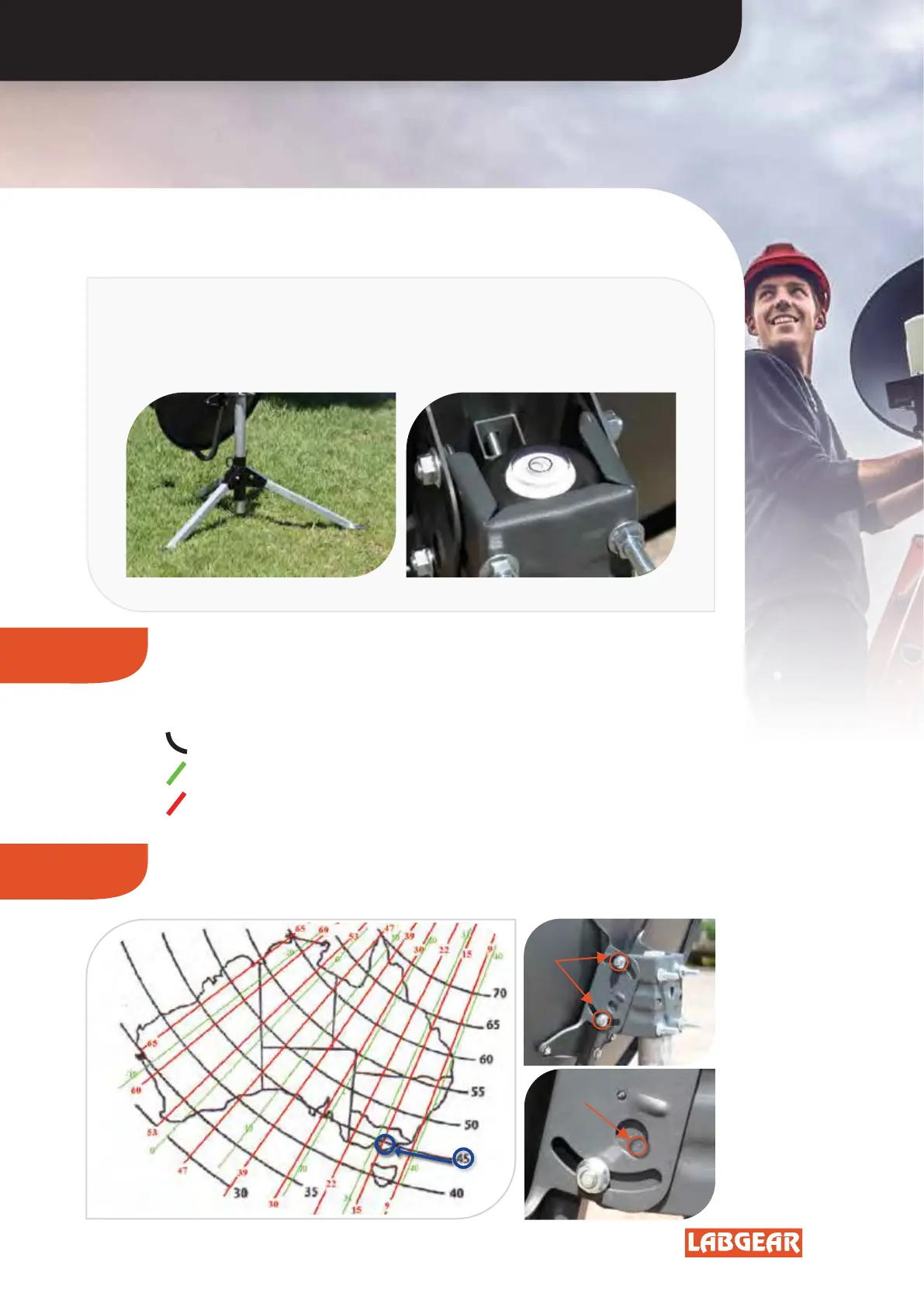
IMPORTANT!
It is CRITICAL that your Satellite Dish mount is
Stable AND Vertical.
Melbourne
Elevation
Markings
45 Degrees
Elevation
Bolts
BLACK lines indicate Satellite Dish or Antenna Elevation.
GREEN angle lines indicate LNB Skew or Rotation.
RED angle lines indicate Direction or Compass Bearing.


 To Next Page