Watching TV
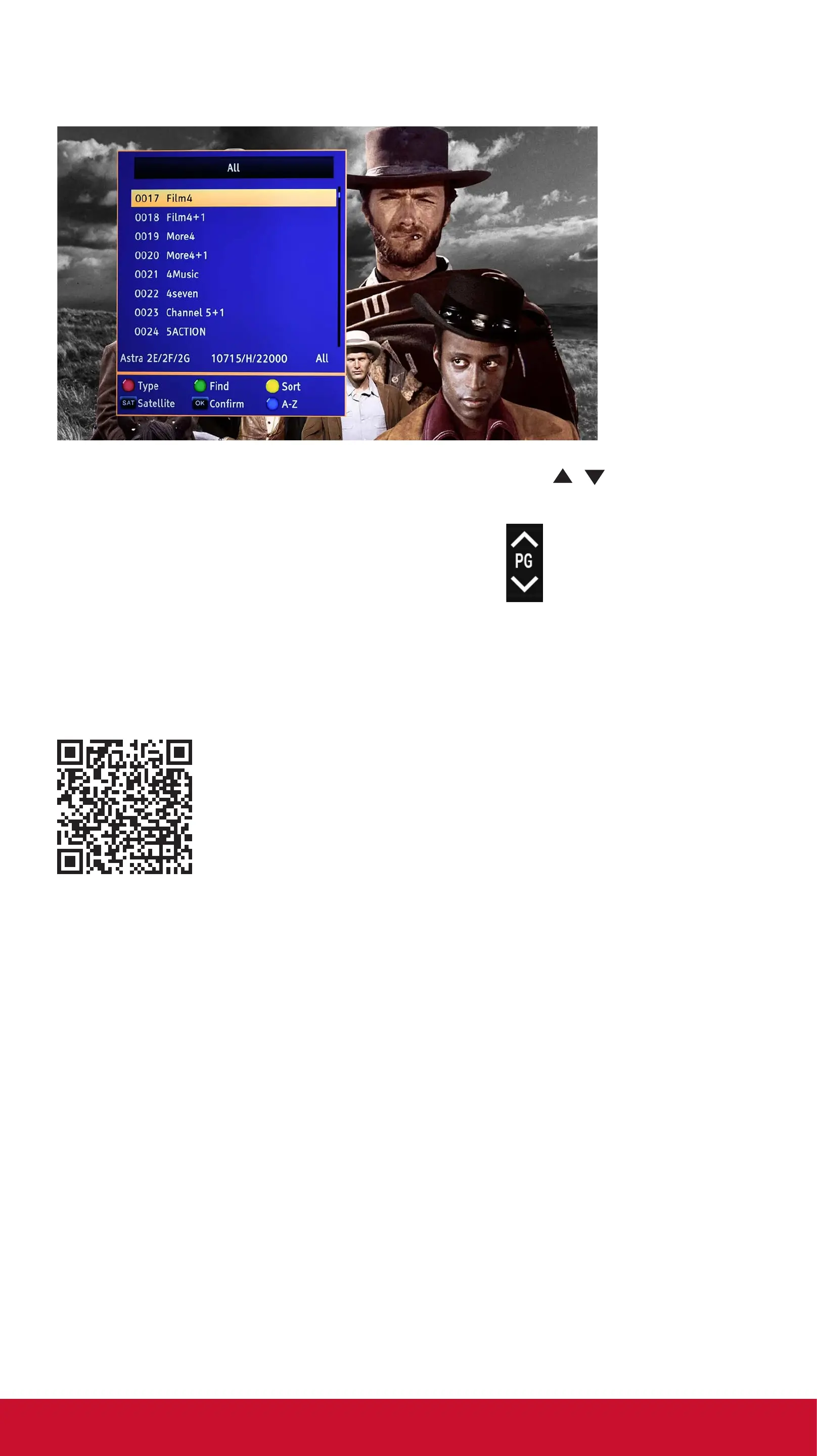
To select other channels press OK and a list will appear
To select a channel either scroll to it using the / keys or enter
the 4 digit number then press OK to watch the channel.
You can also use the page Up/Down key to scroll through
the channels page by page.
All Other Functions
For all other functions please refer to the full User Guide, you can
use the QR code to download.
technical@philex.com 6 www.phil ex.com


 To Next Page