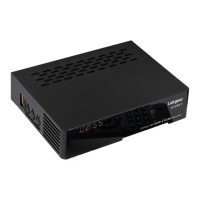
Remote Control Keys
1 2
3
4
26
5
7
8
21
24
22
23
15
30
25
14
16
12
13
19
28
32
33
34
35
18
17
6
11
9
10
20
1
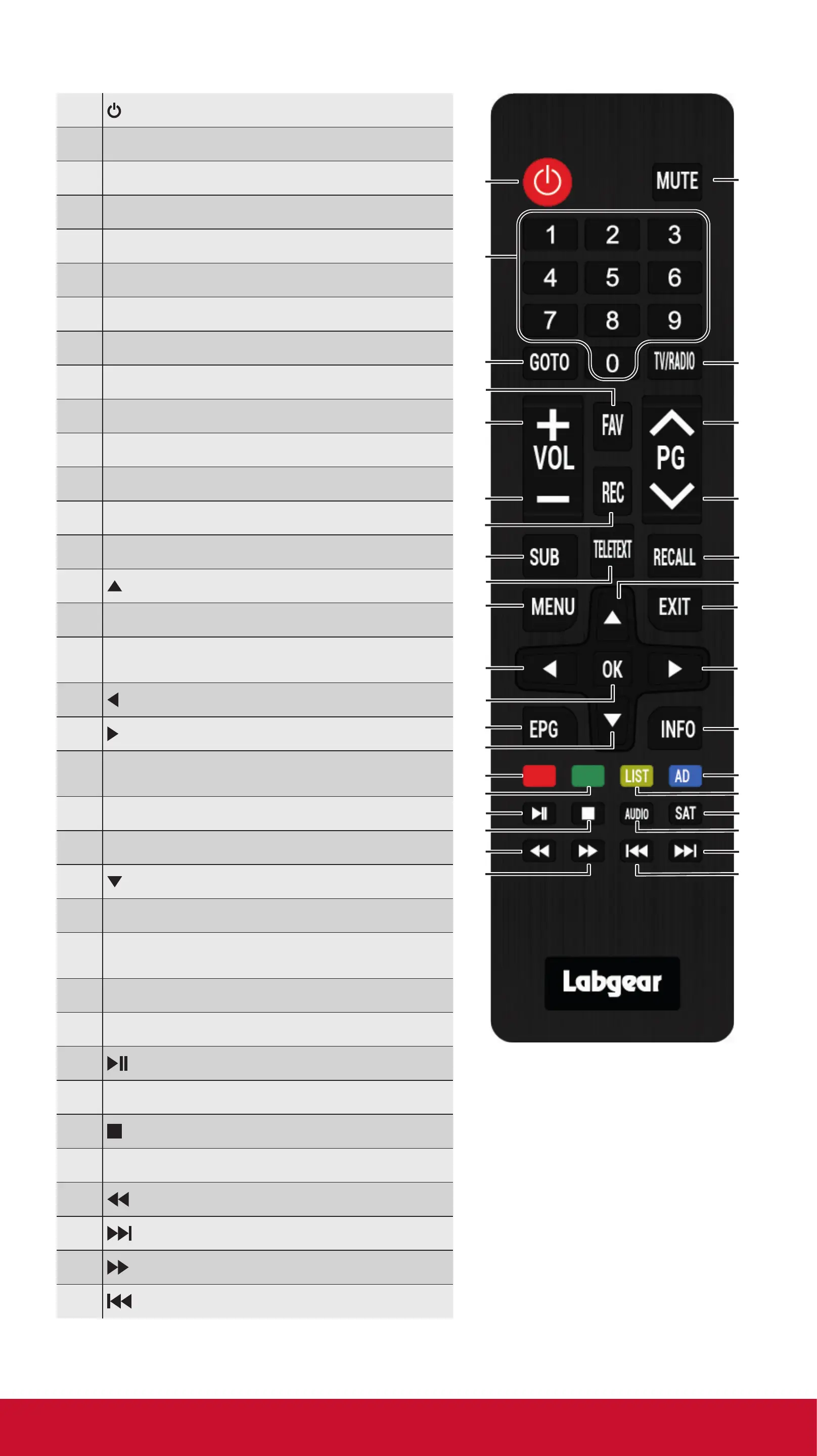
POWER Standby/Power On from standby
2
MUTE Mute or Restore Audio Output
3
0 - 9 Numbers
4
GOTO Enter real time TV play mode
5
T V/R ADIO Switch TV and Radio function
6
FAV Turns on the Favourite menu
7
VOL+ Increases the volume
8
Pg+ Page Up
9
VOL– Decreases the volume
10
Pg- Page Down
11
REC Press to record selected programme
12
SUBTITLE Selects Subtitle Language
13
RECALL Switch between the last 2 channels
14
TELETEXT Displays Teletext information
15
Cursor UP, change channels
16
MENU Turns on the Main menu
17
EXIT Exit the current menu /
return to previous menu
18
LEFT Navigates through menus/VOL –
19
RIGHT Navigates through menus/VOL +
20
OK Conrms entry or selection/
Displays channel list
21
EPG (Electronic Program Guide) ON/OFF
22
INFO Displays additional channel info
23
Cursor DOWN, change channels
24
RED Red function key
25
BLUE Blue function key/AD:
Switch on voice-over function
26
GREEN Green function key
27
YELLOW Yellow function key
28
Play / Pause
29
SAT Enter or Exit satellite mode
30
(STOP) Stops media play
31
AUDIO Selects an Audio Language/mode
32
Searches backwards during media play
33
(NEXT) Skips to the next media track
34
Searches forwards during media play
35
(PREVIOUS) Skips to the next track
technical@philex.com 7 www.philex.com


 To Next Page