EasyManua.ls Logo

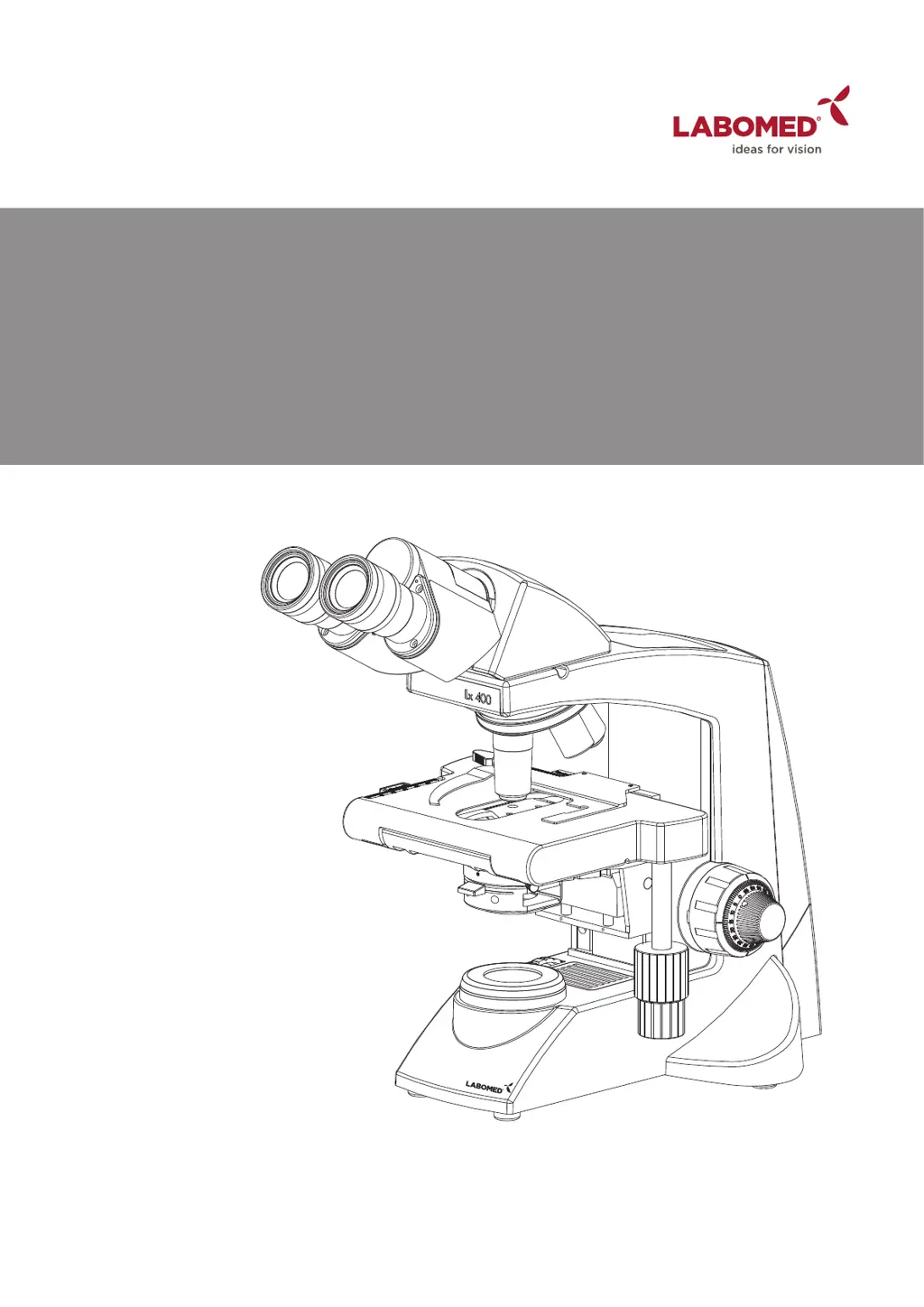
Labomed Lx 400 - User Manual

Labomed Lx 400
32 pages
Print Icon
To Next Page IconTo Next Page
Loading...
R
Part No: 9126000-795
Issue 1.5
Printed on April,2019
Lx 400
Research Microscopy
User Manual
To ensure proper use of this instrument as well as to avoid injury while operating
Instrument, understanding this manual completely before use is highly recommended.

Questions and Answers

  • C
    Candice DuarteAug 20, 2025
    What to do if the Bulb/LED does not turn on in my Labomed Lx 400?
    • A
      Alvin HuberAug 20, 2025
      If the Bulb/LED of your Labomed Microscope does not turn on, there are several potential causes: * The Bulb/LED might not be mounted: Attach a bulb/LED. * The Bulb/LED might be blown: Replace the bulb/LED. * The power cord may be unplugged or not firmly secured: Ensure the power cord is securely plugged into the box socket and the wall outlet. * The fuse might be blown: Check and replace it with a live fuse. * The battery could be low: Charge the battery.
  • D
    Daniel WilsonAug 22, 2025
    Why is the observation image hazy or unclear on my Labomed Lx 400?
    • G
      Garrett HesterAug 22, 2025
      If the observation image in your Labomed Microscope is hazy or unclear, consider the following: * The objective might not be engaged in the light path: Engage the objective into position until it clicks. * The objective, eyepieces, condenser, or specimen glass could be dirty: Clean glass parts thoroughly with lens tissue and cleaning cloth. * If using an immersion objective, immersion oil may not be used: Use immersion oil as suggested. * Bubbles might be present in the immersion oil: Remove the bubbles by agitation. * The specified immersion oil may not be used: Use the immersion oil supplied by LABOMED.
  • E
    Earl RiveraAug 25, 2025
    How to remove dust or stains visible in the observation field of a Labomed Lx 400 Microscope?
    • D
      David CrawfordAug 25, 2025
      If you see dust or stains in the observation field of your Labomed Microscope, the eyepieces, condenser, window lens, or specimen glass may be dirty. Clean these glass parts thoroughly with lens tissue and a cleaning solution.
  • T
    Taylor CrawfordAug 26, 2025
    Why is there glare visible in the field of view of my Labomed Lx 400 Microscope?
    • C
      coxmelindaAug 27, 2025
      If glare is visible in the field of view of your Labomed Microscope, the condenser may be too low, so raise the condenser light. Alternatively, the condenser iris diaphragm ring may be closed. In this case, adjust the aperture according to the objective magnification.
  • A
    Alexis JonesAug 28, 2025
    What causes inconsistent fields of view through both eyepieces on a Labomed Lx 400?
    • K
      kellymichelleAug 28, 2025
      If the fields of view through both eyepieces of your Labomed Microscope are inconsistent: 1. The interpupillary distance may not be adjusted properly: Adjust IPD to the appropriate setting. 2. Dioptric compensation for the two eyes may not be set: Adjust diopter settings. 3. The left and right eyepieces might be of different magnification: Ensure that both eyepieces are of the same magnification. LABOMED does not recommend using third-party eyepieces in conjunction with LABOMED eyepieces.
  • K
    kmartinezAug 29, 2025
    How to fix uneven brightness in the observation field of a Labomed Lx 400 Microscope?
    • C
      Carrie WatsonAug 29, 2025
      If you're experiencing uneven brightness in the observation field of your Labomed Microscope: * The objective may not be engaged in the light path: Engage the objective into position until the nose turret clicks. * The condenser might be too low: Raise it up to achieve more light. * The objective, eyepieces, condenser, or window lens could be dirty: Clean them thoroughly.
  • M
    Micheal JamesAug 31, 2025
    Why is part of the image defocused on my Labomed Lx 400?
    • C
      Carla WashingtonSep 1, 2025
      If part of the image is defocused on your Labomed Microscope: * The objective may not be engaged in the light path: Engage the objective into position until the nose turret clicks. * The specimen may not be set properly on the stage: Set the specimen correctly on the stage and secure it using the specimen holder.
  • H
    Holly JohnsonSep 2, 2025
    What to do if the objective hits the specimen when switching objectives on my Labomed Lx 400 Microscope?
    • J
      Jennifer JordanSep 2, 2025
      If the objective hits the specimen when switching to a higher magnification objective on your Labomed Microscope: * The specimen slide might be upside down: Set the specimen correctly with the cover glass facing upwards. * The cover glass may be too thick: Use a cover glass with a thickness of 0.17mm. * The stage might be raised too high: Lower the stage. * The slide may have slipped from the slide holder: Re-position the slide in the slide holder. * The slide could be of excessive thickness: Use slides with a thickness between 0.9 and 1.4mm.
  • K
    Krystal OdomSep 4, 2025
    Why can't the coarse focus adjustment lower the stage enough on my Labomed Microscope?
    • G
      gregoryharveySep 4, 2025
      If the coarse focus adjustment cannot lower the stage low enough on your Labomed Microscope, the condenser may be too low. Raise the condenser.
  • C
    Caleb McknightSep 6, 2025
    Why does the Bulb/LED blow easily in my Labomed Lx 400?
    • J
      James DavisSep 6, 2025
      If the Bulb/LED of your Labomed Microscope blows easily, the specified bulb/LED may not be used. Replace it with the specified bulb/LED.

Summary

Safety Information and Precautions

Safety Symbols Explained

Explains symbols used for safe operation and potential hazards.

Getting Started and Maintenance

Maintenance and Storage Procedures

Guidelines for cleaning and storing the microscope to ensure longevity.

Care and Maintenance Guidelines

Optional Accessories and Upgrades

Optional Accessory Installation and Operation

Step-by-step guide for installing and using various optional accessories.

Koehler Illumination Kit Installation

Detailed steps for installing the Koehler illumination kit.

Initial Microscope Setup

Observation Procedures

Detailed Observation Procedure

Comprehensive guide for operating the microscope for observation.

Focusing and Image Adjustment

Procedures for coarse and fine focusing, IPD, and diopter adjustment.

Condenser, Diaphragm, and Objective Adjustment

Adjusting condenser position, diaphragm, and switching objectives.

Using the 100 x Immersion Objective

Proper method for using the 100x immersion objective with oil.

Cleaning and Servicing Procedures

Optical Surface Cleaning

Specific instructions for cleaning optical components without damage.

Troubleshooting Guide

Labomed Lx 400 Specifications

General IconGeneral
BrandLabomed
ModelLx 400
CategoryMicroscope
LanguageEnglish

Related product manuals