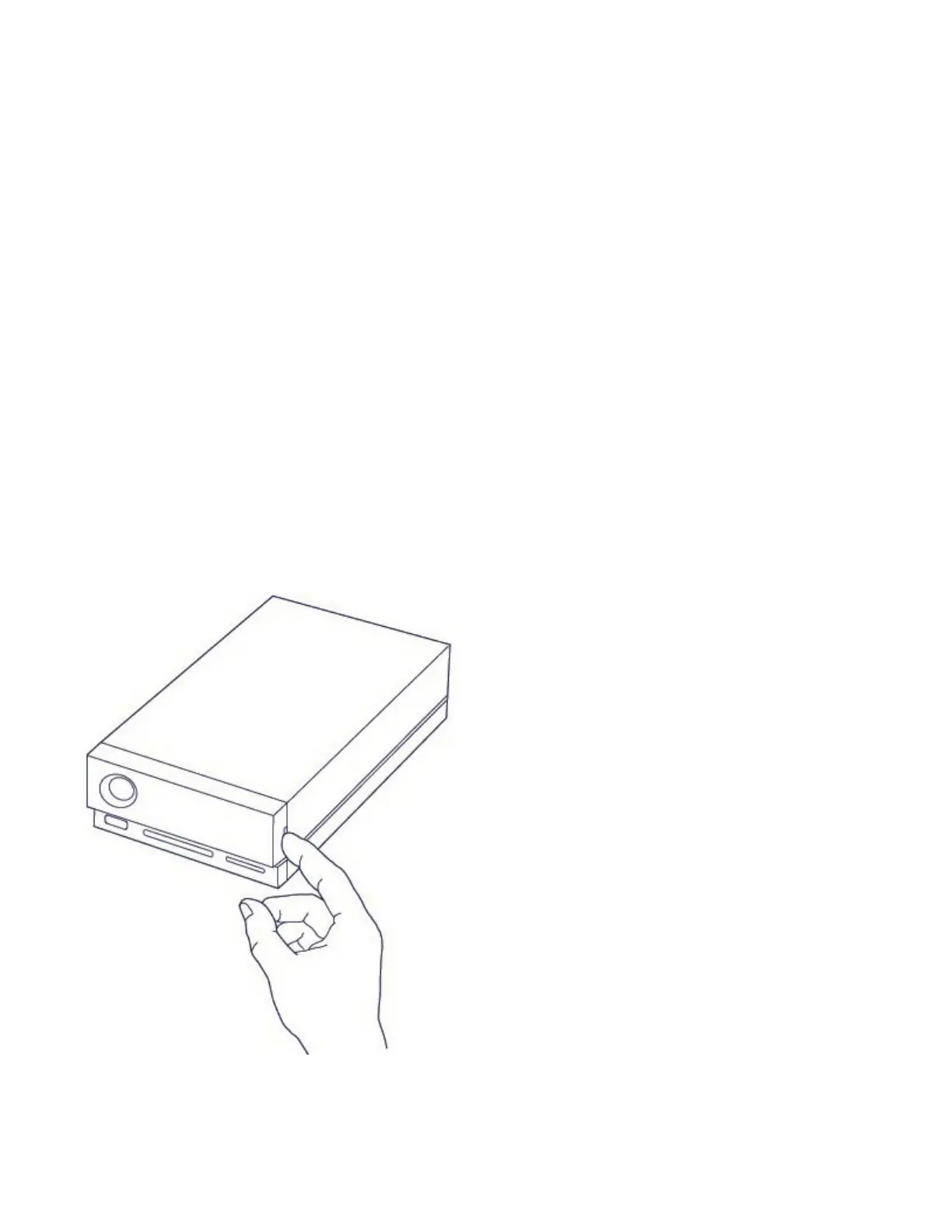
Hard Drive Maintenance
Precauons
Observe all conventional ESD precautions when handling hard drives.
Replacing a hard drive
If a failed hard drive is under warranty, make certain to contact LaCie support to receive a replacement disk.
When replacing a hard drive that's not under warranty, it’s recommended that you select an HDD optimized
for use with 1big Dock. Click here for a list of model numbers that are compatible with LaCie Direct Attached
Storage devices in the big family.
1. Locate the hard drive you want to replace and place your index finger on the small hole on the right side
of its disk tray.
2. Gently pull your index finger away from the enclosure and maintain a firm grip as it unlocks the hard drive
from the SATA connector. Once it is loose, hold the hard drive with both hands as you remove it from
the slot.










 To Next Page