17
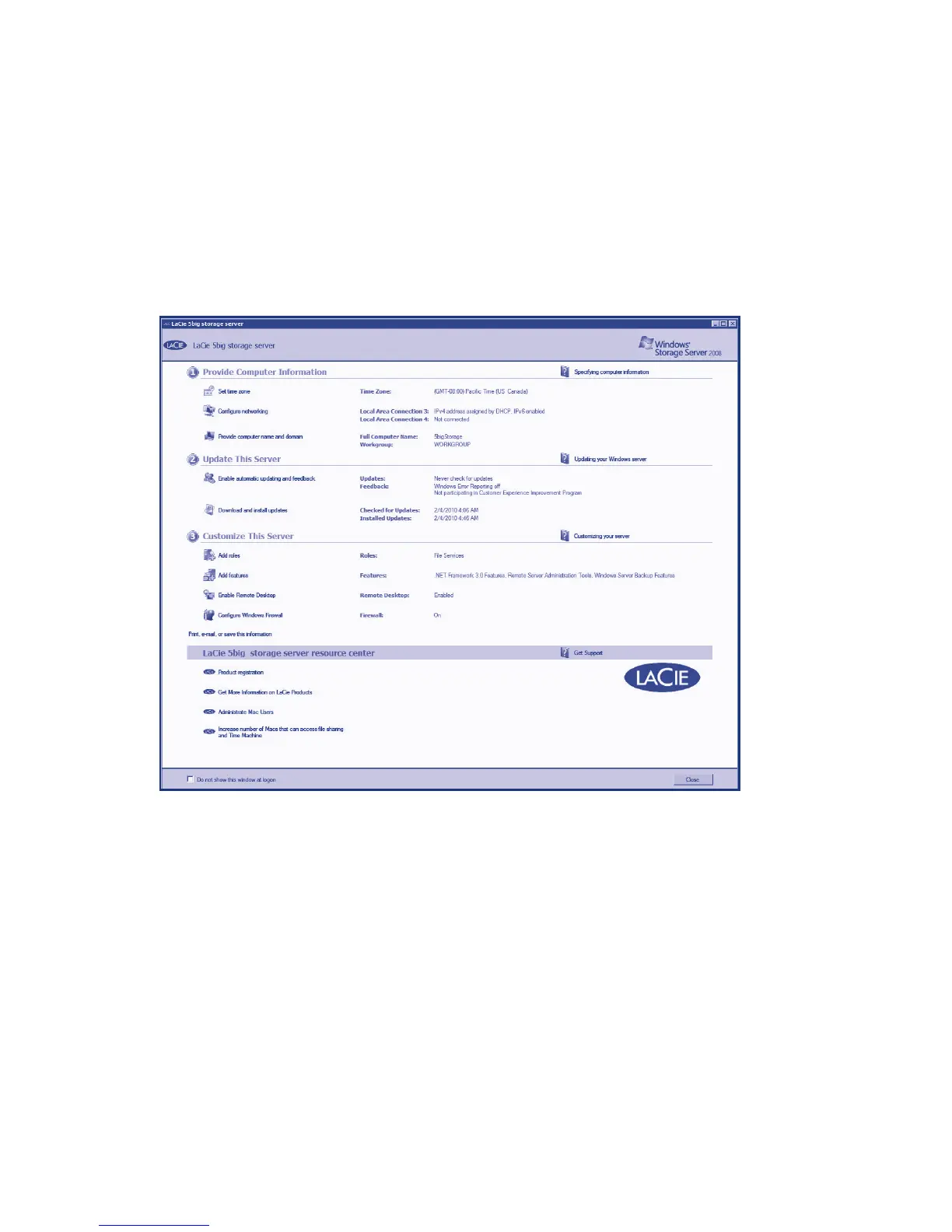
The configuration window will launch when first logging into the 5big Storage Server. There are many
features that are easily accessible in this window, including network configuration, scheduling updates,
and firewall configuration.
The 5big Storage Server has shortcuts on the desktop for registering your LaCie product and launching
the Server Manager or the Hardware Monitor. The Server Manager provides access to all the
management functions of the 5big Storage Server, including Disk Management for RAID and Provision
Sharing to set up volume and file sharing. The Hardware Monitor lists environmental, disk, and power
management information.



 To Next Page