20-18071 Rev A
Charging the Simulator
Battery
SimMan 3G PLUS is powered by 2 Laerdal Lithium Ion (Li-Ion)
batteries. Always use 2 batteries together to power the
Simulator and ensure that they are connected properly.
Refer to Setup Batteries.
Charging
• Battery charging time is approximately 3 hours. Once fully
charged, the batteries can last for up to 4 hours.
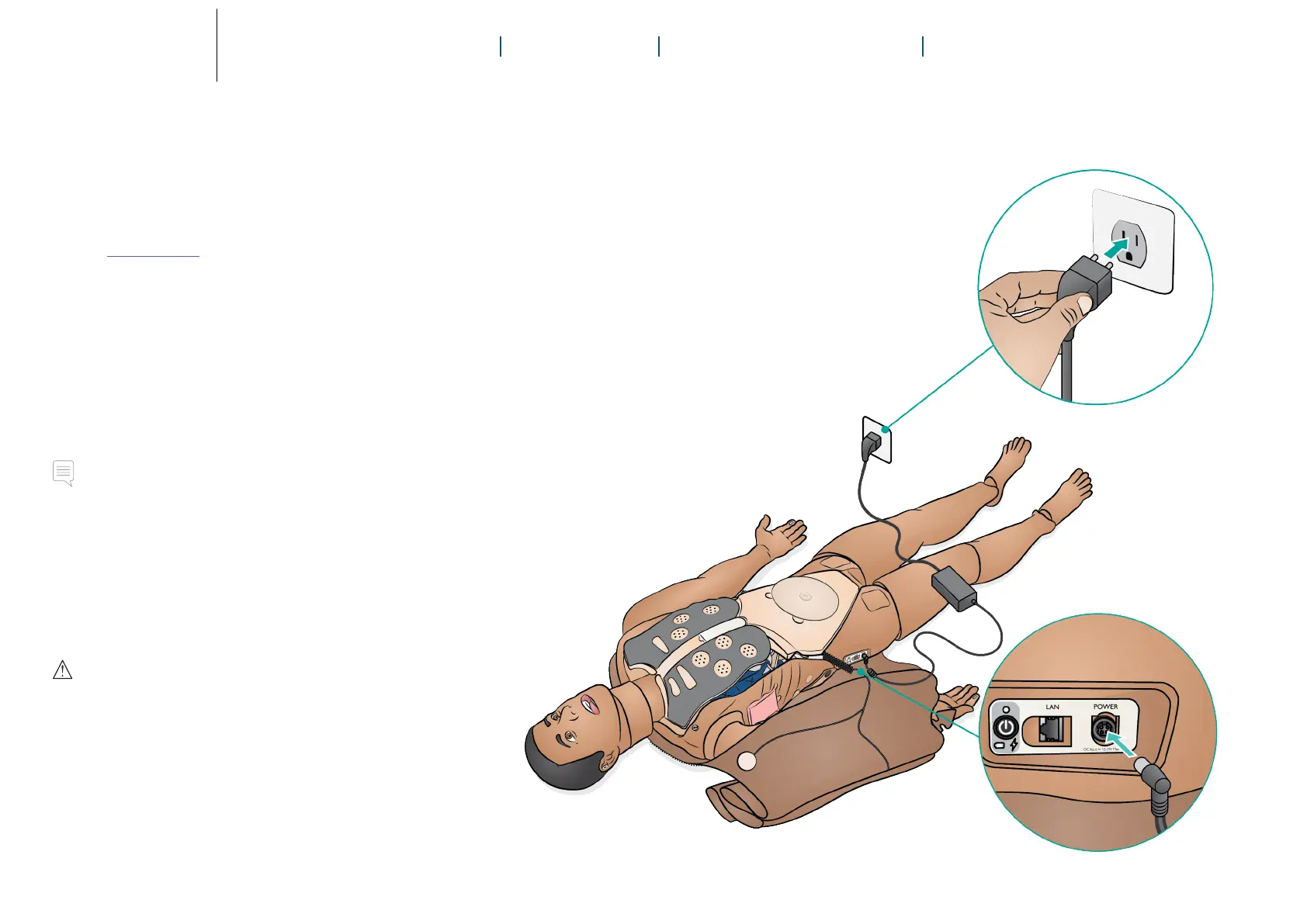
• Connect the Patient Simulator to the external power
supply. Turn the Patient Simulator on to charge the
batteries.
• Battery and power status can be viewed on the Patient
Simulator’s power panel and the Simulator Status window
in LLEAP.
Notes
• On approximately every 30th charge cycle, drain the battery
completely before recharging. To drain the batteries, run the
Patient Simulator on both batteries until automatic shutdown.
• The Patient Simulator will automatically shut down if battery
temperature rises above 60 °C (140 °F) or the remaining
charge falls below 6% on one of the two batteries.
• If both batteries are removed while the simulation is paused,
the Patient Simulator will shut down and simulation data will
be lost.
Cautions
• Do not run the Patient Simulator for more than 1 minute on a
single battery.
• After the Patient Simulator is turned off, wait 20 seconds
before restarting or the Patient Simulator may not function
properly.
• Never store fully charged batteries for longer than a month.
• Only use the SimMan Family (except SimMan ALS) external
power supply and batteries.
• The external battery charger is for indoor use only.
• Never store the batteries inside the Patient Simulator.
Refer to the Important Product Information booklet for
further information on battery care and specifications.















 To Next Page