20-18071 Rev A
SimMan 3G PLUS provides 3 network connectivity options to
ensure uninterrupted sessions wherever a simulation is taking
place.
Option 1 Enterprise Network
The standard network connectivity is delivered by the
integrated USB Wi-Fi dongle. The dongle connects to a local
enterprise IT network for improved speed and signal strength.
Option 2 Router
If a local or ad-hoc network is required, a router (Laerdal or
user’s own) can be used.
Option 3 Mobile Router
A portable, battery-operated router can be used for outside
simulation sessions where an enterprise network may not be
available.
For more information on network setup, connectivity and
available routers contact Laerdal Help Desk.
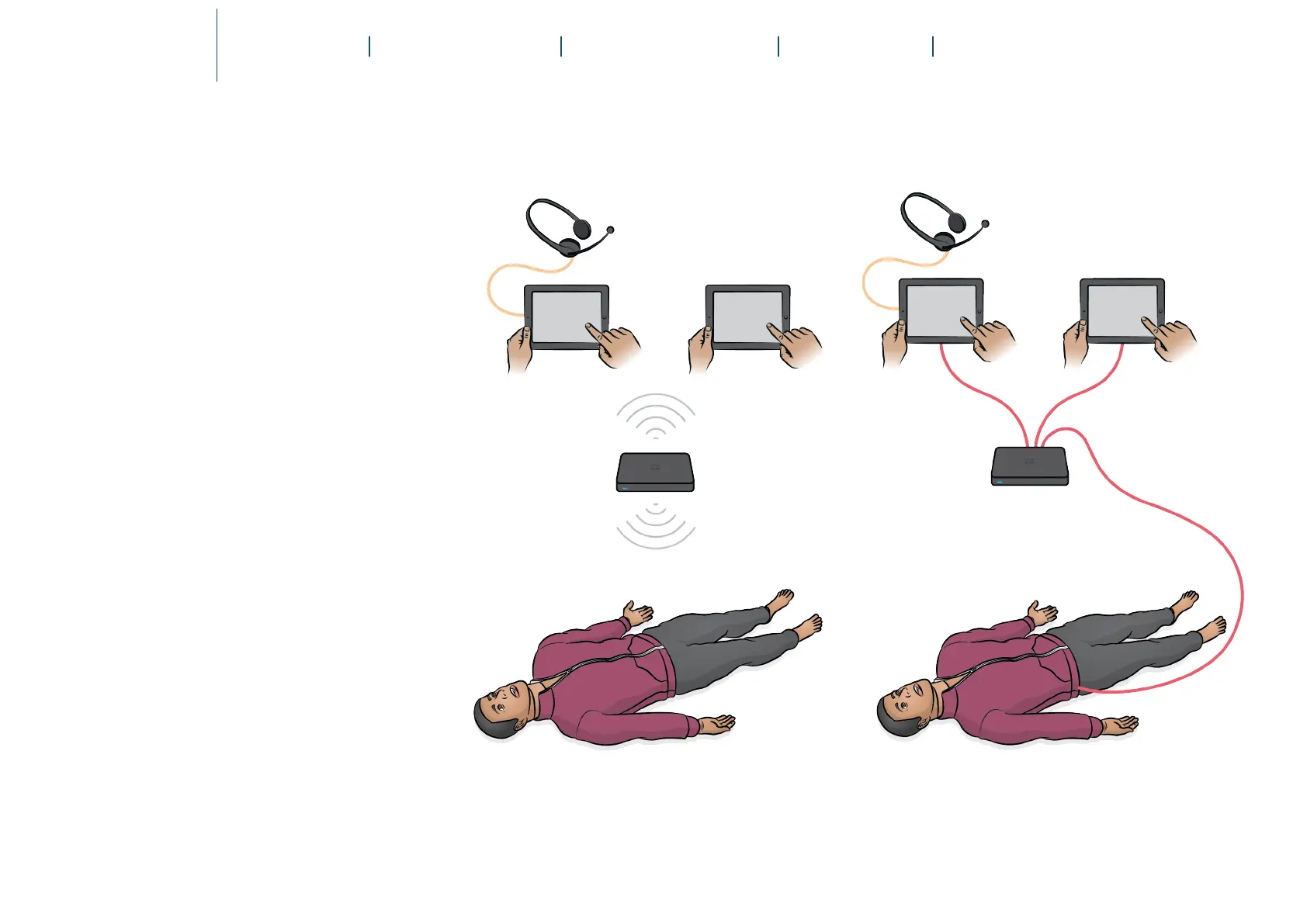
Wi-Fi Setup or Wired Setup
The Patient Simulator can have a Wi-Fi setup or wired setup,
depending on simulation requirements.















 To Next Page