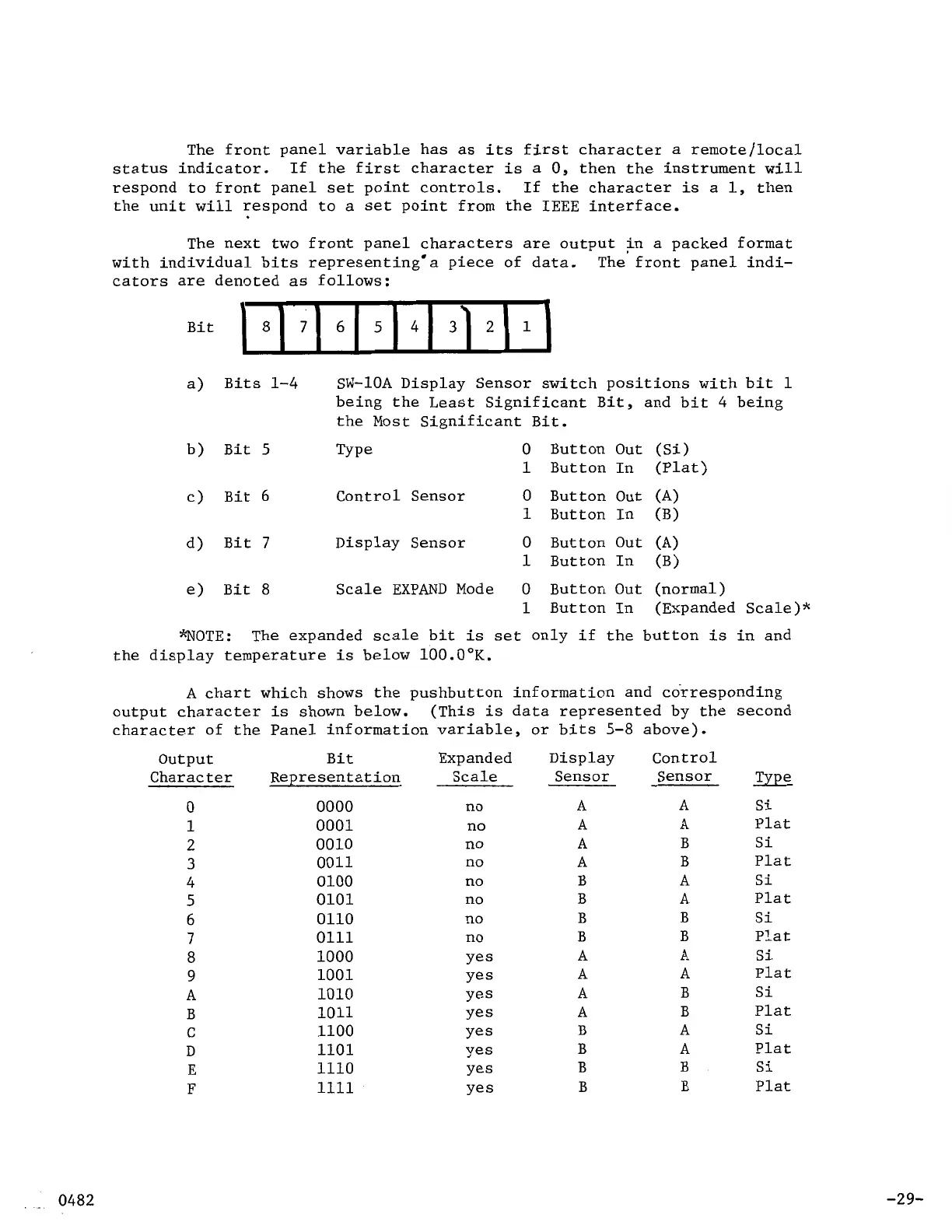
The front panel variable has
as
its
first character
a
remote/local
status indicator. If the first character
is
a
0,
then the instrument
will
respond to front panel
set
point controls.
the unit
will
respond to
a
set
point from the
IEEE
interface.
If the character
is
a
1,
then
The next two front panel characters
are
output in
a
packed format
The front panel indi-
with individual bits representing
a
piece of data.
cators
are
denoted
as
follows:
a)
Bits
1-4
SW-10A Display Sensor switch positions with bit
1
being the Least Significant
Bit,
and bit 4 being
the Most Significant
Bit.
b)
Bit
5
Type
0
Button Out (Si)
1
Button In (Plat)
c)
Bit
6
Control Sensor
0
Button Out (A)
1
Button In (B)
d)
Bit
7
Display Sensor
0
Button Out (A)
1
Button In (B)
e)
Bit
8
Scale EXPAND Mode
0
Button Out
(normal)
1
Button In (Expanded Scale)*
*NOTE:
The expanded
scale
bit
is
set
only if the button
is
in and
the display temperature
is
below 100.0 K.
A
chart which shows the pushbutton information and corresponding
output character
is
shown below.
character of the Panel information variable, or bits 5-8 above).
(This
is
data represented by the second
output
Bit
Expanded Display Control
Character Representation Scale Sensor Sensor Type
0
0000
no
A
A
Si
1
0001
no
A
A
Plat
2
0010
no
A
B
Si
3
0011
no
A
B
Plat
4
0100
no
B
A
Si
5
0101
no
B
A
Plat
6
0110
no
B B
Si
7
0111
no
B
B
Plat
8
1000
Yes
A
A
Si
9
1001
Yes
A
A
Plat
A
1010
Yes
A
B
Si
B
1011
Yes
A
B
Plat
C
1100
Yes
B
A
Si
D
1101
Yes
B
A
Plat
E
1110
Yes
B B
Si
F
1111
Yes
B
B
Plat
-29-



 To Next Page