5. CALIBRATION AND MAINTENANCE
B.
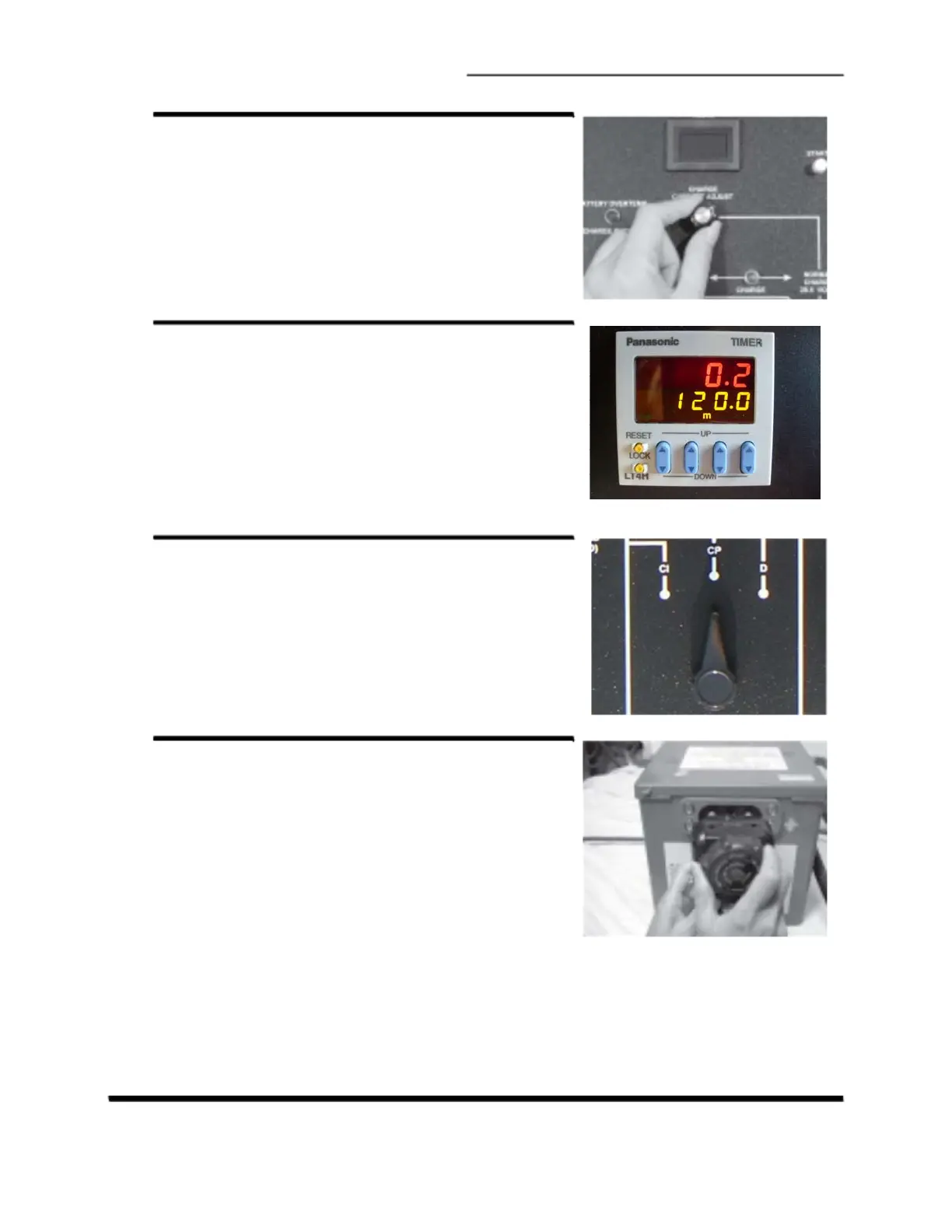
TURN DOWN CHARGE CURRENT
Turn the 3-turn Ampere Adjust knob fully
counter-clockwise to set charge current to
zero.
C.
SET TIMER
Set the timer by pushing the up/down buttons to
a time that will allow calibration to be
completed before the time runs out (for
example 60 minutes).
D.
SET CONSTANT-CURRENT
CHARGE MODE
Turn the Mode Select knob to Constant
Current, CI.
E.
CONNECT BATTERY
Connect the battery DC cable to the dis-
charged battery. Ensure the connectors are
plugged in completely.
CA-1550 CHARGER / ANALYZER - OPERATING MANUAL LI-4159-CML Rev A
Page 29



 To Next Page