- 6 -
8. SETTINGS OVERVIEW
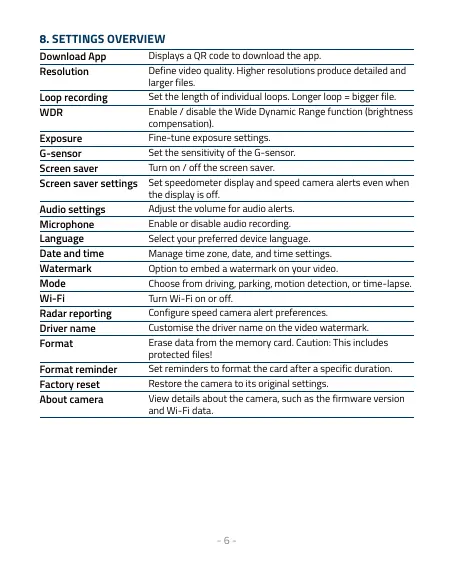
Download App
Displays a QR code to download the app.
Resolution
Define video quality. Higher resolutions produce detailed and
larger files.
Loop recording
Set the length of individual loops. Longer loop = bigger file.
WDR
Enable / disable the Wide Dynamic Range function (brightness
compensation).
Exposure
Fine-tune exposure settings.
G-sensor
Set the sensitivity of the G-sensor.
Screen saver
Turn on / off the screen saver.
Screen saver settings
Set speedometer display and speed camera alerts even when
the display is off.
Audio settings
Adjust the volume for audio alerts.
Microphone
Enable or disable audio recording.
Language
Select your preferred device language.
Date and time
Manage time zone, date, and time settings.
Watermark
Option to embed a watermark on your video.
Mode
Choose from driving, parking, motion detection, or time-lapse.
Wi-Fi
Turn Wi-Fi on or off.
Radar reporting
Configure speed camera alert preferences.
Driver name
Customise the driver name on the video watermark.
Format
Erase data from the memory card. Caution: This includes
protected files!
Format reminder
Set reminders to format the card after a specific duration.
Factory reset
Restore the camera to its original settings.
About camera
View details about the camera, such as the firmware version
and Wi-Fi data.



 To Next Page