6
8. SPECIFICATIONS
Video resolution Full HD (1920×1080) @ 30 fps
Field of view 140°
Video format MP4, H.265 compression
Photo resolution Up to 2 Mpx
Photo format JPEG
Audio Built-in microphone with mute option
Memory MicroSD up to 128 GB
Connectivity WiFi, Micro USB
Optional accessories With the optional GPS module, you can add speed and location data to
your video
Power Supercapacitor
DImensions 90 × 58 × 36 mm
Specifications are subject to change by replacing any part of the device or updating the software.
9. FIRMWARE UPDATES
Updates
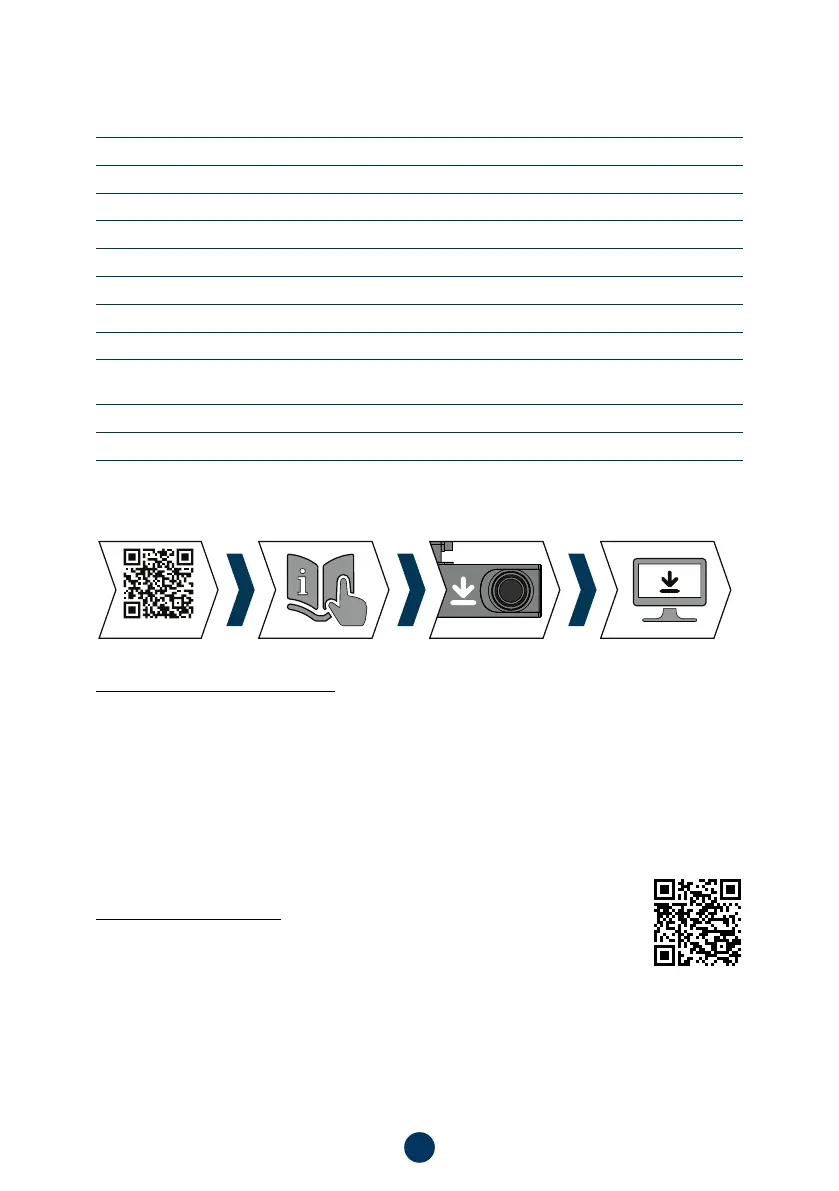
The latest camera firmware can be found in the „Downloads“ section of the product website:
https://www.lamax-electronics.com/n4
UPDATING
1) Prepare a MicroSD card and format it on your PC/Mac.
2) Download and open the .zip file containing the folders „ota_update“ and „update“. Do not change the file
names.
3) Copy the files to the formatted microSD card.
4) Insert the microSD card into the switched off dashcam. Plug the dashcam into the power supply and make
sure the dashcam is powered throughout the update. The update should start automatically when it starts.
5) Wait for the update to complete completely. Then format the memory card in the computer.
Don‘t forget to register your product on our website:
lamax-electronics.com/n4/reg
As soon as we update the firmware, we’ll let you know!
By registering the product, you will also get access to news and discounts!



 To Next Page