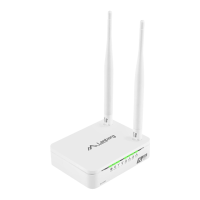
3.3.3) Windows 7/8/8.1/10
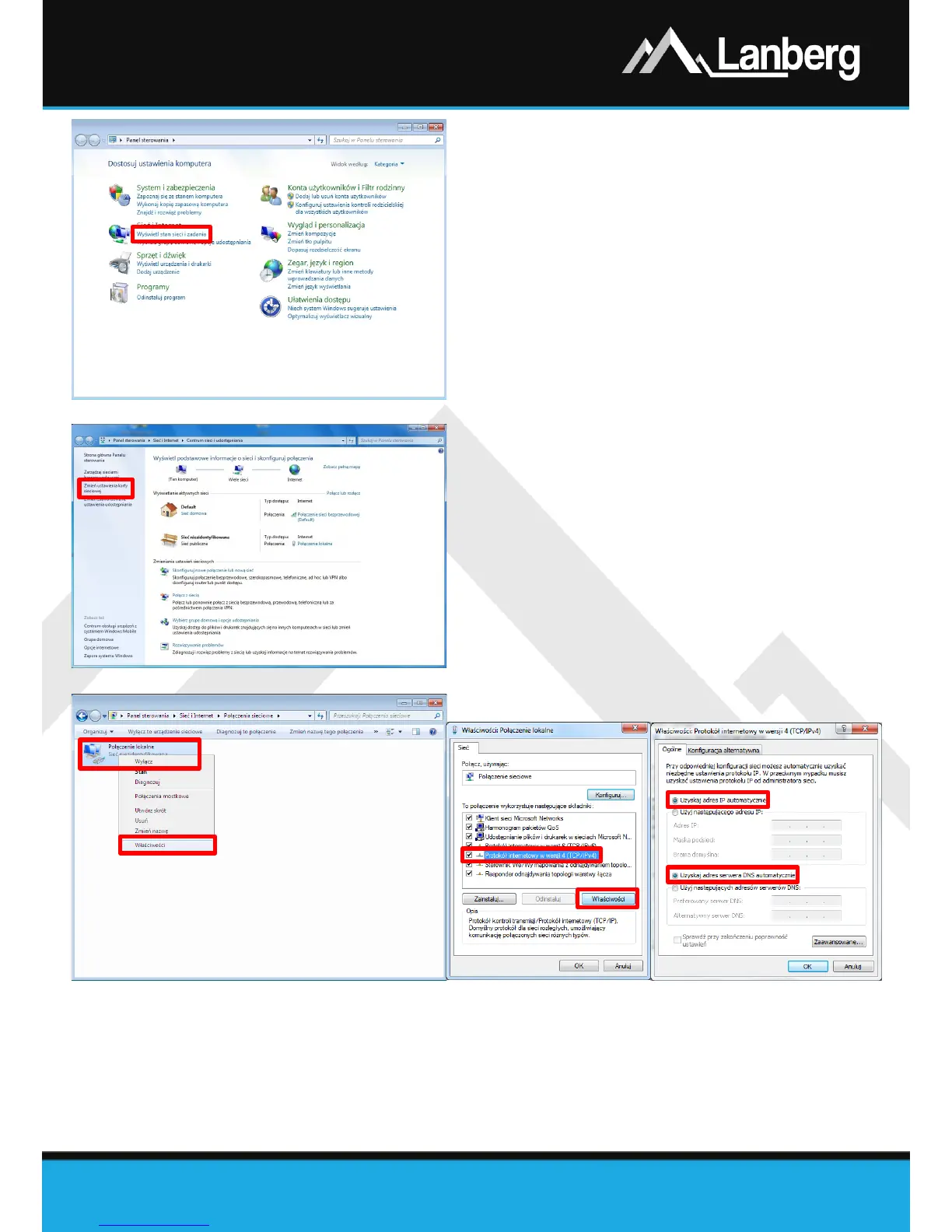
Step 1) Press „Start” „Control panel” „View
network status and tasks” for Windows 7. For
other operating system version, right-click on the
network icon on the bottom Windows bar on the
right, and then from the drop-down list select
"Open Network and Sharing Center ",
Step 2) After proceeding to the next section, left click, on
the left side of window „Change adapter
settings”,
Step 3) After proceeding to the next section, press using
right mouse button on „ Local Area Connection”,
then from the drop-down list, select „Properties”.
Depending on the current security settings "User
Account Control" may appear on the screen. Press
"Continue", to proceed,
Step 4) On the newly opened window, select verse
„Internet Protocol Version 4 (TCP/IPv4)” by
pressing left mouse button, and then left click on
the button „Properties”,
Step 5) On the newly opened window, select the flags
„Obtain an IP Address automatically” and „
Obtain DNS server address automatically” by
pressing the left mouse button and then press
„OK” button.


 To Next Page
 Loading...