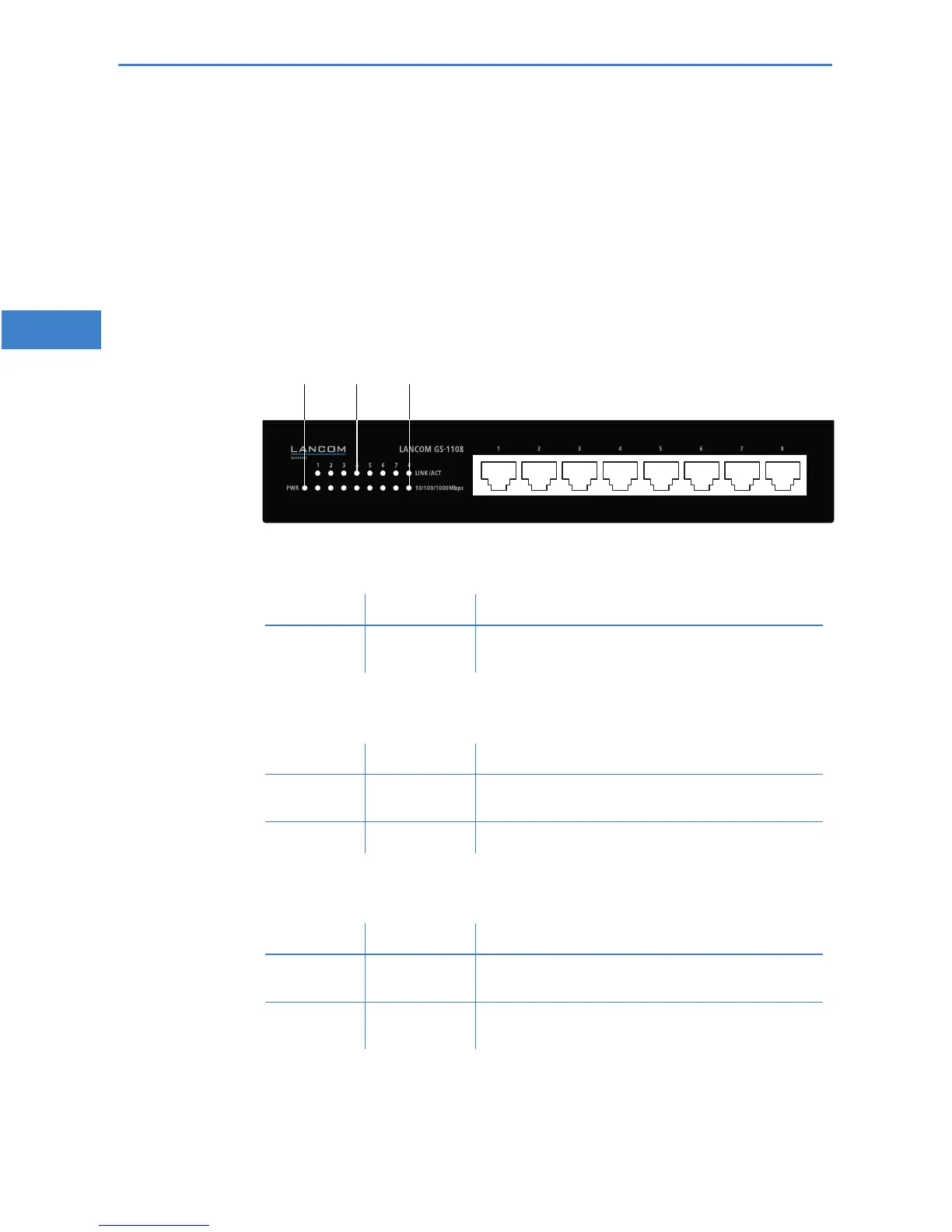
LANCOM GS-1108
쮿 Chapter 2: Installation
4
EN
2 Installation
This section introduces your device. You will find an overview of all status dis-
plays and connectors here.
2.1 Status displays
Status displays on the front of the device provide information about opera-
tional and connection status:
LANCOM GS-1108
Power
This LED provides information on the device's operating state.
Link/Act
LAN connector status
10/100/1000
Mbps
Network connection status
Off Device switched off.
Green On (perma-
nently)
Device operational.
Off No networking device attached
Green On (perma-
nently)
Networking device attached, no data traffic
Green Flickering Data traffic
Off 10-Mbit connection to networking device
Orange On (perma-
nently)
100-Mbit connection to networking device
Green On (perma-
nently)
1000-Mbit connection to networking device



 To Next Page