LANCOM GS-1108
쮿 Chapter 2: Installation
5
EN
2.2 Device connectors
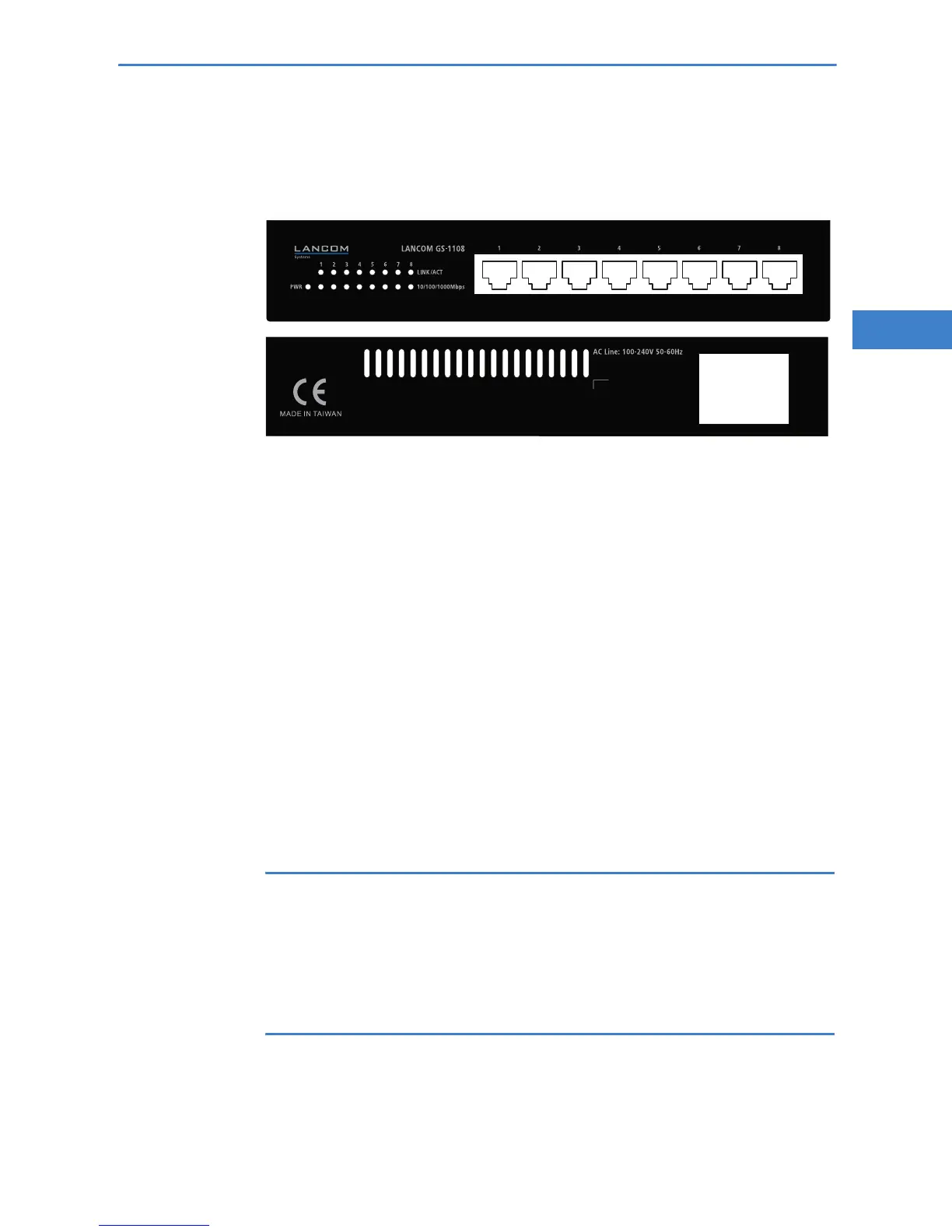
All connectors are located on the front or back panel:
LANCOM GS-1108
쐃 10/100/1000Base-TX connectors
쐇 Connector for the supplied power cord
2.3 Hardware installation
Installation of the LANCOM GS-1108 involves the following steps:
햲 LAN – by means of a suitable Ethernet cable, connect networking devices
to an available LAN port 쐃 on the LANCOM GS-1108. The LAN ports are
only suitable for connecting non-PoE-capable networking devices! Alter-
natively, PoE-capable networking devices which are connected to ports
can be supplied with power via a PoE injector (e.g. LANCOM PoE Power
Injector) located in between.
The ports use autosensing to recognize the data rate (10/100/1000 Mbit)
and the type (node/hub) of attached network devices. It is possible to con-
nect devices of different speeds and types in parallel.
Use only network cables of category Cat 5 or better. For data transfer
in full-duplex mode (100 or 1000 Mbit), the length of cable between
the LANCOM GS-1108 and the connected networking device should
not exceed 100 meters.
햳 Power supply – the socket 쐇 is for connecting the supplied power cord.
Use only the supplied power cord! The use of the wrong power cord
can be of danger to the device or persons.
쐇



 To Next Page