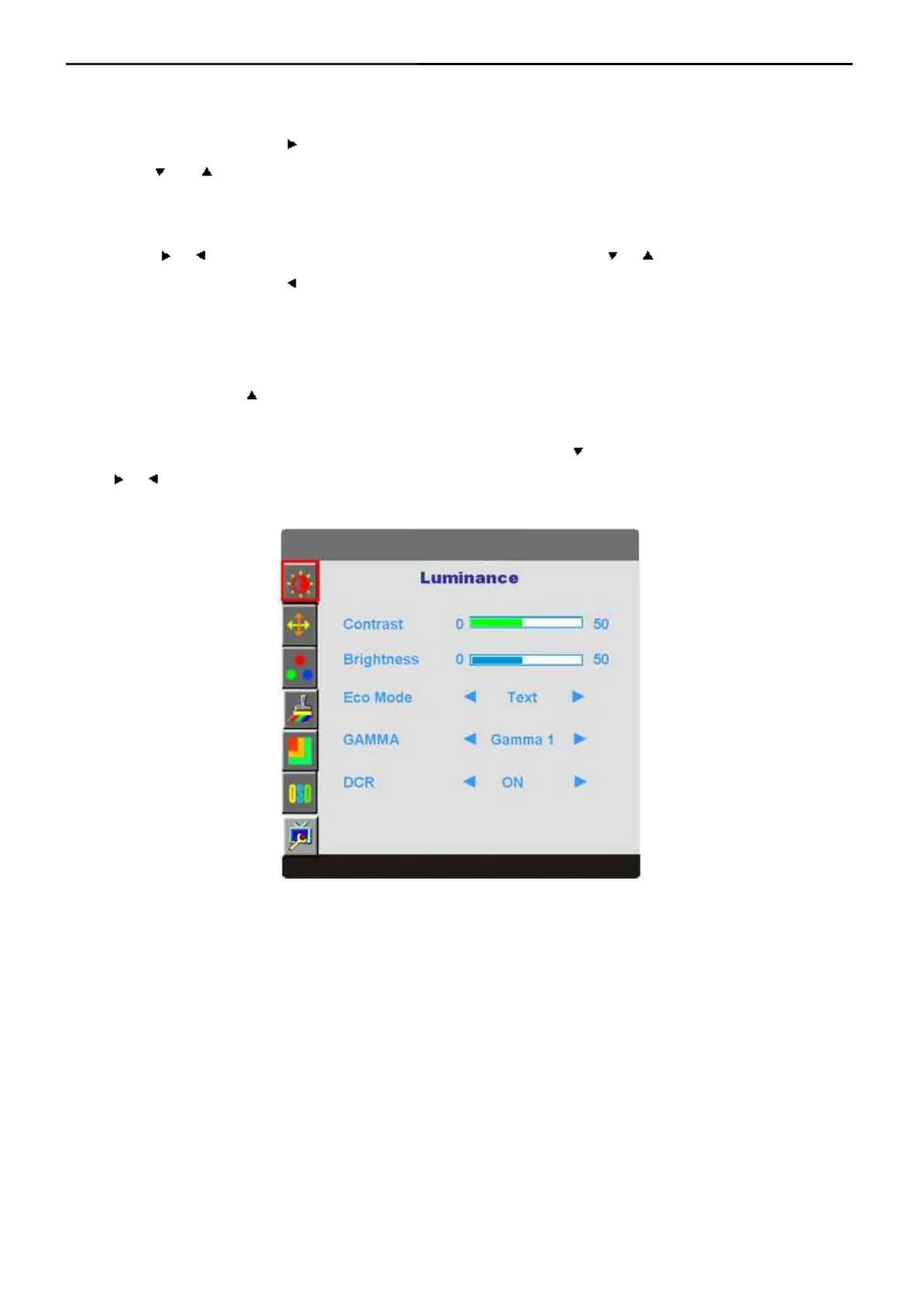
3.3 OSD Menu
OSD Settings
1) Press the MENU-button ( ) to activate the OSD window.
2) Press or to navigate through the functions. Once the desired function is highlighted, press the
MENU-button to activate sub-menu. Once the desired function is highlighted, press MENU-button to activate
it.
3) Press or to change the settings of the selected function. Press or to select another function in
sub-menu. Press AUTO ( ) to exit. If you want to adjust any other function, repeat steps 2-3.
4) OSD Lock Function: To lock the OSD, press and hold the MENU button while the monitor is off and then
press power button to turn the monitor on. To un-lock the OSD - press and hold the MENU button while the
monitor is off and then press power button to turn the monitor on.
5) Eco Mode hot key ( ): Press the Eco key continuously to select the Eco mode of brightness when there is no
OSD (Eco mode hot key may not be available in all models).
6) Volume adjustment hot key: When there is no OSD, press Volume ( ) to active volume adjustment bar, press
or to adjust volume (Only for the models with speakers).



 To Next Page