20
Bios Settings
Chapter 4
Network Application Platforms
Option Description
SWDMA1 Set this value to allow the BIOS to use Single
Word DMA mode 1. It has a data transfer rate of
4.2 MBs.
SWDMA2 Set this value to allow the BIOS to use Single
Word DMA mode 2. It has a data transfer rate of
8.3 MBs.
MWDMA0 Set this value to allow the BIOS to use Multi Word
DMA mode 0. It has a data transfer rate of 4.2
MBs.
MWDMA1 Set this value to allow the BIOS to use Multi Word
DMA mode 1. It has a data transfer rate of 13.3
MBs.
MWDMA2 Set this value to allow the BIOS to use Multi Word
DMA mode 2. It has a data transfer rate of 16.6
MBs.
UDMA0 Set this value to allow the BIOS to use Ultra DMA
mode 0. It has a data transfer rate of 16.6 MBs.
It has the same transfer rate as PIO mode 4 and
Multi Word DMA mode 2.
UDMA1 Set this value to allow the BIOS to use Ultra DMA
mode 1. It has a data transfer rate of 25 MBs.
UDMA2 Set this value to allow the BIOS to use Ultra DMA
mode 2. It has a data transfer rate of 33.3 MBs.
UDMA3 Set this value to allow the BIOS to use Ultra DMA
mode 3. It has a data transfer rate of 44.4 MBs. To
use this mode, it is required that an 80-conductor
ATA cable is used.
UDMA4 Set this value to allow the BIOS to use Ultra DMA
mode 4. It has a data transfer rate of 66.6 MBs. To
use this mode, it is required that an 80-conductor
ATA cable is used.
UDMA5 Set this value to allow the BIOS to use Ultra DMA
mode 5. It has a data transfer rate of 99.9 To use
this mode, it is required that an 80-conductor
ATA cable is used.
UDMA6 Set this value to allow the BIOS to use Ultra DMA
mode 6. It has a data transfer rate of 133.2 MBs. To
use this mode, it is required that an 80-conductor
ATA cable is used.
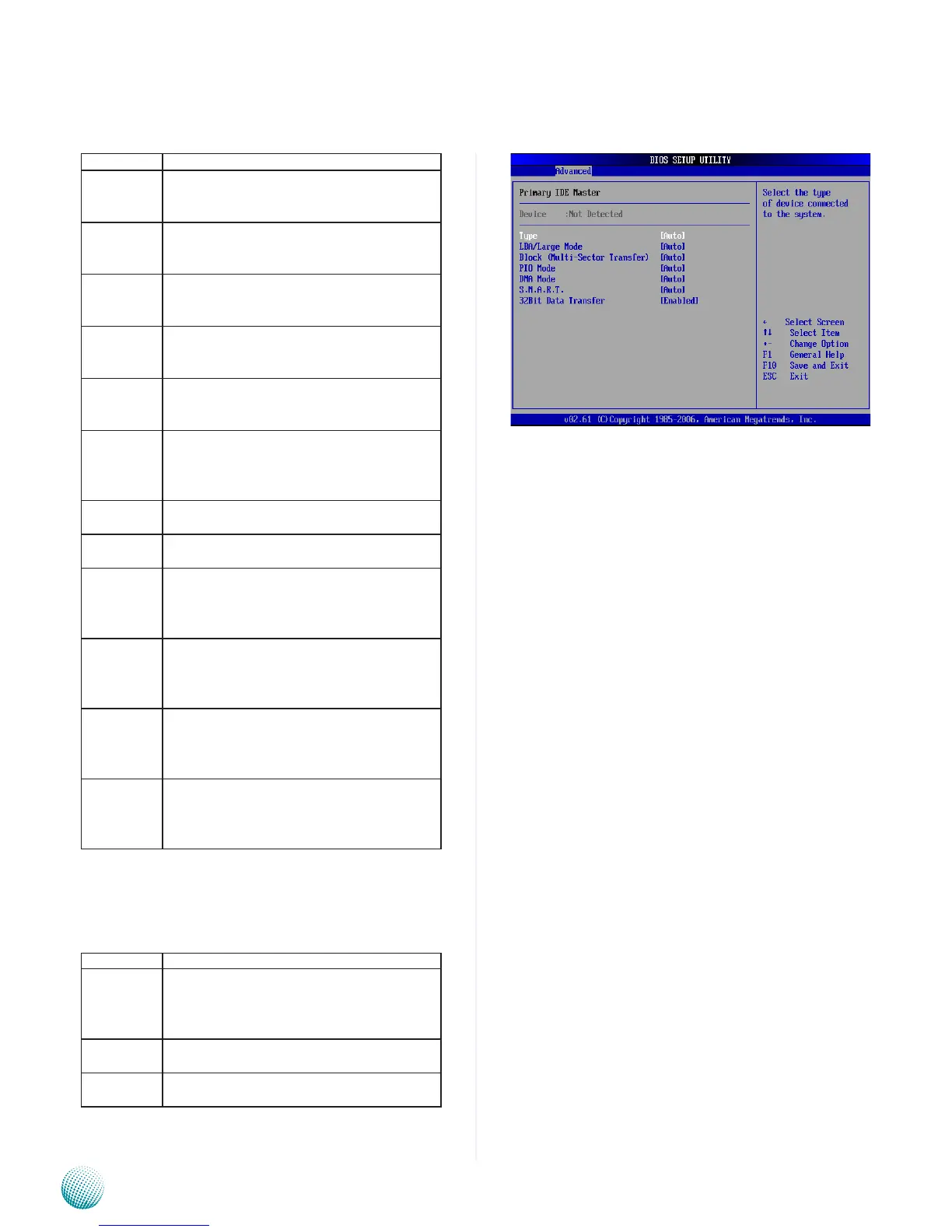
S.M.A.R.T. for Hard disk drives
Self-Monitoring Analysis and Reporting Technology
(SMART) feature can help predict impending drive
failures.
Option Description
Auto Set this value to allow the BIOS to automatically
detect hard disk drive support. Use this setting if
the IDE disk drive support cannot be determined.
This is the default setting.
Disabled Set this value to prevent the BIOS from using the
SMART feature.
Enabled Set this value to allow the BIOS to use the SMART
feature on support hard disk drives.



 To Next Page