4
Introduction
Chapter 1
Network Application Platforms
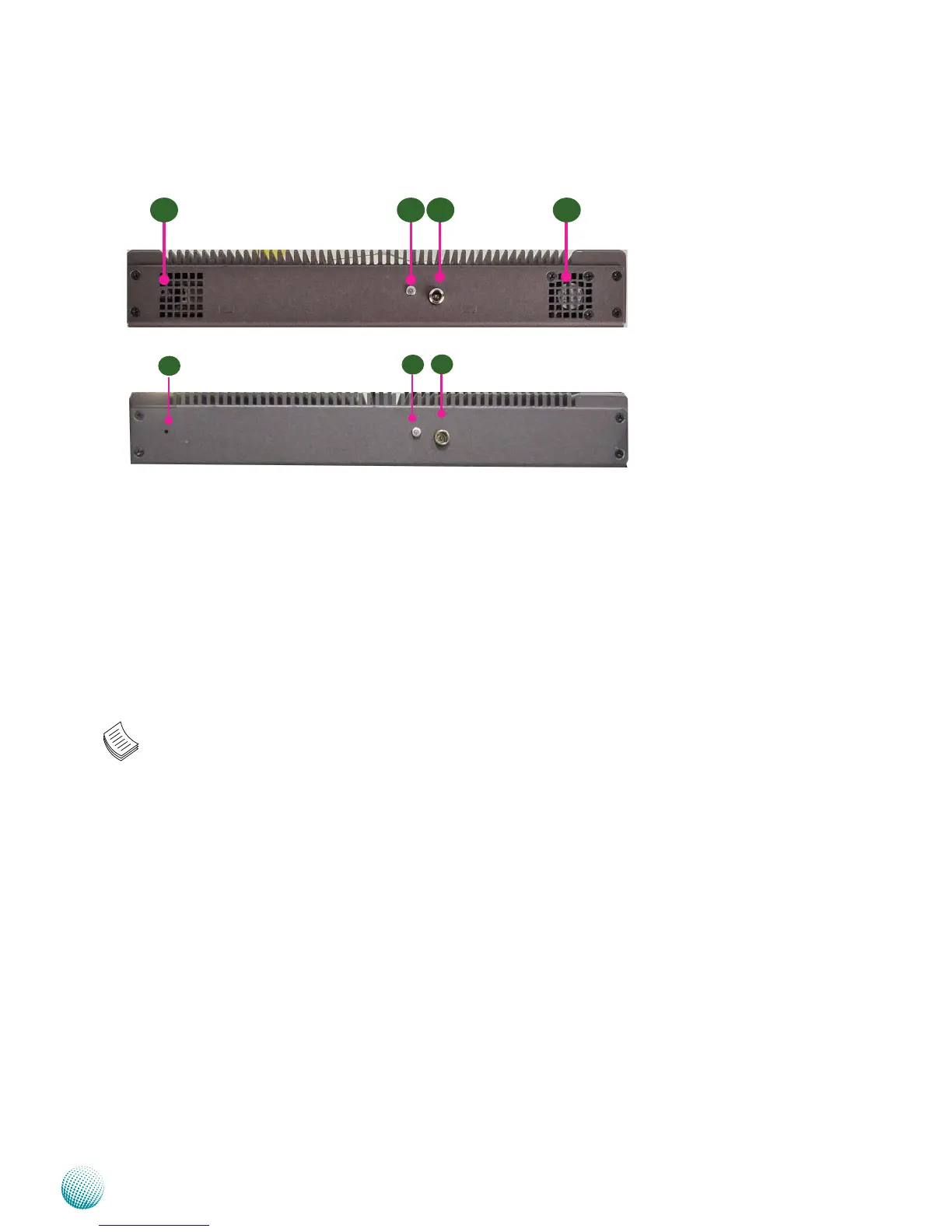
Rear Panel Features
R1 Reset Switch
Use a pointed object to press the reset button for about 3 seconds to reboot the system without
turning off the power.
R2 Power-on Switch
It is a switch to turn on or off the power.
R3 AC Power-in socket
The system requires a 60W/12V switching power supply with lock.
R4 System fan (only on models A and B)
Note:
Models C and D are fanless; models A and B are with fans.
R1 R2 R3 R4
R1
R2
R3



 To Next Page