30
Bios Settings
Chapter 4
Network Application Platforms
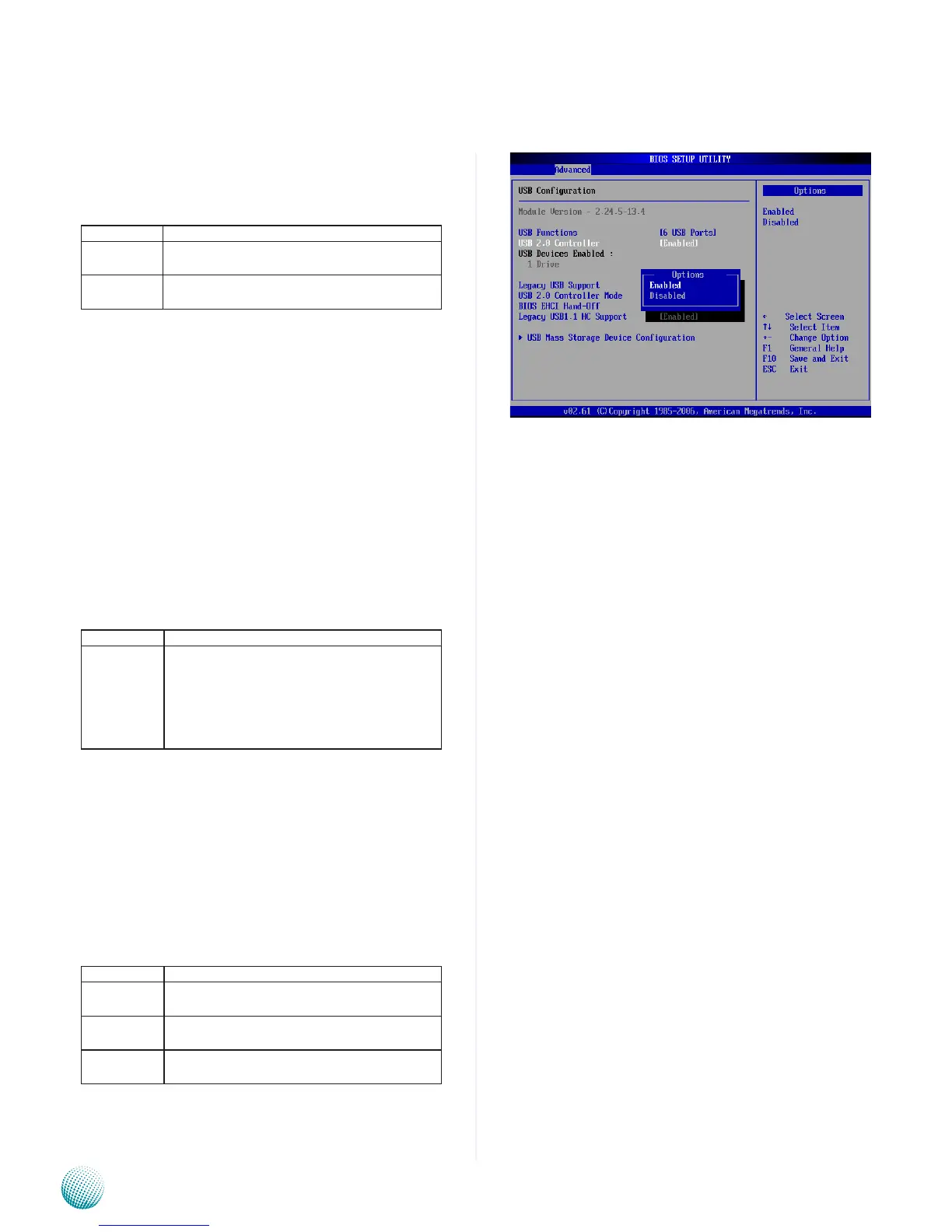
BIOS EHCI Hand-off
This option enable or disable the support for the operating
systems which does not have an EHCI Hand-Off feature.
Option Description
Enabled Enable the support for the OS without EHCI
Hand-Off feature.
Disabled Disable the support for the OS without EHCI
Hand-Off feature.
USB Mass Storage Device Configuration
In this screen, you can configure the attached USB drive to
be used as the system’s hard drive.
USB Mass Storage Reset Delay
This option sets the reset timing for the USB Mass Storage
to be initialized.
Option Description
10 /20/30/40
sec
When set to 10/20/30/40 Sec, the BIOS will wait
for up to 10/20/30/40 seconds for the USB flash
drive to initialize.
Emulation Type
USB Emulation refers the system being able to boot to
a USB drive. Normally if this option is not enabled, any
attached USB drive will not become available until a USB
compatible operating system is fully booted with all USB
drivers loaded. When this option is enabled, any attached
USB drive can boot the system even when there is no USB
drivers loaded on the system. Set this value to allow the
system to select the Emulation type for a USB drive.
Option Description
Auto Set this value to allow the system to automatically
detect a USB drive emulation type.
Floppy Set this value to allow the system to select floppy
emulation type.
Hard Disk
Drive
Set this value to allow the system to select hard
disk drive emulation type.



 To Next Page