35
Bios Settings
Chapter 4
Network Application Platforms
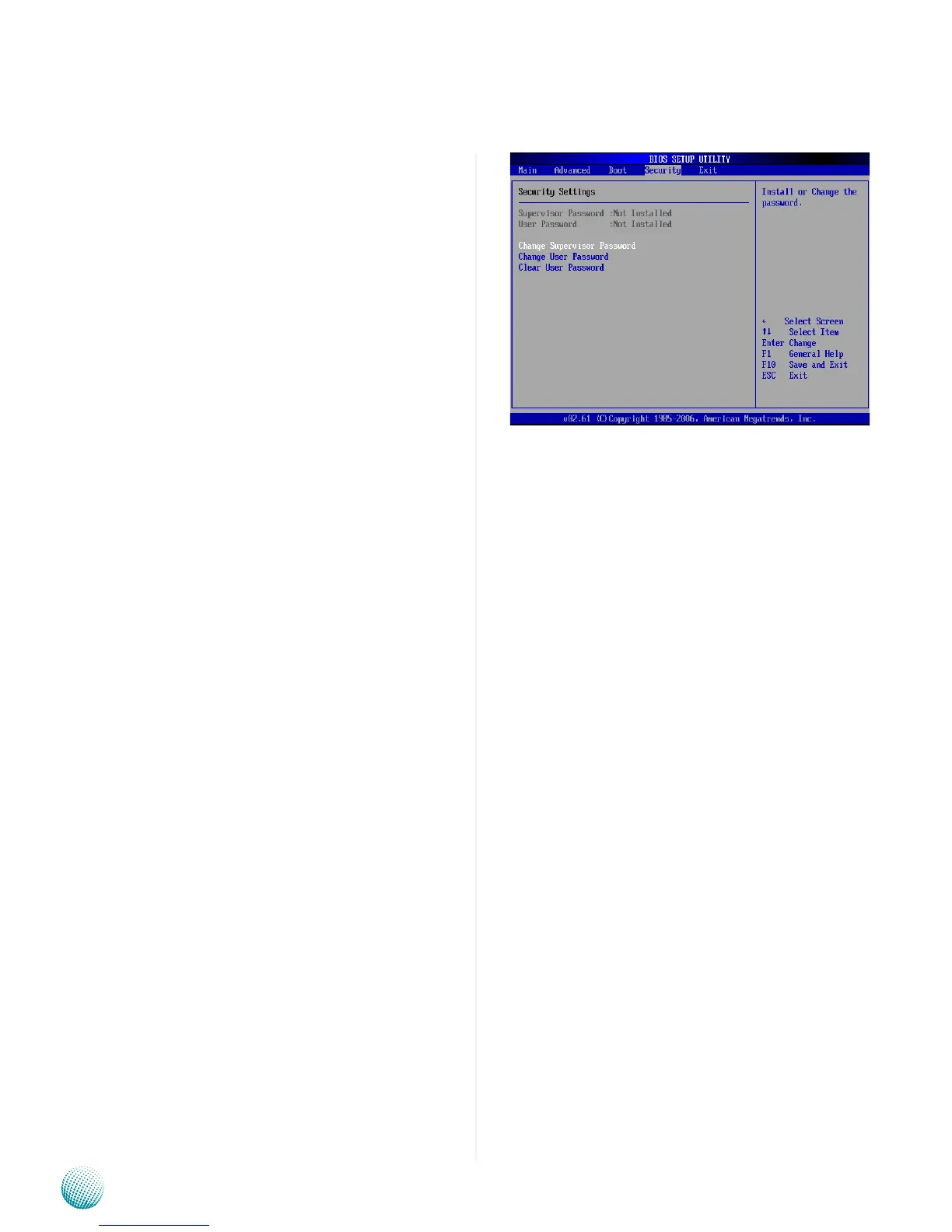
Change Supervisor Password
Select this option and press <Enter> to access the sub
menu. You can use the sub menu to change the supervisor
password.
Change User Password
Select this option and press <Enter> to access the sub
menu. You can use the sub menu to change the user
password.
Clear User Password
Select this option and press <Enter> to access the
sub menu. You can use the sub menu to clear the user
password.



 To Next Page