NCA-1516 User Manual
2
This manual describes the overview of the various functionalities of this product and the information you
need to get it ready for operation. It is intended for those who are:
- responsible for installing, administering and troubleshooting this system or information technology
professionals.
- assumed to be qualified in the servicing of computer equipment, such as professional system integrators,
or service personnel and technicians.
The latest version of this document can be found on Lanner’s official website, available either through the
product page or through the Lanner Download Center page with a login account and password.
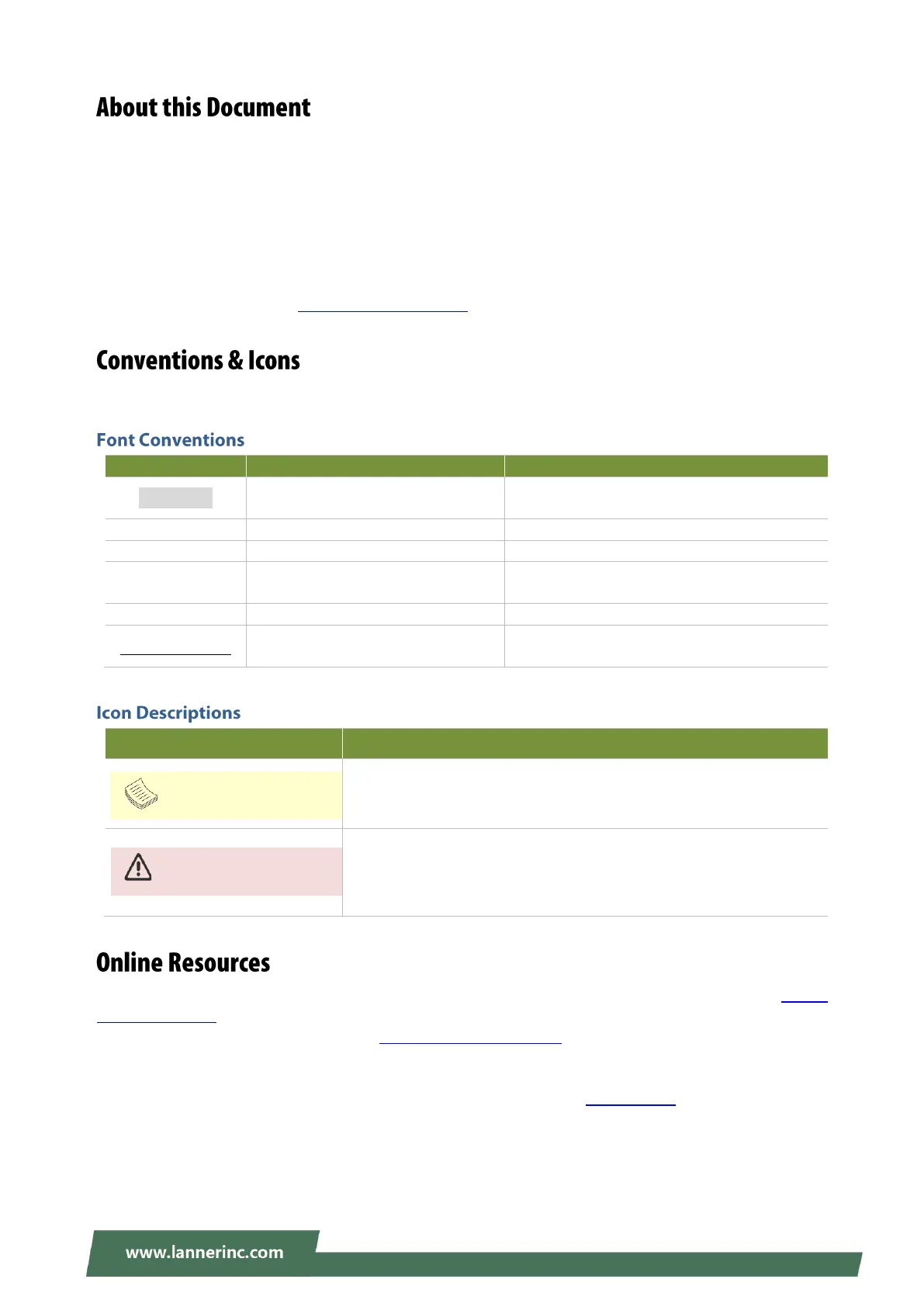
This document utilizes different font types and icons in order to make the selected text more transparent
and explicable to users. This document contains the following conventions:
A command to be entered at a shell
command-line
A title of a dialog box or a page
Between a pair of inequality signs
A physical keyboard button
Between a pair of quotation marks
A menu option or a software button to be
clicked
A filename or a file path
The name of another document or a chapter
in this document
This mark indicates that there is something you should pay special
attention to while using the product.
This mark indicates that there is a caution or warning and it is
something that could damage your property or product.
To obtain additional documentation resources and software updates for your system, please visit the Lanner
Download Center. As certain categories of documents are only available to users who are logged in, please
be registered for a Lanner Account at http://www.lannerinc.com/ to access published documents and
downloadable resources.
For troubleshooting the issues with your system, please visit the Lanner Q&A page for diagnostic
procedures and troubleshooting steps.



 To Next Page