NCA-1516 User Manual
78
Save and Exit Menu
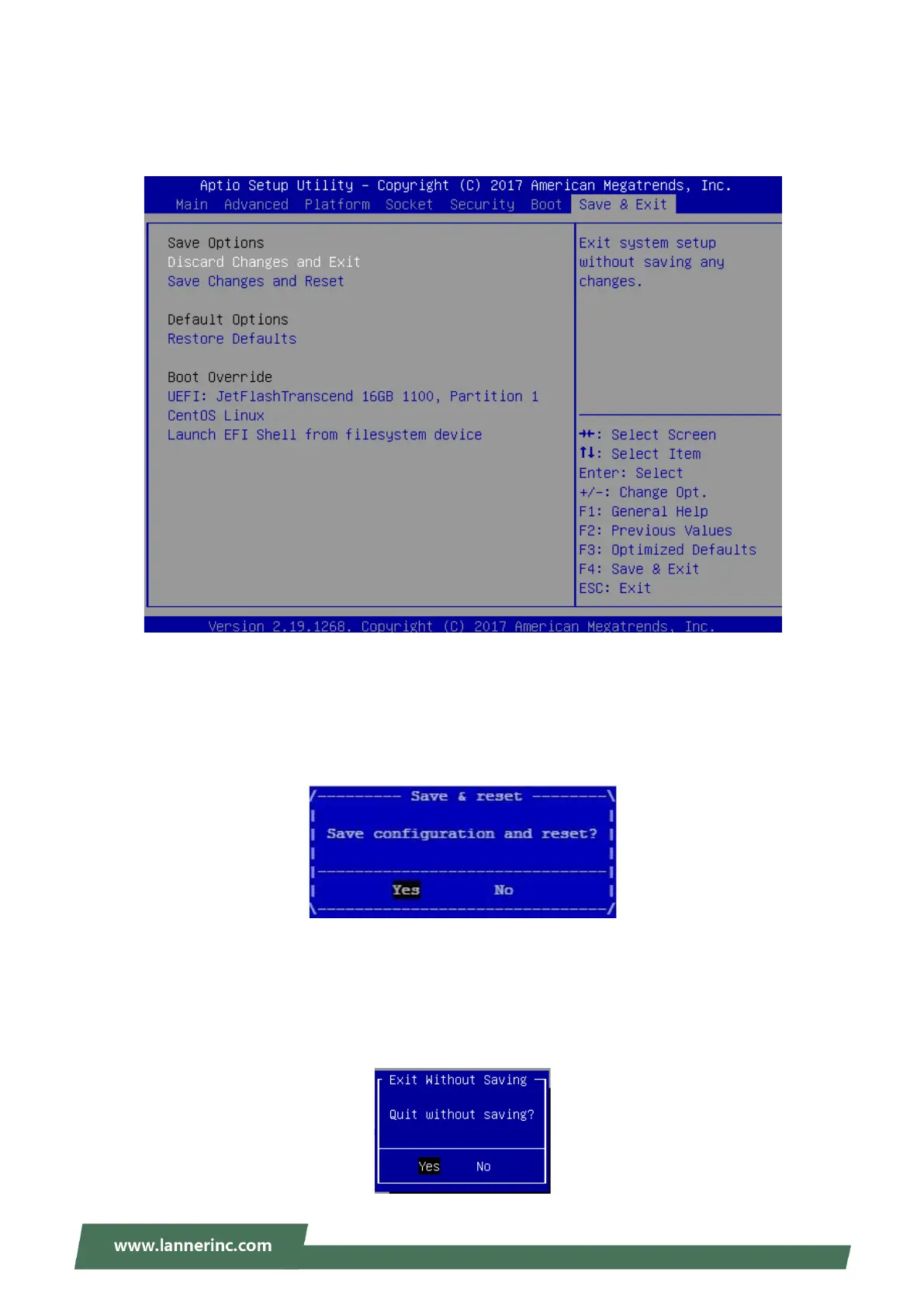
Select the Save and Exit menu item from the BIOS setup screen to enter the Save and Exit Setup screen.
Users can select any of the items in the left frame of the screen.
■ Save Changes and Reset
When Users have completed the system configuration changes, select this option to save the changes and
exit from BIOS Setup in order for the new system configuration parameters to take effect. The following
window will appear after selecting the “Save Changes and Exit” option. Select “Yes” to Save Changes and
Exit Setup.
■ Discard Changes and Exit
Select this option to quit Setup without saving any modifications to the system configuration. The following
window will appear after the “Discard Changes and Exit” option is selected. Select “Yes” to Discard changes
and Exit Setup.



 To Next Page