ImportantSafetyInstruction
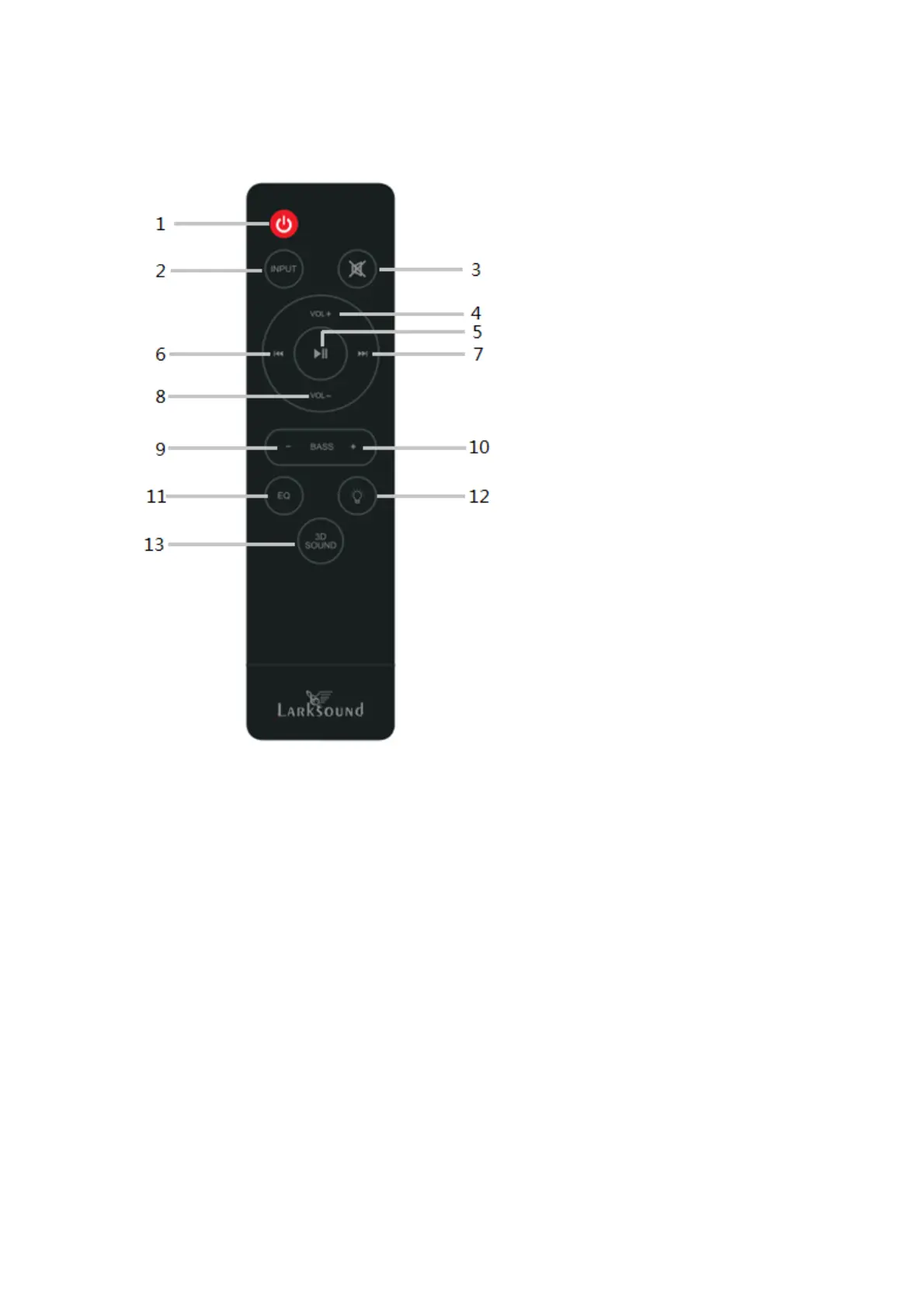
1. Standbymodeforpoweron/off.
2. INPUT:inputmode(AUX/USB/HDMI
ARC/OPT/BT)
3. MUTE:mute/unmutethe
soundbar
4. VOL+:mastervolumnup
5. Play/Pause(shortpressunderUSB
&BTmodeforplay/pause;long
pressunderBTmodefor
disconnectdevice,longpressunder
otherconnectmodefor
enable/unenableBTconnection;).
6. Prebutton:Previousprogram(Only
workunderUSB&BTmodeof
smartphone).
7. Nextbutton:Nextprogram.(Only
workunderUSB&BTmodeof
smartphone).
8. VOL‐:mastervolumndown
9. BASS‐:Todecreasethebass.
10. BASS+:toincreasethebass.
11. EQ:selectEQmode
(Music/Movie/Dialoge/Normal)
12. Dimmer:totalhave3levels,low,
middle,andhigh;
13. 3DSound:selectthe3Dsound
effect.
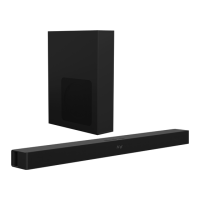
Soundbar&Accessories
Soundbar(1)
Subwoofer(1)
UserManual(1)
RemoteControl(1)
Opticalcable(1x4.92ft)
HDMI(ARC)cable(1x4.92ft)
AUXcable(1x4.92ft)
Screwbag(1)


 To Next Page