27
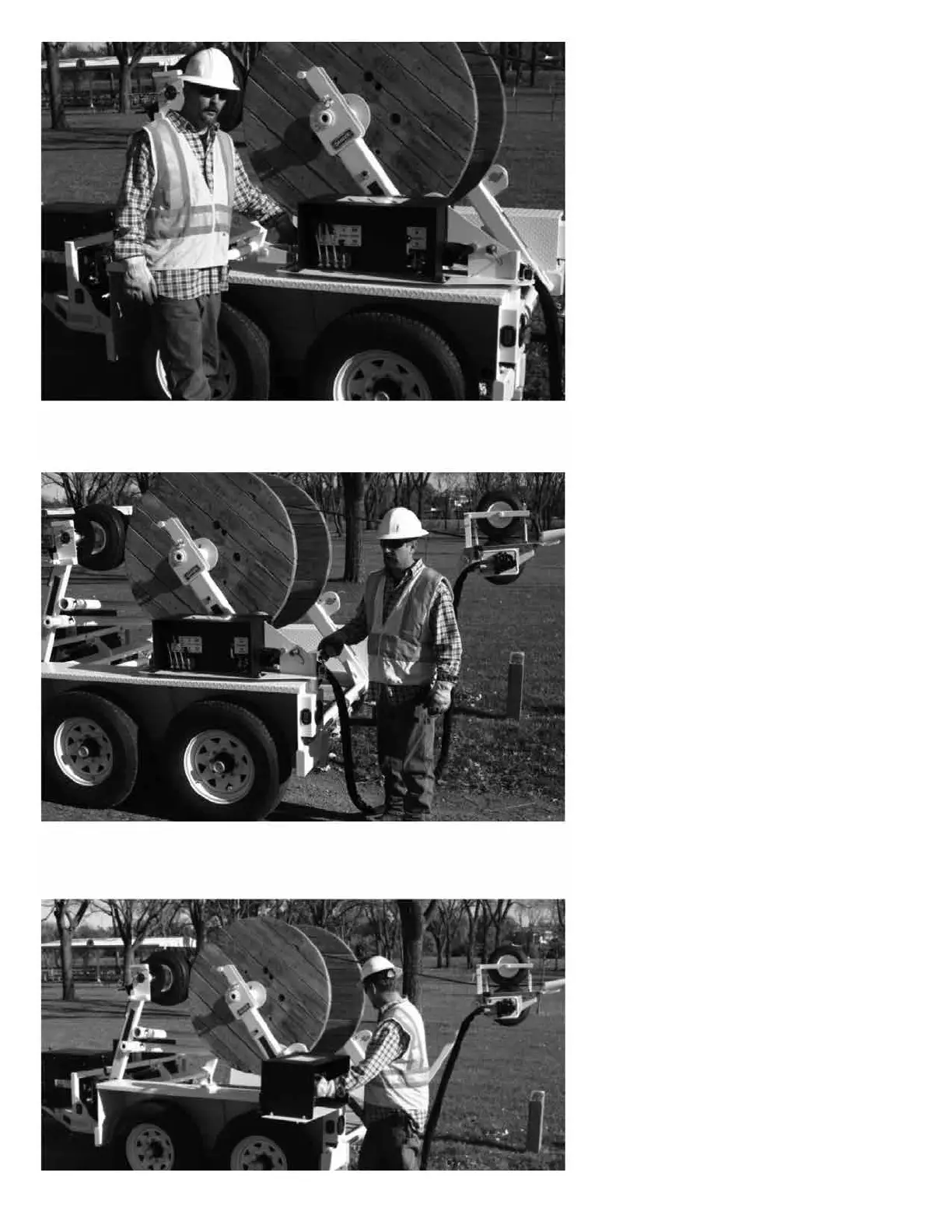
15. Unlock the spring latch on the
front of the control panel.
16. Unlock the spring latch on the
back of the control panel.
17. Swing the control panel to the
working position at the back of the
trailer. Lock the spring latch at the
back of the control panel to secure
the panel in the working position.
27
15. Unlock the spring latch on the
front of the control panel.
16. Unlock the spring latch on the
back of the control panel.
17. Swing the control panel to the
working position at the back of the
trailer. Lock the spring latch at the
back of the control panel to secure
the panel in the working position.



 To Next Page