MMC-B19
4
Internet Settings
Cable Connection
- Connect the network cable to the device from your Modem/ Router;
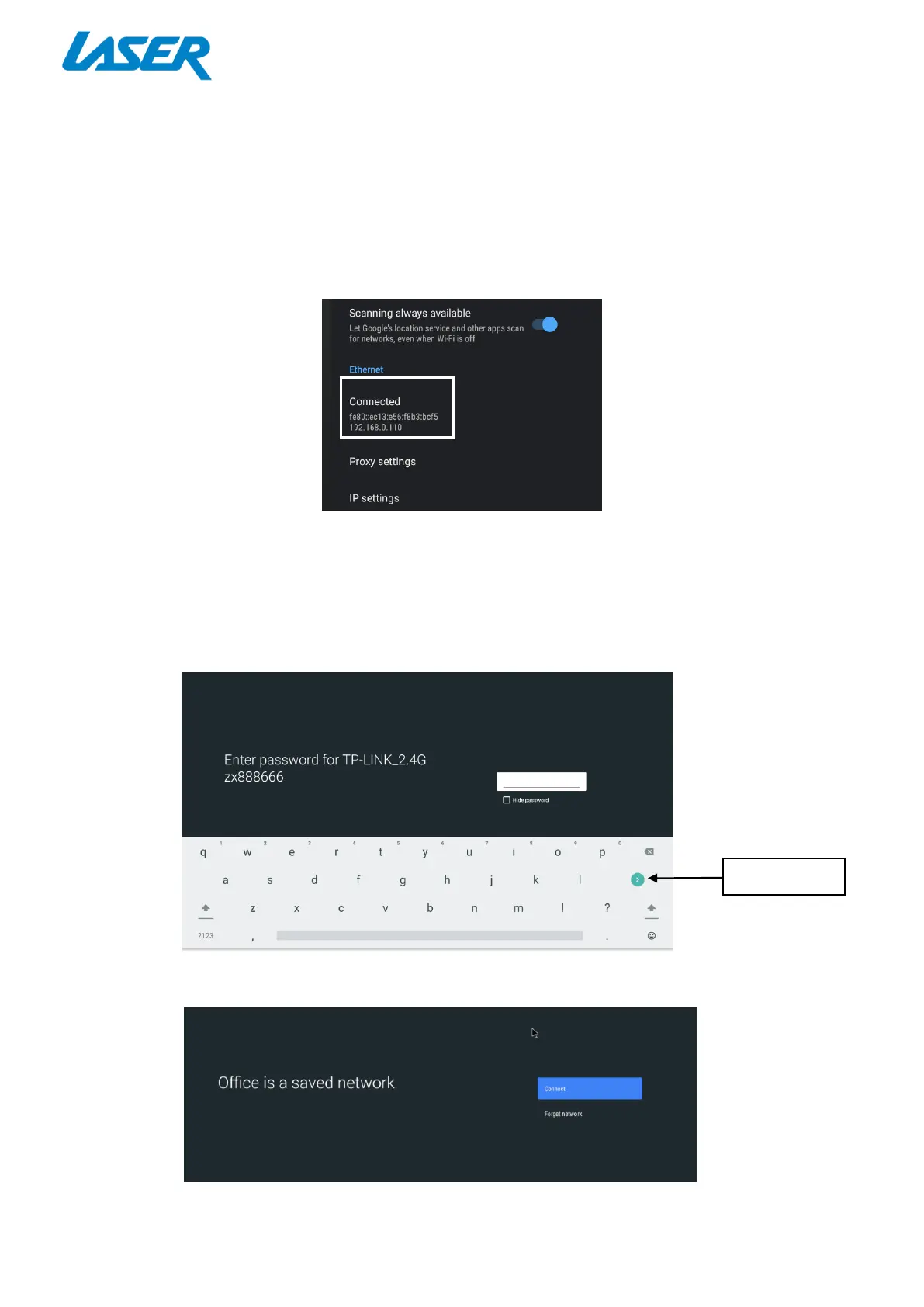
- In most cases your Modem/Router will automatically assign network settings to your media player
and display the screen below.
Wi-Fi Connection
- Turn on the “Wi-Fi” and choose the source you want to connect to, then enter the password and
press the Enter Key on the virtual keyboard.
- To forget a Wi-Fi connection, select and click “Forget Network”.


 To Next Page